

Add a new Pine Labs customer to a HubSpot CRM list when activated
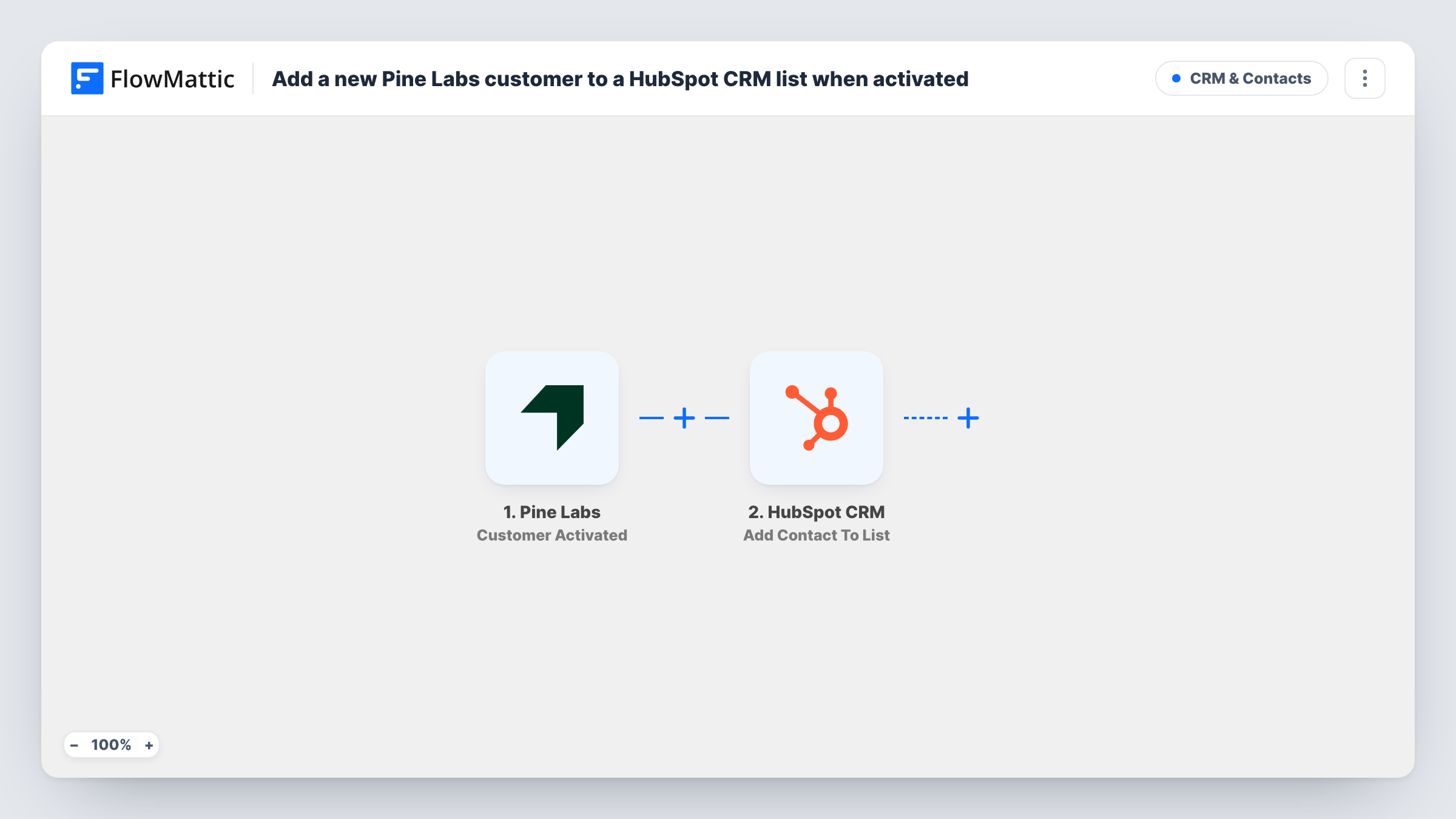
When a customer is activated in Pine Labs, FlowMattic creates them as a HubSpot CRM contact and then adds that contact to a static list you choose, ready for onboarding emails or sales follow-up.
 Pine Labs
 HubSpot CRM
3 steps Setup ~5 min Used on 508 sites Free to import
What this workflow does
A customer who has just been activated for payments is someone your team wants to welcome, onboard or follow up with, and that work usually happens in HubSpot. Instead of exporting customers from Pine Labs and importing them, this workflow places each activated customer on a HubSpot list as it happens.
The Pine Labs trigger is Customer Activated. FlowMattic describes it as firing when the customer is activated on Plural's platform. The customer data Pine Labs sends with that event is passed to the HubSpot steps; run a test activation to see which details, such as email and name, it includes.
The first HubSpot CRM step creates a contact from the values you map. It is create-only, so HubSpot may refuse an email address it already holds; Task History shows that response. The second step adds the contact to a static list. HubSpot static lists only hold contacts that already exist, which is why the contact is created first. Map the contact from step 2 into the list step and choose the list.
Neither HubSpot step comes with mapping. After import, connect HubSpot, map the Pine Labs customer details into the contact, and pick your list. Check Task History for the first few runs.
Onboarding sequence for new merchants
A platform that signs up customers through Pine Labs adds each activated one to a HubSpot list that starts its onboarding emails.
Account manager hand-off
A sales team watches a HubSpot list of newly activated Pine Labs customers and books an intro call with each one.
Segment for product announcements
A business keeps all active payment customers on one HubSpot list, so feature news only goes to people who are set up to use it.
How this workflow runs
What happens at each step once the workflow is on, and what you need before you import it.
 Pine Labs Customer Activated
Fires when a customer is activated on Pine Labs' Plural platform. The customer details sent with the event are passed to HubSpot; check a test run to see which ones arrive.
- HubSpot CRM Create Contact
Adds the activated customer to HubSpot as a new contact. The step ships unmapped: connect HubSpot and map the Pine Labs email and name. An address HubSpot already has may be turned down.
- HubSpot CRM Add Contact To List
Places the new contact on a HubSpot static list. Pick the list and map the contact from the previous step, so the person created in step 2 is the one added.
What you need
- FlowMatticCore
- Pine Labs AccountAccount
- HubSpot CRM AccountAccount
After importing, map your own data. To keep the template universal, not every step is pre-filled. Open each step in the builder and connect your accounts and fields (channels, lists, sheets, recipients) before you switch the workflow on.
Make it yours
Changes worth making after you import it.
- Create the static list in HubSpot before you import, with a name like Pine Labs activated customers, so you can pick it in the last step straight away.
- Map a company name or phone number from Pine Labs into the contact as well, if the trigger sends them, so your team has more than an email to work with.
- Put a Filter between the Pine Labs trigger and the Create Contact step that continues only when the customer's email is not empty. Customers it stops never reach either HubSpot step.
Questions about this workflow
What if the Pine Labs customer is already a HubSpot contact?
Create Contact only creates new contacts, so HubSpot may refuse the duplicate email. Check Task History for that run to see the response from both HubSpot steps.
Why does this Pine Labs workflow create the contact before adding it to the list?
A HubSpot static list only holds contacts that already exist. Creating the contact first gives the list step a contact to add.
Which Pine Labs events start a run?
Only Customer Activated. Pine Labs has other triggers in FlowMattic, such as Customer Suspended and Customer Deleted, which you can use in separate workflows to update HubSpot when those happen.
More CRM & Contacts workflows
Other ready-to-import templates from the same category.



Import this workflow into your WordPress site
Download the JSON, import it from the Workflows screen and connect your accounts. Every run stays on your server, with no per-task fees.
30-day money-back guarantee Unlimited workflows and runs Self-hosted