

Create a HubSpot CRM contact when an Explodely order bump is purchased
When a buyer adds an order bump offer to their Explodely checkout, this workflow creates a contact in HubSpot CRM from the order details, so your sales team can see who took the extra offer.
 Explodely
 HubSpot CRM
2 steps Setup ~5 min Used on 1.4k sites Free to import
What this workflow does
Buyers who say yes to an order bump have shown they will take an added offer at checkout. If that sale stays in Explodely, your HubSpot CRM has no record of them. This workflow sends each order bump buyer to HubSpot as a contact.
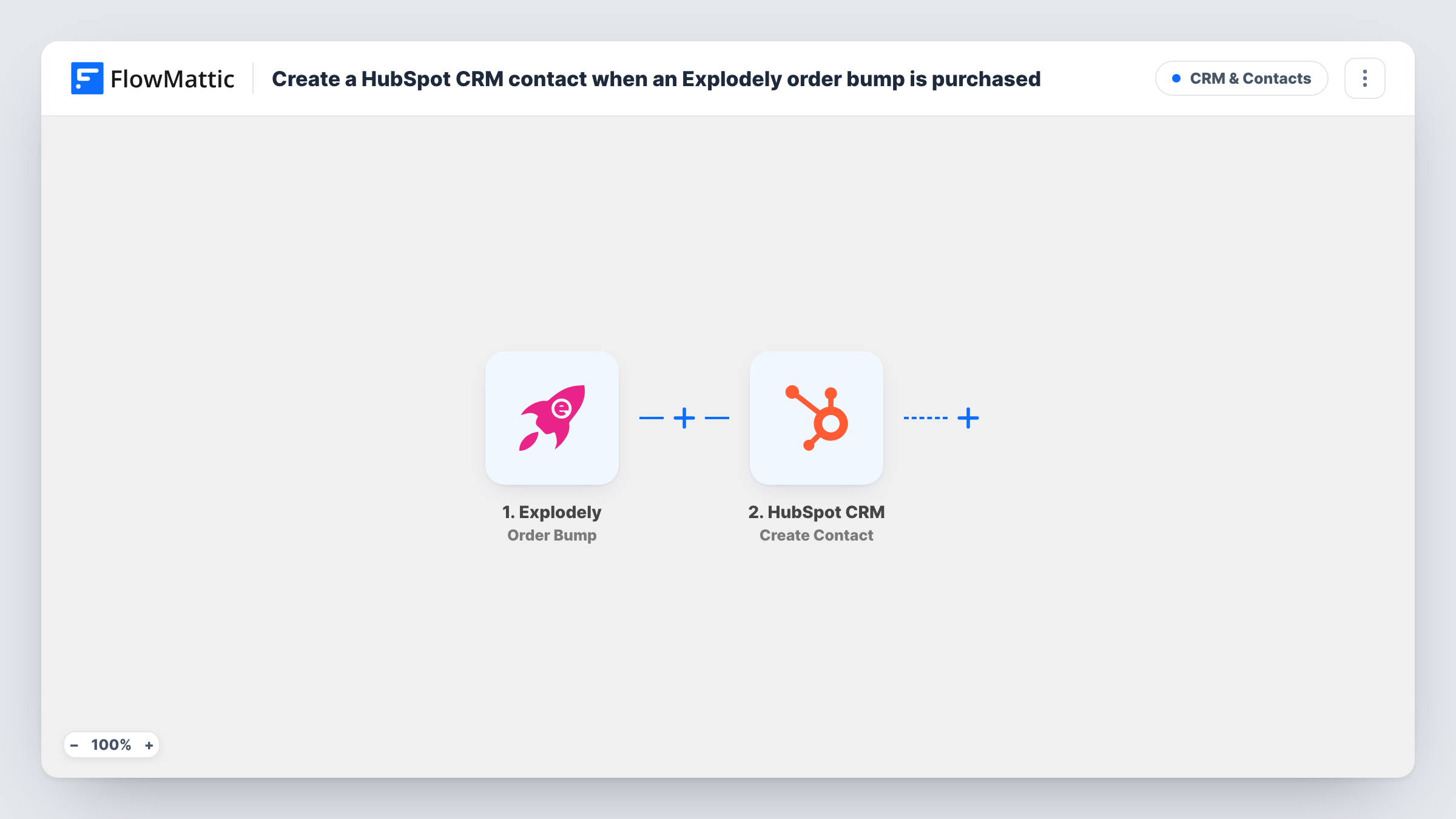
The Explodely Order Bump trigger fires when a customer adds an order bump offer to their purchase during checkout. The order data Explodely sends, such as the buyer's details, becomes available to map. The HubSpot CRM step then runs Create Contact with the values you pick.
Create Contact only adds new contacts. When the buyer's email is already in HubSpot, HubSpot may refuse the duplicate, and Task History shows its response. Buyers who come back and take another order bump start a new run each time, so expect those refusals for repeat customers. Orders without a bump don't start the workflow at all.
Upsell follow-up list
A digital product seller adds every order bump buyer to HubSpot so the sales rep can offer the next upgrade to people who already took one.
Tracking bump buyers for a course launch
During a launch, each buyer who adds the bonus workbook becomes a HubSpot contact, and your team can see them in one place in the CRM.
Handing buyers to an account manager
Buyers who take a premium support bump appear in HubSpot, where an account manager picks them up for onboarding calls.
How this workflow runs
What happens at each step once the workflow is on, and what you need before you import it.
 Explodely Order Bump
Fires when a customer adds an order bump offer to their Explodely purchase during checkout. The order data it sends becomes available to map in HubSpot.
- HubSpot CRM Create Contact
Creates a contact in HubSpot CRM from the Explodely order. Map the buyer's email and name from the trigger, and connect your HubSpot account on import.
What you need
- FlowMatticCore
- Explodely AccountAccount
- HubSpot CRM AccountAccount
After importing, map your own data. To keep the template universal, not every step is pre-filled. Open each step in the builder and connect your accounts and fields (channels, lists, sheets, recipients) before you switch the workflow on.
Make it yours
Changes worth making after you import it.
- Let one real checkout with an order bump come through before you map the HubSpot step, so FlowMattic has captured the fields Explodely sends.
- Add a second workflow on Explodely's New Sale trigger if you also want buyers who skip the bump in HubSpot, so both groups reach the CRM.
- If repeat buyers cause refusals, add HubSpot's Get Contact before the create step and a Filter that continues only when no contact came back.
Questions about this workflow
Does every Explodely sale create a HubSpot contact?
No. Only checkouts where the customer adds an order bump fire this trigger. Plain sales without a bump don't start a run.
What happens if the order bump buyer is already a HubSpot contact?
The template's HubSpot step only creates, and HubSpot may turn down an email it already holds. Look at that run in Task History to see the reply HubSpot gave.
Will Explodely buyers from before the import reach HubSpot?
No. Only order bumps added after the workflow is turned on start a run. Earlier buyers stay in Explodely unless you import them into HubSpot yourself.
More CRM & Contacts workflows
Other ready-to-import templates from the same category.








Import this workflow into your WordPress site
Download the JSON, import it from the Workflows screen and connect your accounts. Every run stays on your server, with no per-task fees.
30-day money-back guarantee Unlimited workflows and runs Self-hosted