

Add a new Senseily newsletter subscriber to a Mailchimp audience
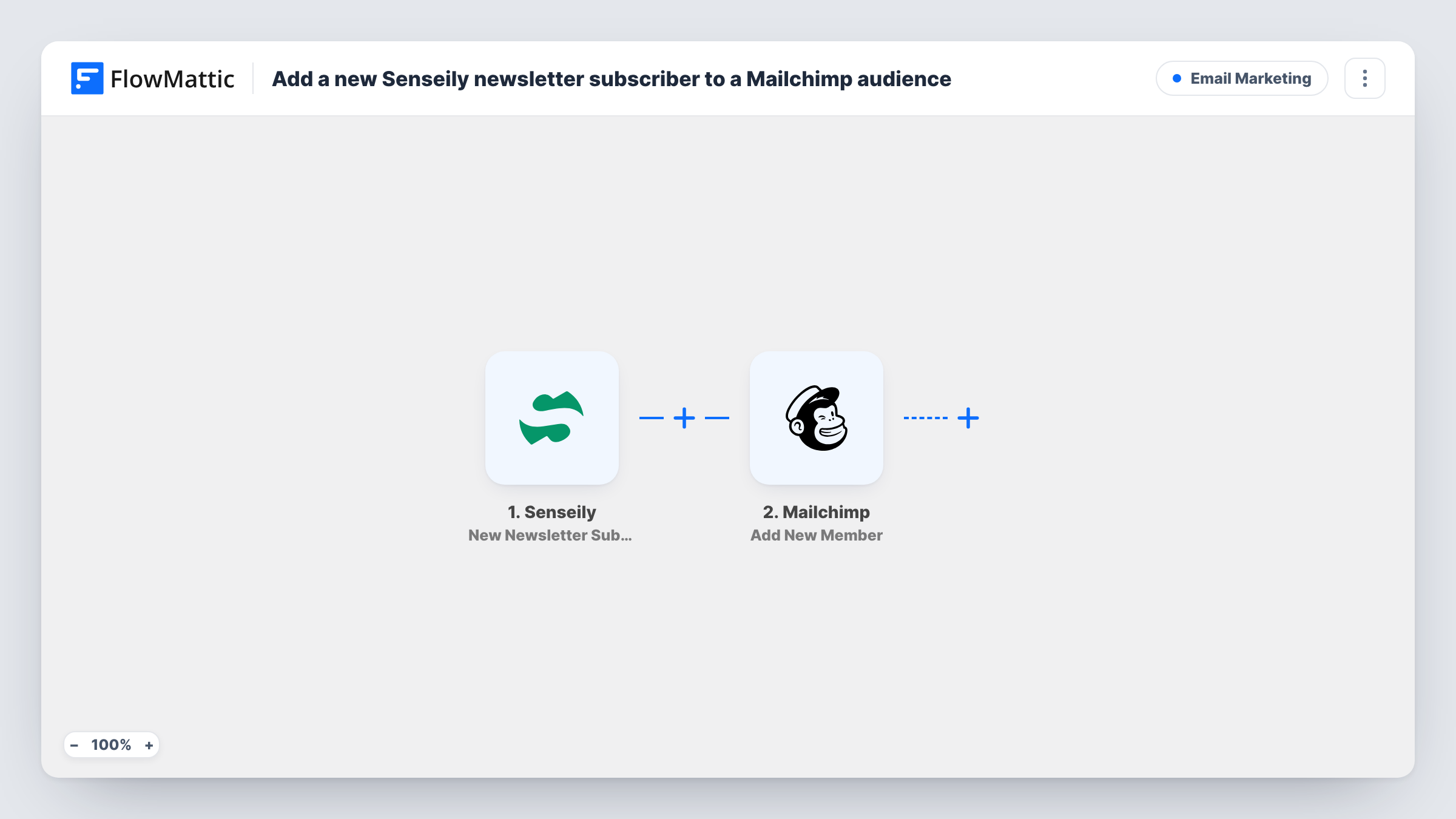
When someone confirms their Senseily newsletter sign-up, this workflow adds them to your Mailchimp audience, or updates them if they are already there, so your mailing list includes every confirmed Senseily subscriber.
 Senseily
 Mailchimp
2 steps Setup ~5 min Used on 2.2k sites Free to import
What this workflow does
If your courses run on Senseily but your newsletters go out from Mailchimp, every newsletter sign-up on Senseily is a subscriber Mailchimp doesn't know about. Copying addresses across in batches means late welcome emails and missed people. This template moves each confirmed subscriber over as they confirm.
The Senseily trigger, New Newsletter Subscription, fires when someone submits the newsletter form and confirms their email by clicking the link in the confirmation mail. People who never click that link don't start a run. The subscriber's details are passed to Mailchimp, where Add New Member adds them to the audience you connect, or updates the member if that address is already on the list.
Because Senseily has already confirmed the address, you are sending Mailchimp people who opted in. What happens next, such as a welcome automation or tags, is up to your Mailchimp audience settings. Each run appears in Task History with Mailchimp's reply.
Course creator newsletter
A tutor on Senseily collects newsletter sign-ups from course pages and sends the weekly newsletter from Mailchimp, where every confirmed subscriber now arrives.
Welcome sequence in Mailchimp
New members joining the Mailchimp audience from Senseily enter the welcome automation you already run there for that audience.
Single list for several sign-up sources
A school that also collects subscribers on its main site keeps one Mailchimp audience, with Senseily sign-ups added alongside the others.
How this workflow runs
What happens at each step once the workflow is on, and what you need before you import it.
 Senseily New Newsletter Subscription
Fires when someone submits the Senseily newsletter form and confirms their email address through the link Senseily sends. Their sign-up details are passed on for mapping.
- Mailchimp Add New Member
Adds the subscriber to your Mailchimp audience, or updates them if the address already exists there. Map the Senseily email address and any name fields, and connect your Mailchimp account.
What you need
- FlowMatticCore
- Senseily AccountAccount
- Mailchimp AccountAccount
After importing, map your own data. To keep the template universal, not every step is pre-filled. Open each step in the builder and connect your accounts and fields (channels, lists, sheets, recipients) before you switch the workflow on.
Make it yours
Changes worth making after you import it.
- Sign up for your own Senseily newsletter and confirm it after import, so FlowMattic captures real subscriber data for mapping the Mailchimp step.
- If your Mailchimp audience has a merge field for sign-up source and the step shows it after import, fill it with the fixed text Senseily to tell these subscribers apart.
- Want to log sign-ups as well? Add a Google Sheets Add New Row step after Mailchimp to keep a dated record of each confirmed Senseily subscriber.
Questions about this workflow
Are unconfirmed Senseily sign-ups sent to Mailchimp?
No. The trigger fires only after the person clicks the confirmation link in Senseily's email, so unconfirmed sign-ups never start a run.
What if the subscriber is already in my Mailchimp audience?
Add New Member updates an existing member instead of adding them again. Any mapped field that arrives blank from Senseily can replace a value you already had, so map only fields Senseily fills in.
Will my existing Senseily subscribers be copied to Mailchimp?
No. Only people who confirm after you turn the workflow on are added. Earlier subscribers need a one-off import into Mailchimp by another route.
Does Mailchimp send its own confirmation email too?
That depends on how the Mailchimp step and your audience handle new members. Run a test sign-up and check whether the member arrives as subscribed or pending.
More Email Marketing workflows
Other ready-to-import templates from the same category.






Import this workflow into your WordPress site
Download the JSON, import it from the Workflows screen and connect your accounts. Every run stays on your server, with no per-task fees.
30-day money-back guarantee Unlimited workflows and runs Self-hosted