

Add each new Growform submission to a MailerLite group to start a personalized email
Each new Growform submission creates or updates a MailerLite subscriber and adds them to a group. A MailerLite automation you build on that group then sends the personalized email.
 Growform
 MailerLite
3 steps Setup ~5 min Used on 960 sites Free to import
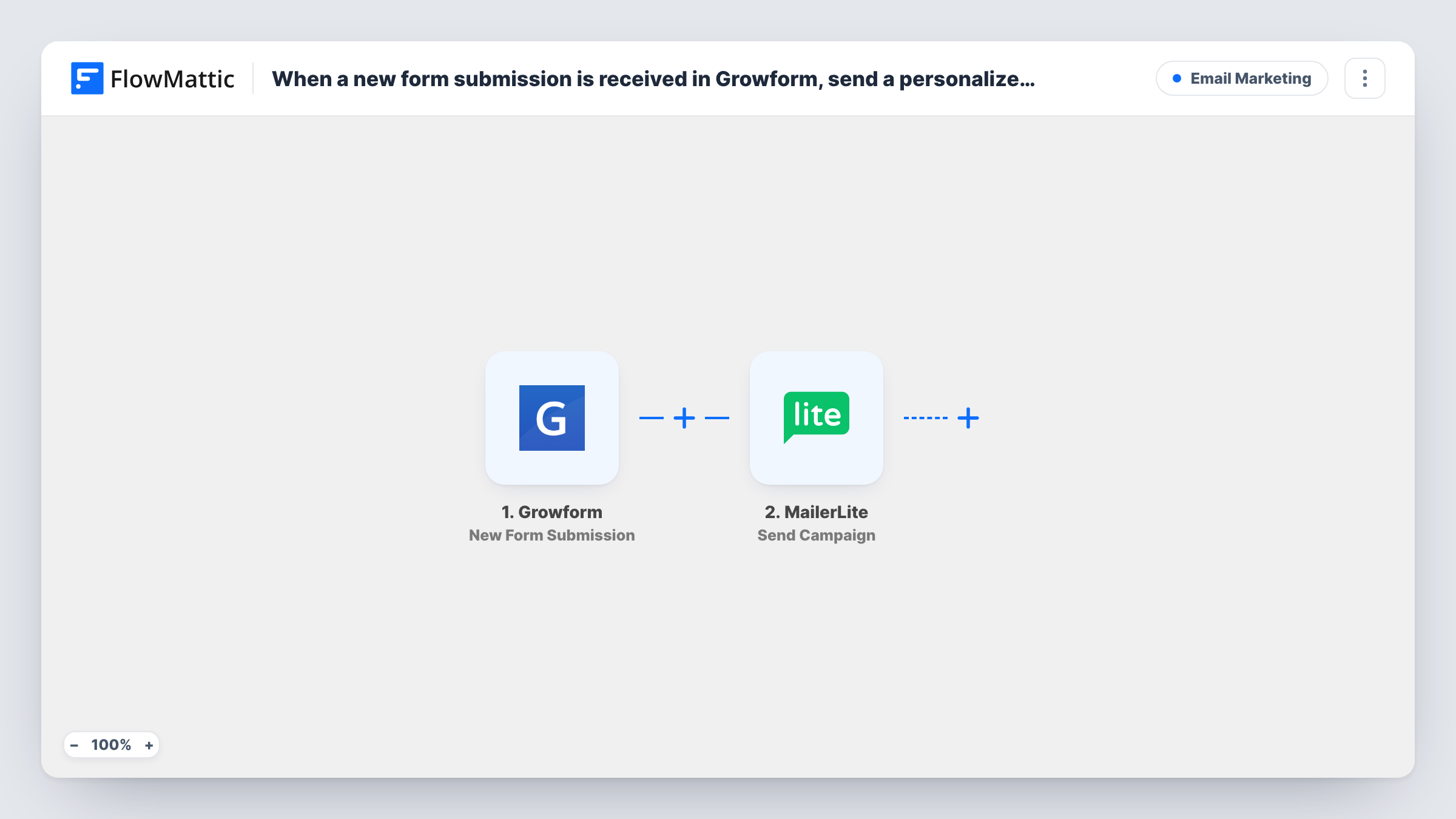
What this workflow does
Growform's multi-step forms often ask about budget, goals or timing, which is exactly what a follow-up email should speak to. This workflow gets each new lead into MailerLite and into one group, so an automation in MailerLite can start for them and use the answers you stored on the subscriber.
The Growform trigger fires when a new form submission is created and passes on the answers. The first MailerLite step runs Create or Update Subscriber, which makes a new subscriber or updates an existing one, with custom fields. That matters for the next step, because Add Subscriber to a Group only works on someone who already exists in MailerLite. Step 2 makes sure they do.
Neither MailerLite step has its fields filled in yet. Once imported, you map the email and name, and any answers you want in custom fields, into the first step, then map the same email or the subscriber from step 2 into the group step and choose the group.
FlowMattic itself doesn't send the email. In MailerLite, build an automation that starts when a subscriber joins that group and write the message there, using the custom fields to personalize it. Submit a test entry and check Task History for both MailerLite responses.
Quote follow-ups for service businesses
A landscaping company's Growform asks about garden size and budget, and the MailerLite automation on the group sends an email that mentions both.
Course waitlist with a welcome email
An online teacher collects waitlist entries in Growform and the group's automation sends each person a short welcome with the expected start date.
Lead magnet delivery by group
A consultant's Growform offers a free guide, and joining the group triggers the MailerLite email that delivers the download link.
How this workflow runs
What happens at each step once the workflow is on, and what you need before you import it.
 Growform New Form Submission
Fires when a new Growform submission is created. Every answer in the form, including the email and any qualifying questions, can be mapped into the MailerLite steps.
- MailerLite Create or Update Subscriber
Creates the person as a MailerLite subscriber, or updates them if the email is already there, with custom fields. The step ships unmapped: map the email, name and any answers you want to store.
- MailerLite Add Subscriber to a Group
Places the new Growform lead, now a MailerLite subscriber, in the group whose automation sends your email. Nothing is set as imported, so map the subscriber and choose the group whose automation should send the email.
What you need
- FlowMatticCore
- Growform AccountAccount
- MailerLite AccountAccount
After importing, map your own data. To keep the template universal, not every step is pre-filled. Open each step in the builder and connect your accounts and fields (channels, lists, sheets, recipients) before you switch the workflow on.
Make it yours
Changes worth making after you import it.
- Store the Growform answers you want to mention, such as budget or goal, in MailerLite custom fields in step 2, so the automation's email can insert them.
- If different answers should get different emails, put a Router between the Create or Update Subscriber step and the group step, give each route its own group step and group, and use answer values that can't both match.
- Create the MailerLite group and its automation before you turn the workflow on, so the first real lead gets the email.
Questions about this workflow
Does this Growform workflow send the email itself?
No. It creates the subscriber and adds them to a group. The personalized email comes from a MailerLite automation that starts when someone joins that group, which you set up in MailerLite.
What if the Growform lead is already a MailerLite subscriber?
Create or Update Subscriber updates the existing subscriber instead of creating a duplicate, and the group step then adds that person to the group.
Does the MailerLite group need to exist first?
Yes. Add Subscriber to a Group assigns a subscriber to an existing group, so create the group in MailerLite and select it in the step after import.
Can the email mention what the lead answered in Growform?
Yes, if you map those answers into MailerLite custom fields in step 2. The automation's email can then insert the fields for each subscriber.
More Email Marketing workflows
Other ready-to-import templates from the same category.





Import this workflow into your WordPress site
Download the JSON, import it from the Workflows screen and connect your accounts. Every run stays on your server, with no per-task fees.
30-day money-back guarantee Unlimited workflows and runs Self-hosted