

Add a Notion page when a Runrun.it task assignment is created
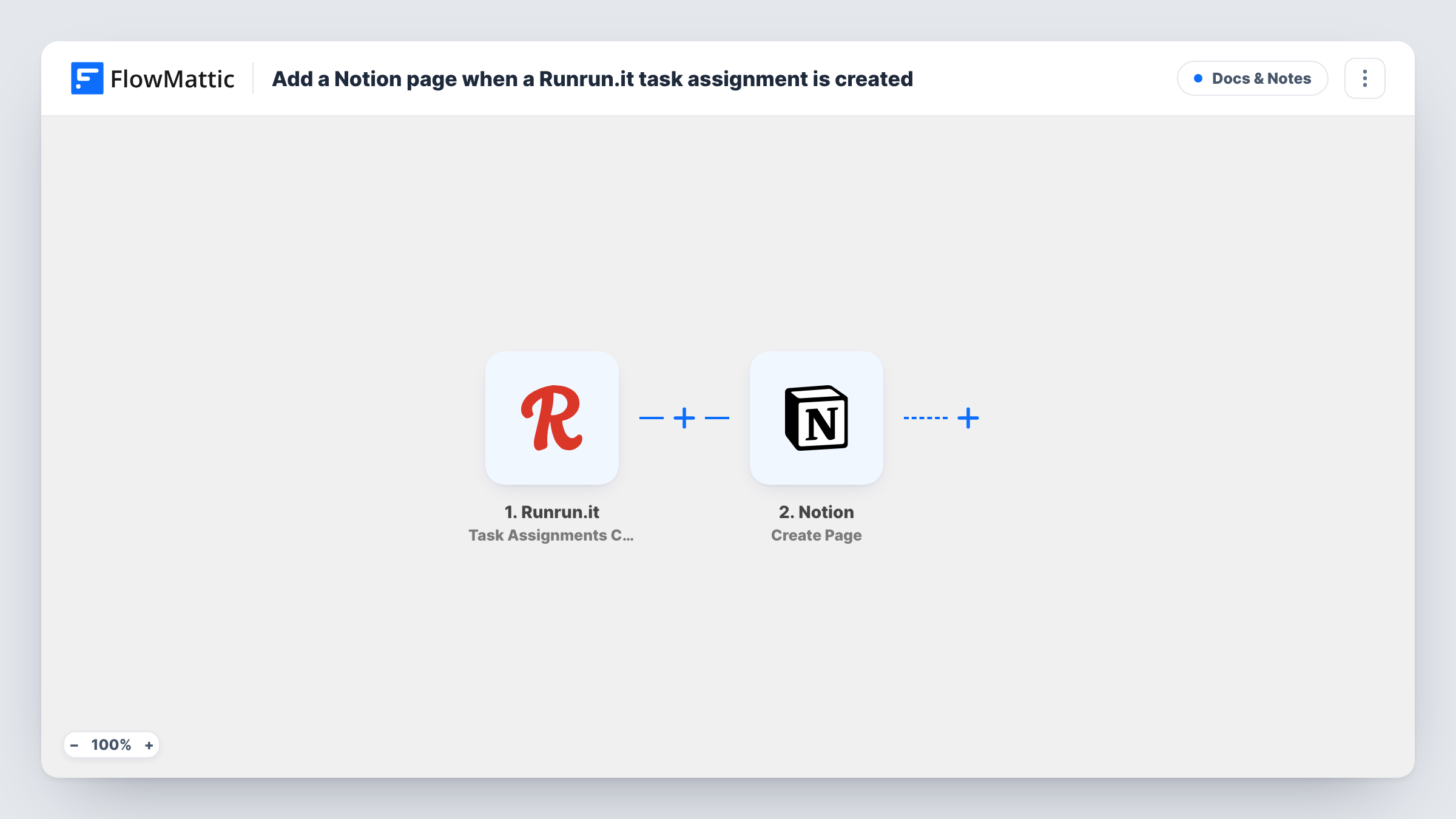
When a task assignment is created in Runrun.it, this workflow creates a page in Notion under a parent page you choose, filled with details from the assignment, so each assignment has notes space in Notion.
 Runrun.it
 Notion
2 steps Setup ~5 min Used on 3.2k sites Free to import
What this workflow does
Runrun.it tracks who is assigned to which task and how long it takes. Briefs, meeting notes and working documents often live in Notion instead. Linking the two by hand means creating a Notion page every time someone is given a task, which rarely happens consistently. This workflow does it for every assignment.
The Runrun.it trigger fires when a task assignment is created, and the assignment's data arrives in FlowMattic. The second step uses the Create Page action in Notion, which creates a page inside a parent page. Map assignment values, such as the task title and the person assigned, into the new page so it is clear what it belongs to.
Only new assignments start a run. If one task is assigned to several people, each assignment can trigger its own run, so a task may end up with more than one page. Edits, deliveries or comments in Runrun.it are separate triggers and don't change the page. Task History lists each run and what Notion returned.
Working notes for each assignee
Every person given a task gets a Notion page under a team parent page where they keep notes, links and drafts for that piece of work.
Briefing pages for agency work
An account manager assigns a client task in Runrun.it, and a Notion page appears where the brief and client feedback are written up for the assignee.
A record of who was assigned what
The parent page in Notion fills with one subpage per assignment, giving managers a browsable history alongside their other Notion documents.
How this workflow runs
What happens at each step once the workflow is on, and what you need before you import it.
 Runrun.it Task Assignments Create
Fires when a task assignment is created in Runrun.it. The assignment's details are passed to FlowMattic, ready to place in the Notion page. Assign a test task to capture sample data.
- Notion Create Page
Creates a page inside the Notion parent page you select, using the Runrun.it values you map, for example the task title for the page title. Make sure your Notion connection has access to that parent page before testing.
What you need
- FlowMatticCore
- Runrun.it AccountAccount
- Notion AccountAccount
After importing, map your own data. To keep the template universal, not every step is pre-filled. Open each step in the builder and connect your accounts and fields (channels, lists, sheets, recipients) before you switch the workflow on.
Make it yours
Changes worth making after you import it.
- Add a Filter after the Runrun.it trigger if only some assignments need a page, for example those for a particular project or team member, based on the fields a test run shows.
- Put the Runrun.it task ID or link into the page, so anyone reading it in Notion can open the original task.
- To avoid duplicate pages, put Notion's Find Page (By Title) action before the create step, followed by a Filter that continues only when no page was found.
Questions about this workflow
Why can't FlowMattic see my Notion parent page?
Notion only lets a connected integration reach pages it has been given access to. Grant your FlowMattic connection access to the parent page in Notion, then try the step again.
Does a Runrun.it task with two assignees create two Notion pages?
It can. The trigger reacts to each assignment, and every run creates a page. Add Find Page (By Title) and a Filter ahead of the create step if you want only one page per task.
Will the Notion page update when the Runrun.it task changes?
No. The workflow creates the page once, when the assignment is created. Later changes in Runrun.it don't reach Notion.
Are assignments made before I turn this on copied to Notion?
No. Only assignments created after the workflow is active trigger a run.
More Docs & Notes workflows
Other ready-to-import templates from the same category.





Import this workflow into your WordPress site
Download the JSON, import it from the Workflows screen and connect your accounts. Every run stays on your server, with no per-task fees.
30-day money-back guarantee Unlimited workflows and runs Self-hosted