

Add a Polly survey submission as a row in an Airtable base
When a survey is submitted in Polly, FlowMattic creates a new record in your Airtable base with the survey data, so you can sort, tag and report on it in Airtable.
 Polly
 Airtable
2 steps Setup ~5 min Used on 2.2k sites Free to import
What this workflow does
Polly runs surveys inside your team's chat tool, which is where people answer them. Airtable is where many teams keep structured data they want to filter and build views on. This workflow copies each Polly survey submission into Airtable so you do not have to export it.
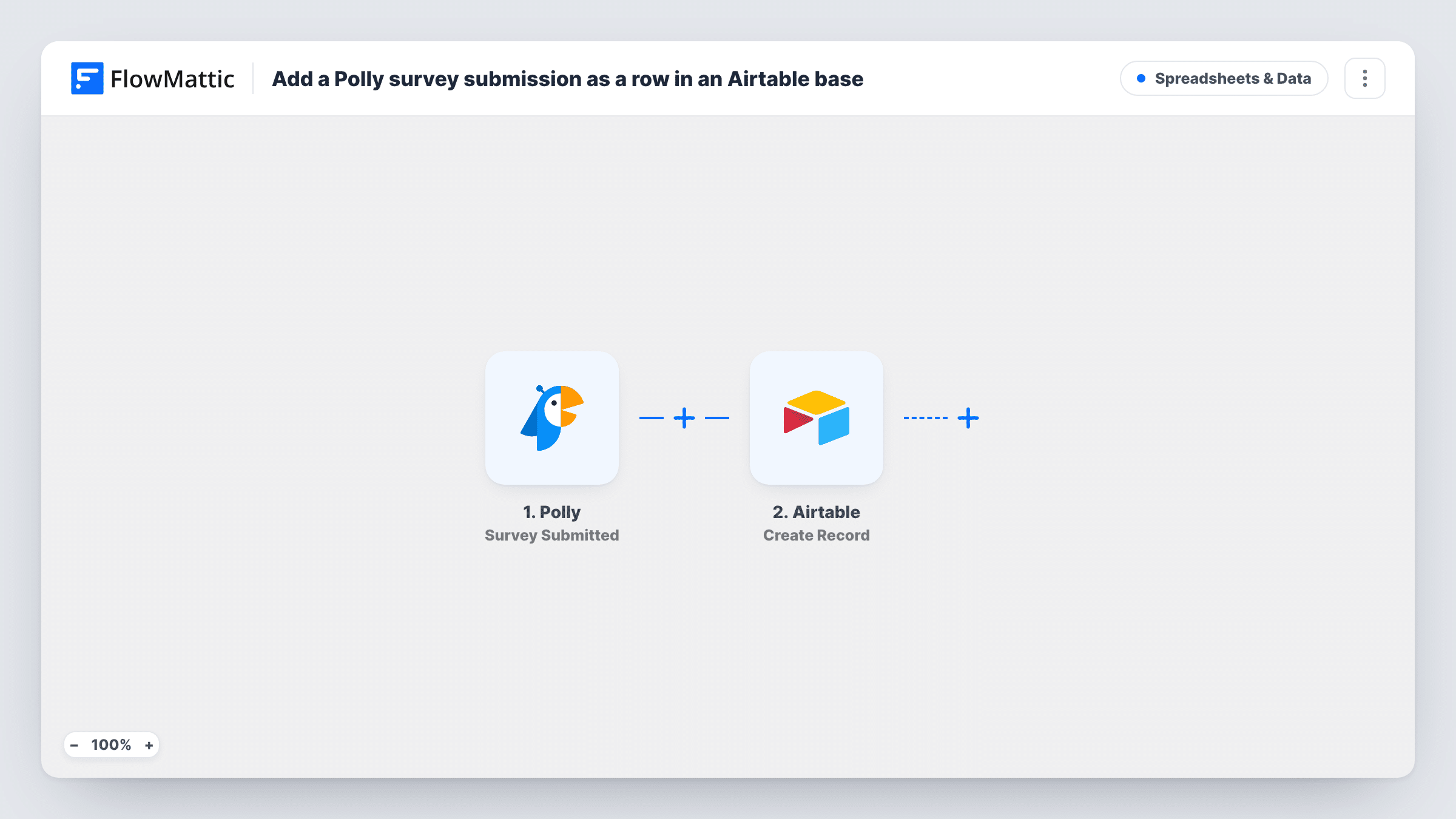
The Polly trigger Survey Submitted fires when a survey is submitted. FlowMattic receives the data Polly sends with that event and passes it to Airtable. The Create Record action adds a new record to the base and table you pick, with your mapped fields filled in.
Polly has several triggers, and this one is about the survey. If you want a record for every individual answer instead, Polly's Response Created trigger is the one to use. Run a test after import to see exactly what Survey Submitted carries before you map fields. Every submission that went through appears in Task History.
Survey archive for a people team
HR runs engagement surveys in Polly and keeps each submitted survey as an Airtable record, building one place to look back at past rounds.
Product feedback base
A product manager sends Polly surveys after releases and stores each submission in the Airtable base that already tracks features and releases.
Linking surveys to projects
An agency logs each Polly survey in Airtable, then links the record to the client project it belongs to using Airtable's own linked fields.
How this workflow runs
What happens at each step once the workflow is on, and what you need before you import it.
 Polly Survey Submitted
Starts a run each time Polly reports a submitted survey. Whatever survey data Polly sends with the event is available to map into Airtable.
- Airtable Create Record
Adds the Polly survey to Airtable as a new record in your chosen table. Connect your Airtable account and map the Polly survey data into your fields.
What you need
- FlowMatticCore
- Polly AccountAccount
- Airtable AccountAccount
After importing, map your own data. To keep the template universal, not every step is pre-filled. Open each step in the builder and connect your accounts and fields (channels, lists, sheets, recipients) before you switch the workflow on.
Make it yours
Changes worth making after you import it.
- Submit a test survey after import and look at what FlowMattic captured. Map Airtable fields from that sample, since the payload decides what you can store.
- Want each answer as its own record? Swap the trigger for Polly's Response Created, then remap the Airtable fields from a test response.
- Add a date field in Airtable set to the record's created time so each Polly survey shows when it was stored, without mapping anything extra.
Questions about this workflow
Does this create an Airtable record for each person who answers?
Not necessarily. The trigger is Survey Submitted, which fires for the survey. For a record per answer, use Polly's Response Created trigger instead.
What happens if the Airtable field types don't match the Polly data?
Airtable may reject a value that does not fit the field, and Task History shows its response on that step. Text fields accept most values, so start with those while testing.
Does the workflow update a Polly survey's existing Airtable record?
No. It only creates records. Polly also has a Survey Updated trigger, but using it would need an Airtable update step that knows the record to change.
Does this send anything back to Polly or the survey takers?
No. The workflow reads the submitted survey from Polly and writes one Airtable record. Nobody in your chat tool is notified by it.
More Spreadsheets & Data workflows
Other ready-to-import templates from the same category.






Import this workflow into your WordPress site
Download the JSON, import it from the Workflows screen and connect your accounts. Every run stays on your server, with no per-task fees.
30-day money-back guarantee Unlimited workflows and runs Self-hosted