

Add a Synchroteam scheduled job to Google Calendar for the technician
When a job is scheduled in Synchroteam, this workflow creates a matching event in the Google Calendar you connect, so the technician working from that calendar sees the visit alongside the rest of their day.
 Synchroteam
 Google Calendar
2 steps Setup ~5 min Used on 746 sites Free to import
What this workflow does
Technicians often plan their day in Google Calendar, not in the field service app. When a dispatcher books a job in Synchroteam, the visit has to show up where the technician actually looks. This workflow copies each scheduled job into Google Calendar as an event.
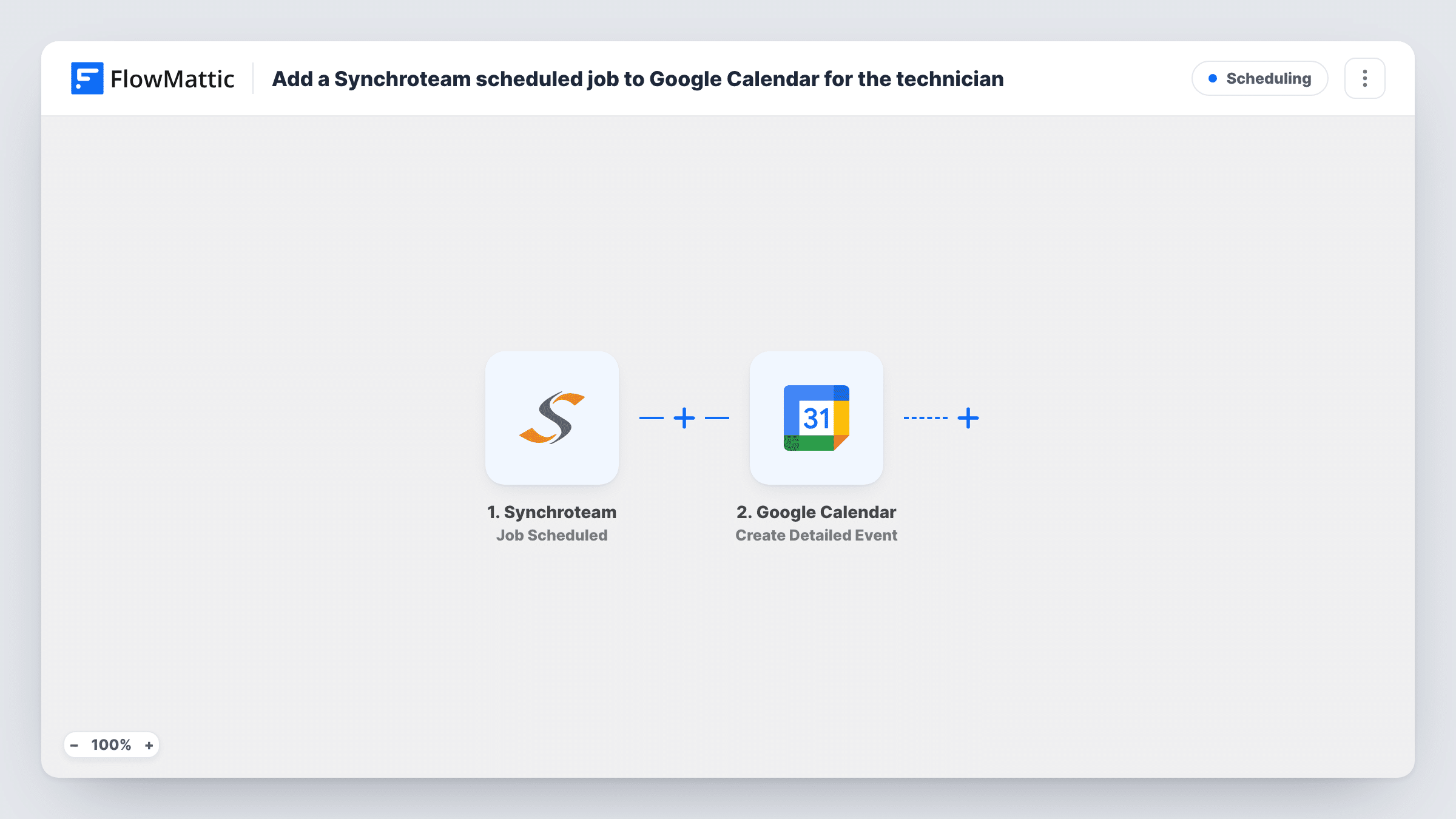
The Synchroteam trigger fires when a job is scheduled. FlowMattic passes the job's data to Google Calendar, where the Create Detailed Event action adds an event to the calendar you select. You map the job's details into the event, such as its time, the customer and the address, so the event carries what the technician needs.
As imported, every scheduled job goes to that one calendar. That suits a single technician, or a shared team calendar everyone subscribes to. If each technician keeps their own calendar, the tips below show how to route jobs. Task History records each run and the job data Synchroteam sent.
A one-person field business
You book your own jobs in Synchroteam and plan your week in Google Calendar. Each scheduled job appears there without you typing it in again.
A shared crew calendar
Your small team follows one shared Google Calendar. Every scheduled Synchroteam job becomes an event on it, so the crew can see the full day.
Office view of booked visits
The office manager keeps a calendar of all scheduled visits next to their meetings, filled from Synchroteam as the dispatcher books jobs.
How this workflow runs
What happens at each step once the workflow is on, and what you need before you import it.
 Synchroteam Job Scheduled
Fires when a job is scheduled in your connected Synchroteam account. The job's data from this event becomes available to map in the calendar step.
- Google Calendar Create Detailed Event
Adds an event to the Google Calendar you select, built from the Synchroteam job. Connect your Google account, choose the calendar and map the job details into the event.
What you need
- FlowMatticCore
- Synchroteam AccountAccount
- Google Calendar AccountAccount
After importing, map your own data. To keep the template universal, not every step is pre-filled. Open each step in the builder and connect your accounts and fields (channels, lists, sheets, recipients) before you switch the workflow on.
Make it yours
Changes worth making after you import it.
- For several technicians with their own calendars, replace the calendar step with a Router. Give each route a condition on the job's technician and its own Create Detailed Event step for that person's calendar.
- Schedule one test job in Synchroteam after import so FlowMattic captures the real job fields, then check that the start and end times land where you expect.
- Add a Filter after the trigger if only some job types should go to the calendar, such as on-site visits but not remote checks.
Questions about this workflow
Does each technician get the Synchroteam job in their own Google Calendar?
Not as imported. Every job goes to the one calendar you select. Use a Router with a route per technician, or a shared calendar, if more than one person needs to see their jobs.
What happens in Google Calendar when a Synchroteam job is rescheduled?
This workflow only reacts to jobs being scheduled. It does not move or delete existing events, so check with a test whether a reschedule in Synchroteam sends a new scheduled event and creates a second calendar entry.
Are jobs scheduled before import added to the calendar?
No. Only jobs scheduled after you turn the workflow on create Google Calendar events.
More Scheduling workflows
Other ready-to-import templates from the same category.







Import this workflow into your WordPress site
Download the JSON, import it from the Workflows screen and connect your accounts. Every run stays on your server, with no per-task fees.
30-day money-back guarantee Unlimited workflows and runs Self-hosted