

Add a Google Calendar event when a Mixmax meeting invitation is confirmed
Each time someone confirms a Mixmax meeting invitation, this workflow creates an event in the Google Calendar you pick, using the meeting details Mixmax sends, so confirmed meetings show up where your team plans its day.
 Mixmax
 Google Calendar
2 steps Setup ~5 min Used on 1.2k sites Free to import
What this workflow does
Mixmax lets prospects pick a time straight from your email. Once they confirm, you may still want that meeting on a particular Google Calendar, such as a shared sales calendar or a team diary your assistant manages. This workflow places it there for you.
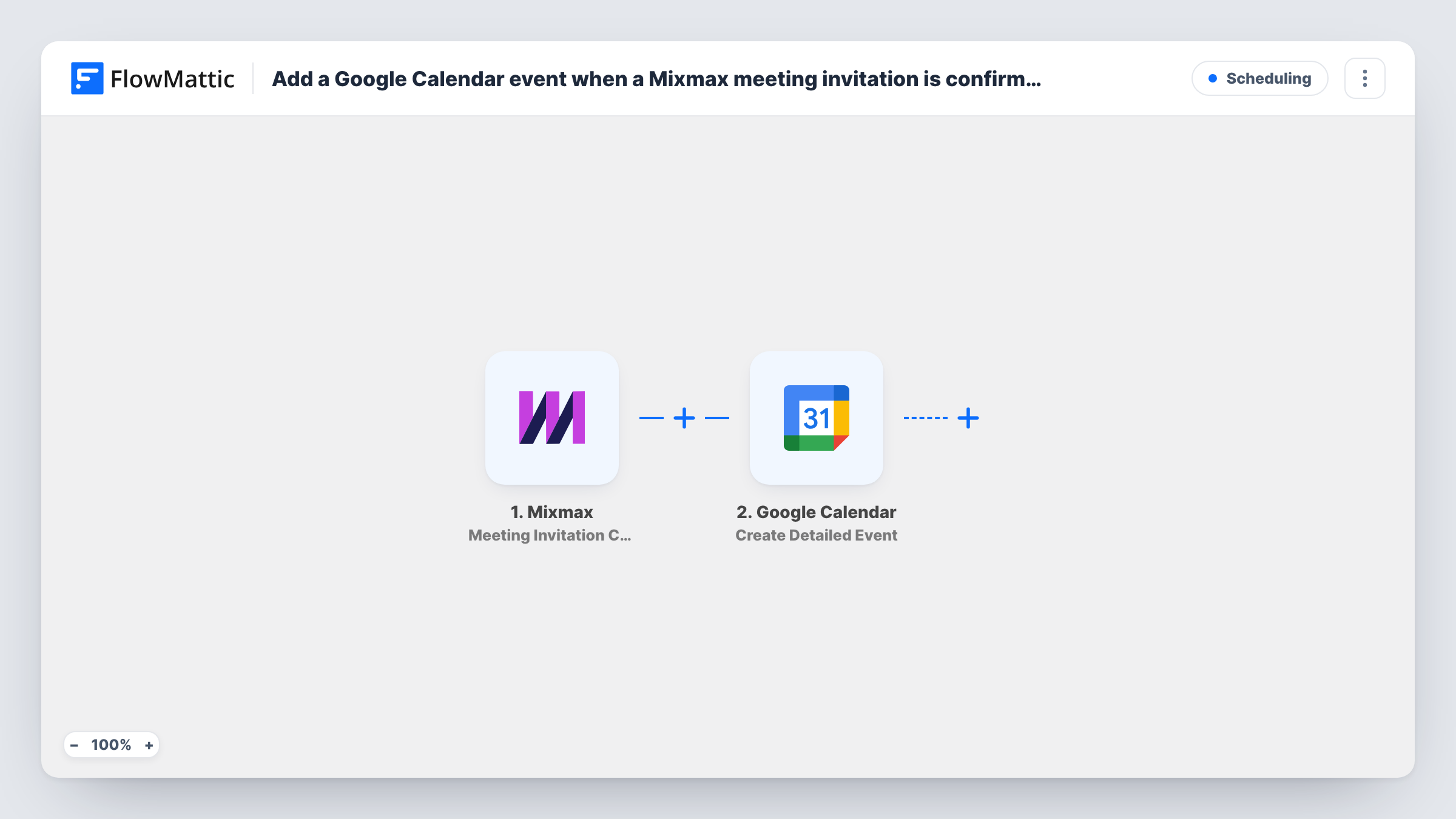
The Mixmax trigger, Meeting Invitation Confirmed, fires when a recipient confirms a meeting invitation. FlowMattic receives the confirmation data, which can include details like the time and the people involved. The Google Calendar step, Create Detailed Event, then creates a new event in the calendar you choose from the values you map.
Every confirmation creates one new event. The workflow does not check whether the meeting is already on that calendar, so if Mixmax or your own calendar setup also adds it, you may see two entries. Run a test confirmation after import to see which fields Mixmax sends and how the event looks in Google Calendar.
Shared calendar for a sales team
Each rep books demos through Mixmax, and every confirmed demo also appears on one team calendar, so the manager sees the week's meetings in one view.
Assistant-managed diary
An executive's assistant plans the day from a separate Google Calendar. Confirmed Mixmax meetings land there without the assistant copying them across.
Recruiter interview scheduling
Candidates confirm an interview slot from a Mixmax email, and the interview is added to the hiring calendar that interviewers check.
How this workflow runs
What happens at each step once the workflow is on, and what you need before you import it.
 Mixmax Meeting Invitation Confirmed
Runs when a recipient confirms a Mixmax meeting invitation. The confirmation data is passed on so you can map the meeting time and other details into the calendar step.
- Google Calendar Create Detailed Event
Creates a new event in the Google Calendar you choose, from the Mixmax values you map. Connect your Google account on import and check a test run to confirm the start and end times map correctly.
What you need
- FlowMatticCore
- Mixmax AccountAccount
- Google Calendar AccountAccount
After importing, map your own data. To keep the template universal, not every step is pre-filled. Open each step in the builder and connect your accounts and fields (channels, lists, sheets, recipients) before you switch the workflow on.
Make it yours
Changes worth making after you import it.
- Point the Google Calendar step at a calendar other than the one Mixmax already books into, so you don't end up with the same meeting twice on one calendar.
- Map the recipient's name or email into the event title or description, so anyone reading the calendar can tell who the meeting is with.
- Add a Slack or email step after the calendar step if your team also wants a message each time a meeting is confirmed.
Questions about this workflow
Will a confirmed Mixmax meeting appear on my calendar twice?
It can, if Mixmax or another tool already adds it to the same Google Calendar. This workflow always creates a new event and does not look for an existing one.
Does a rescheduled or cancelled Mixmax meeting update the Google Calendar event?
No. The trigger fires on confirmation only, and the template has no step that changes or deletes an event later.
Can confirmed Mixmax meetings go to a shared team calendar?
Yes. You pick the target calendar in the Create Detailed Event step once your Google account is connected, and any calendar that account can edit is an option.
Do I need a Mixmax account to use this workflow?
Yes. The trigger listens for meeting confirmations from your Mixmax account, which you connect when you set up the trigger in FlowMattic.
More Scheduling workflows
Other ready-to-import templates from the same category.






Import this workflow into your WordPress site
Download the JSON, import it from the Workflows screen and connect your accounts. Every run stays on your server, with no per-task fees.
30-day money-back guarantee Unlimited workflows and runs Self-hosted