

Log every new Chili Piper meeting in a Google Sheets spreadsheet
Every meeting booked through Chili Piper gets its own row in a Google Sheets spreadsheet, so you can see, sort and share your booked calls without exporting anything.
 Chili Piper
 Google Sheets
2 steps Setup ~5 min Used on 2.2k sites Free to import
What this workflow does
Chili Piper books the meeting and puts it on the calendar, but a running list of every booking is harder to get. Sales managers want to count meetings per rep, operations wants to review where bookings go, and finance may want a record for commissions. A spreadsheet that fills itself answers all three.
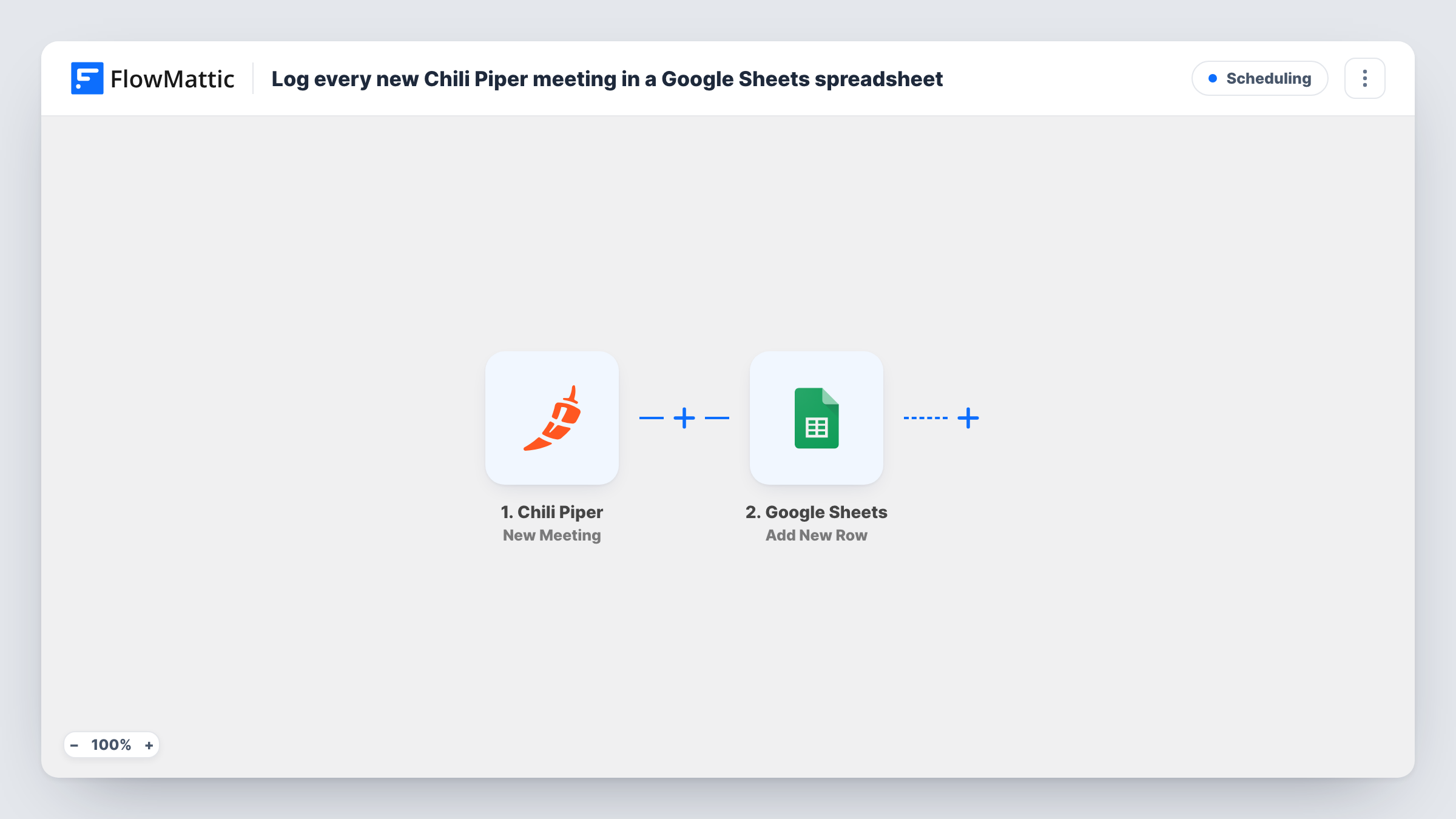
The Chili Piper trigger fires for every new meeting booked, whatever the source. FlowMattic takes the meeting data Chili Piper sends and passes it to Google Sheets. The Add New Row step writes it to the spreadsheet and tab you pick, with each column mapped to a meeting field.
Only new bookings start a run. Rescheduled or canceled meetings don't change the row that was already written. Each run is listed in Task History, so you can see what came in from Chili Piper and what was sent to the sheet.
Meeting counts per sales rep
If the meeting data names the host, map it to a column. A pivot table in the sheet then shows how many meetings each rep got this week or month.
Checking inbound routing
RevOps keeps a log of every Chili Piper booking and reviews it for meetings that went to the wrong person, and the reviewers don't need a Chili Piper login.
Commission and SDR credit tracking
Finance works from a shared sheet of booked meetings when it calculates SDR bonuses, instead of asking the sales team for a manual export.
How this workflow runs
What happens at each step once the workflow is on, and what you need before you import it.
 Chili Piper New Meeting
Runs for every new meeting booked in Chili Piper, regardless of where the booking came from. The meeting data it receives is available to map in the Google Sheets step.
- Google Sheets Add New Row
Adds a row to the Google Sheets spreadsheet and tab you choose. Connect your Google account, then map each column to a value from the Chili Piper meeting.
What you need
- FlowMatticCore
- Chili Piper AccountAccount
- Google Sheets AccountAccount
After importing, map your own data. To keep the template universal, not every step is pre-filled. Open each step in the builder and connect your accounts and fields (channels, lists, sheets, recipients) before you switch the workflow on.
Make it yours
Changes worth making after you import it.
- Put a header row in the sheet before you map the step, so each column has a name to match with a Chili Piper value.
- Book a test meeting through Chili Piper after import. FlowMattic then has real meeting data to show while you map the columns.
- Want cancellations logged too? Build a second workflow on Chili Piper's Canceled Meeting trigger that adds a row to a separate tab.
Questions about this workflow
Does a rescheduled Chili Piper meeting update its row?
No. The trigger fires on new bookings only, and Add New Row always adds a row. Chili Piper has a separate Meeting Updated trigger you could use in another workflow.
Which Chili Piper meetings are logged?
Every new meeting booked, whatever the source. There is no Filter in the template, so to log only some meetings, add one after the trigger.
Are meetings booked before import added to Google Sheets?
No. Only meetings booked after the workflow is turned on reach the spreadsheet. Older bookings would need to be exported from Chili Piper by hand.
More Scheduling workflows
Other ready-to-import templates from the same category.






Import this workflow into your WordPress site
Download the JSON, import it from the Workflows screen and connect your accounts. Every run stays on your server, with no per-task fees.
30-day money-back guarantee Unlimited workflows and runs Self-hosted