

Add a Todoist follow-up task when a SumoQuote email bounces
When an email sent from SumoQuote bounces, this workflow creates a task in Todoist with the details you map, so someone on your team checks the address and gets the quote to the customer another way.
 SumoQuote
 Todoist
2 steps Setup ~5 min Used on 1.7k sites Productivity Free to import
What this workflow does
A quote that never arrives is easy to miss. SumoQuote sends the email, the address turns out to be wrong, and the customer simply hears nothing. This workflow turns each bounce into a Todoist task, so a person follows up instead of waiting on a reply that cannot come.
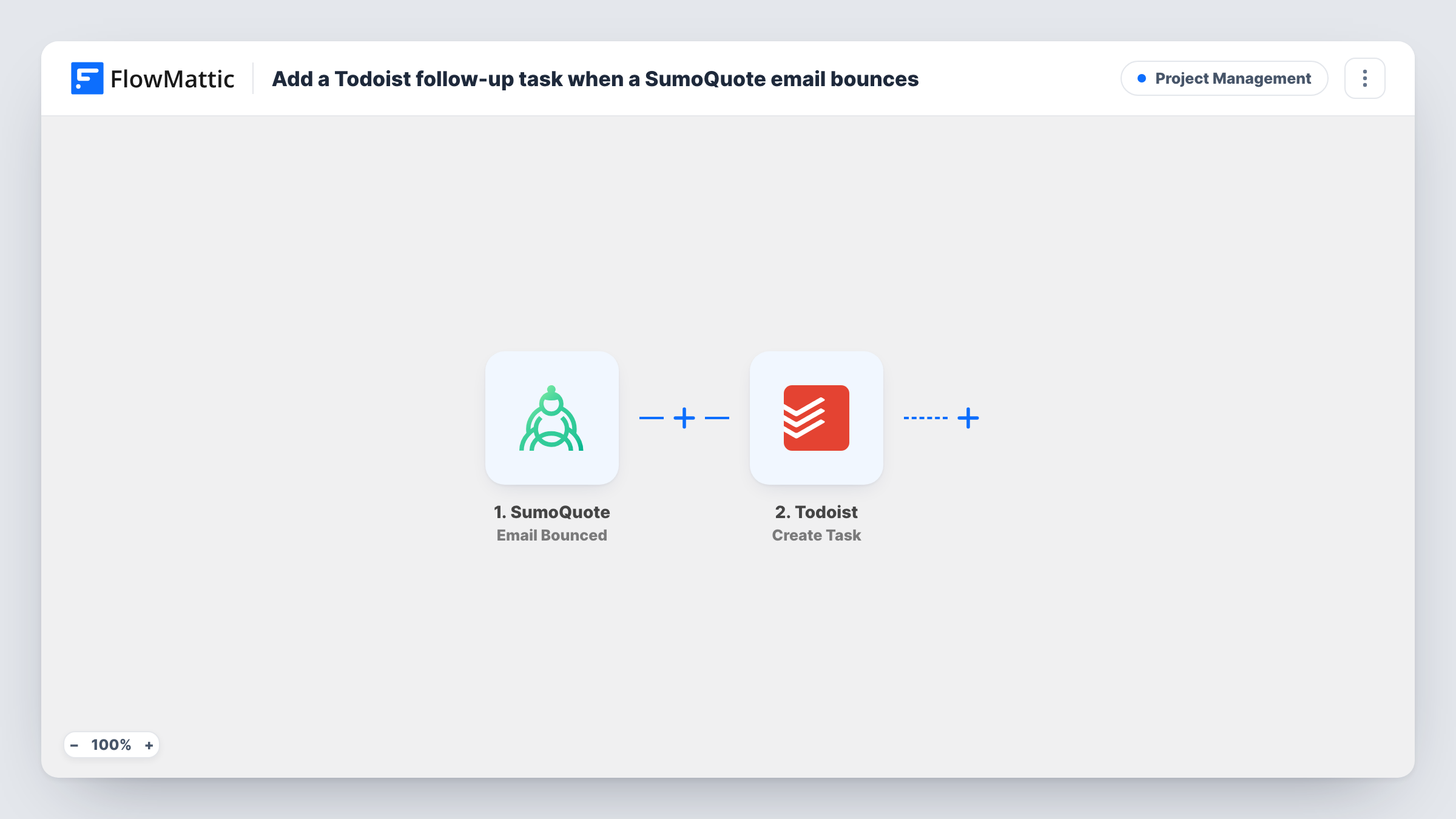
The SumoQuote trigger fires when an email is bounced. FlowMattic passes the bounce data to Todoist, where the Create Task action adds a new task. You write the task text after import and insert whichever details the bounce event carries, so the task says which email failed.
Each bounce creates one task. The workflow does not fix the address in SumoQuote or resend anything, so the task is the reminder to do that by hand. Task History shows each bounce that reached Todoist.
Roofing or contracting quotes
A sales rep sends an estimate from SumoQuote after a site visit. If the client's address was typed wrong, a Todoist task prompts the rep to call and confirm it.
Office manager's daily list
Bounced quote emails land as tasks in the office manager's Todoist, next to their other work, so they are cleared each day.
Keeping CRM contact data clean
Each bounce task reminds someone to correct the email in your CRM as well as in SumoQuote, so the next message goes to the right place.
How this workflow runs
What happens at each step once the workflow is on, and what you need before you import it.
 SumoQuote Email Bounced
Fires when an email sent from SumoQuote bounces. The data from that bounce event is passed on for use in the Todoist task.
- Todoist Create Task
Creates a new task in Todoist. Write the task text, insert details from the SumoQuote bounce so the task identifies the failed email, and connect your Todoist account.
What you need
- FlowMatticCore
- SumoQuote AccountAccount
- Todoist AccountAccount
After importing, map your own data. To keep the template universal, not every step is pre-filled. Open each step in the builder and connect your accounts and fields (channels, lists, sheets, recipients) before you switch the workflow on.
Make it yours
Changes worth making after you import it.
- Trigger a bounce once with a deliberately invalid test address, then look at the captured data and build the Todoist task text from it.
- Add a Slack or email step after Todoist if the rep who sent the quote should also hear about the bounce straight away.
- Use a Delay before the Todoist step if you would rather have the task appear the next working morning than at the moment of the bounce.
Questions about this workflow
Does the workflow correct or resend the bounced SumoQuote email?
No. It only creates a Todoist task. Fixing the address and sending the quote again are done by your team in SumoQuote.
Which details from the SumoQuote bounce can go into the Todoist task?
Whatever the Email Bounced trigger passes to FlowMattic. Capture a test bounce and use its data in the task text.
Will one SumoQuote bounce create more than one Todoist task?
Each bounce event runs the workflow once and creates one task. If SumoQuote reports several bounces, you get one task for each.
Which accounts does this SumoQuote and Todoist workflow need?
A SumoQuote account connected to the trigger and a Todoist account for the task step.
More Project Management workflows
Other ready-to-import templates from the same category.







Import this workflow into your WordPress site
Download the JSON, import it from the Workflows screen and connect your accounts. Every run stays on your server, with no per-task fees.
30-day money-back guarantee Unlimited workflows and runs Self-hosted