

Add a Todoist task whenever a Frontly action is executed
Each time an action runs in your Frontly app, this workflow creates a task in Todoist from the details Frontly sends, so the follow-up work sits in the to-do list you already check.
 Frontly
 Todoist
2 steps Setup ~5 min Used on 3.0k sites Productivity Free to import
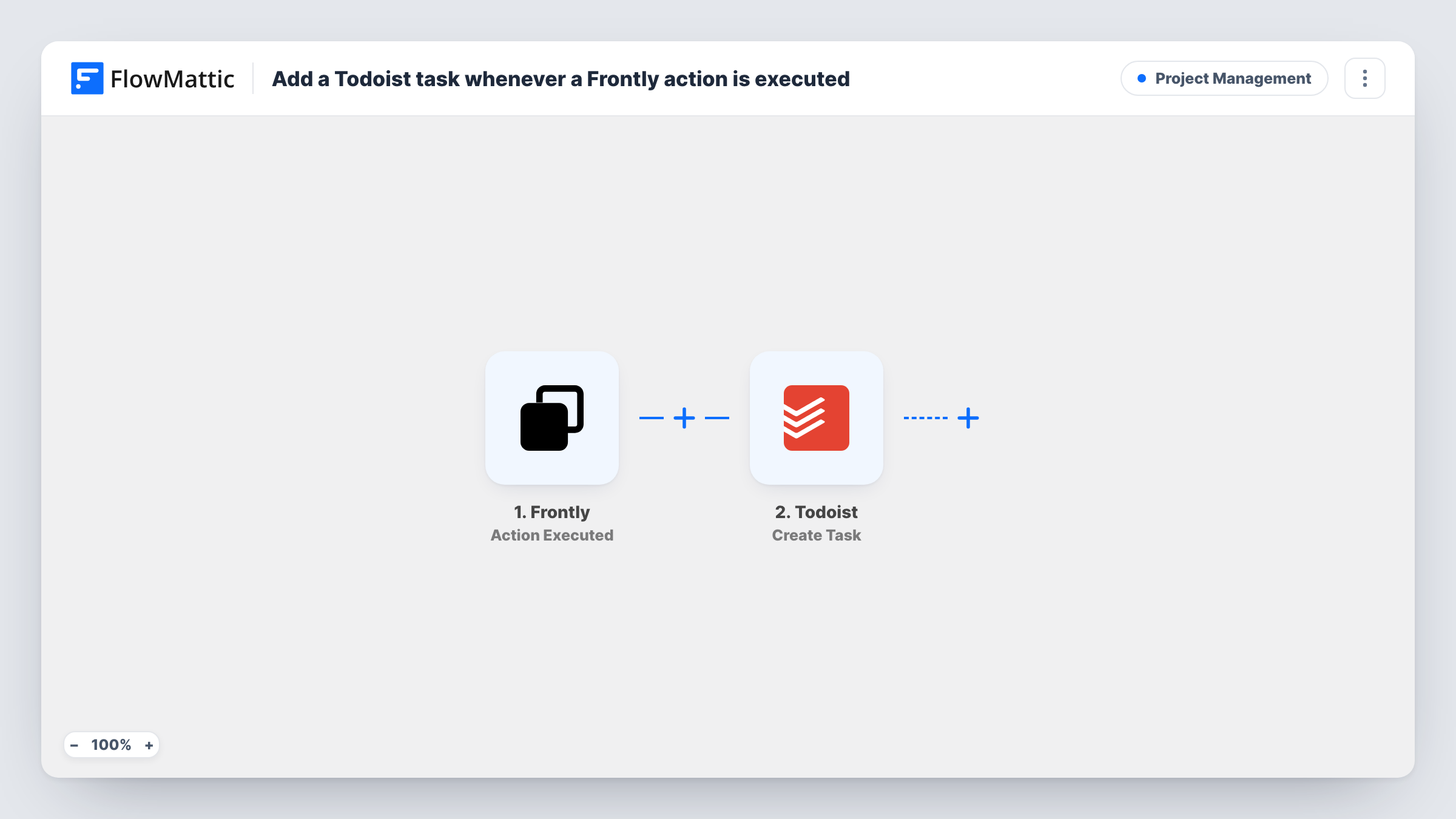
What this workflow does
An action in a Frontly app often means someone now has work to do: a request was submitted, a record was approved, a button was pressed that needs a reply. If that work only lives inside Frontly, it waits until somebody opens the app. This workflow turns each executed action into a Todoist task instead.
The Frontly trigger fires whenever a Frontly action is executed and hands FlowMattic the data that came with it. The Todoist step then creates a new task, and you decide which of those values go into the task as you map it, for example a record name as the task title.
There is no Filter in the template, so every executed action produces one task. If your Frontly app runs actions you don't need to act on, add a condition after the trigger. Task History lists each run, with what Frontly sent and what Todoist returned.
Requests from an internal Frontly portal
Staff submit equipment or access requests through a Frontly app. Each submission action becomes a Todoist task for the person who handles requests.
Client approvals that need a next step
A client presses an approve button in your Frontly client portal. The action drops a task into Todoist so you remember to start the approved work.
Personal reminders from your own Frontly tools
You built a small Frontly app to log ideas or leads. Every action you run there also lands in Todoist, where you plan your day.
How this workflow runs
What happens at each step once the workflow is on, and what you need before you import it.
 Frontly Action Executed
Fires when an action is executed in your Frontly app. The values that come with the action are passed on, ready to map into the Todoist task.
- Todoist Create Task
Creates a new task in your connected Todoist account. Map Frontly values into the task, such as a title built from the record that triggered the action, then run a test to see the result.
What you need
- FlowMatticCore
- Frontly AccountAccount
- Todoist AccountAccount
After importing, map your own data. To keep the template universal, not every step is pre-filled. Open each step in the builder and connect your accounts and fields (channels, lists, sheets, recipients) before you switch the workflow on.
Make it yours
Changes worth making after you import it.
- Add a Filter right after the Frontly trigger if only certain actions should become tasks. Compare a value the action sends, such as its name, against the one you care about.
- Put a link or record ID from the Frontly data into the task text, so whoever completes the task can find the original record quickly.
- Run one Frontly action after importing and look at the captured data before you map anything. You then know exactly which values Frontly passes to Todoist.
Questions about this workflow
Which Frontly actions start this workflow?
The trigger fires whenever a Frontly action is executed. As imported, nothing narrows that down, so add a Filter if only some actions should create Todoist tasks.
Will the same Frontly action create duplicate Todoist tasks?
Each execution is a separate run, so running the same action twice creates two tasks. The Todoist step only creates tasks and does not look for an existing one first.
Where in Todoist does a Frontly-triggered task end up?
You decide that when configuring the Todoist action for your Frontly tasks. Do a test run to see what the step asks for, and fill it with fixed values or with data from the Frontly action.
Does anything change inside my Frontly app?
No. The workflow only receives the data Frontly sends when an action runs. Nothing is written back to Frontly, and the only new item is the task in Todoist.
More Project Management workflows
Other ready-to-import templates from the same category.





Import this workflow into your WordPress site
Download the JSON, import it from the Workflows screen and connect your accounts. Every run stays on your server, with no per-task fees.
30-day money-back guarantee Unlimited workflows and runs Self-hosted