

Create a Monday.com item for each new Qualtrics mention or case
Each time a new mention or case comes in on Qualtrics, FlowMattic creates an item on the Monday.com board you choose, so customer feedback becomes a task your team can assign and track.
 Qualtrics
 Monday.com
2 steps Setup ~5 min Used on 1.7k sites Productivity Free to import
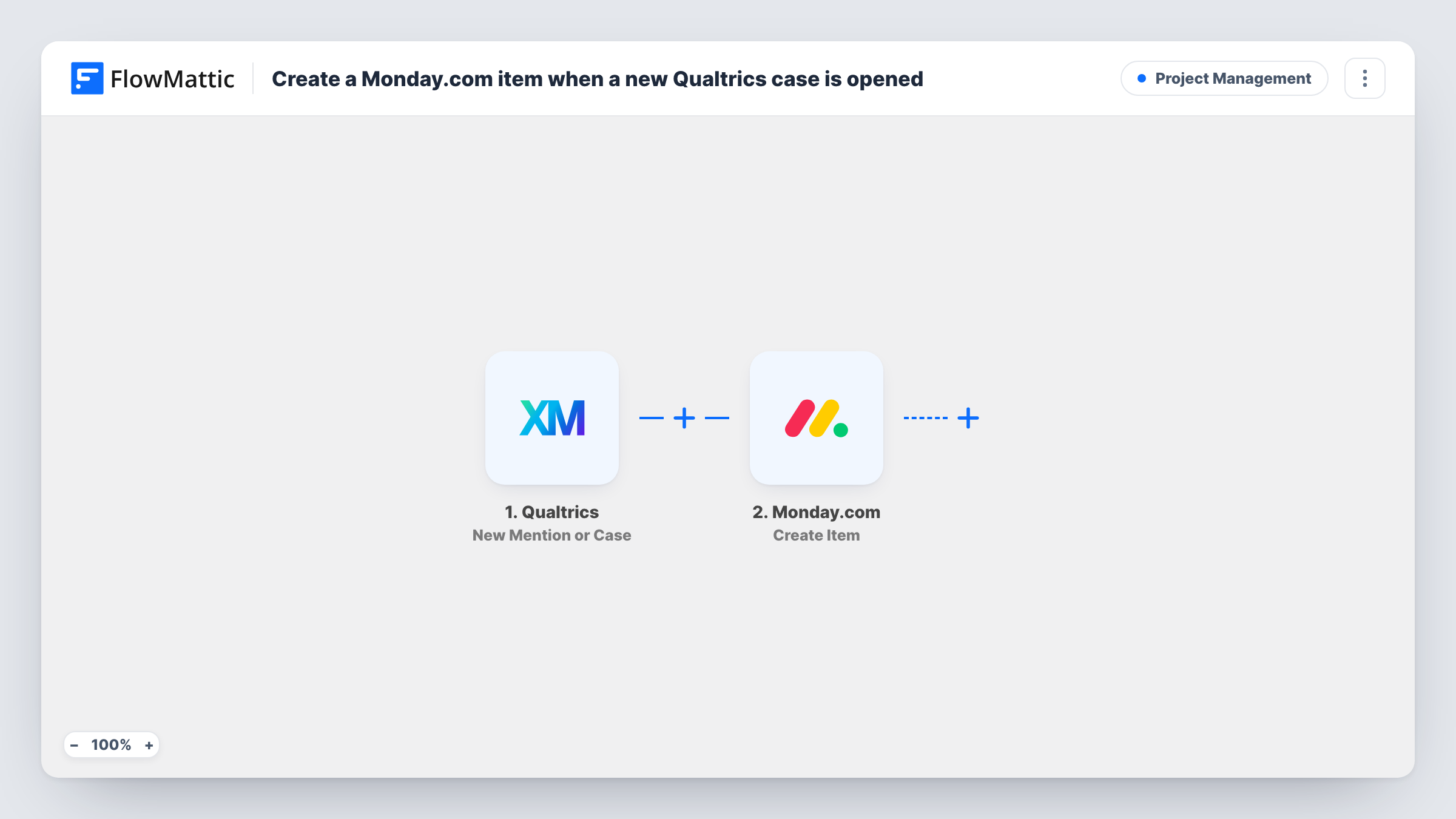
What this workflow does
Feedback that stays in Qualtrics is easy to read and easy to forget. Teams that plan their work in Monday.com need each piece of it on a board, with an owner and a status. This workflow turns every new Qualtrics mention or case into a Monday.com item the moment it arrives.
The Qualtrics New Mention or Case trigger fires when a new mention or case comes in. Both kinds start a run, and FlowMattic passes the incoming data to the next step. Send a test from Qualtrics to see which values arrive.
The Monday.com Create Item step then creates a new item on a board. It ships unmapped: after import you connect Monday.com, pick the board and map the Qualtrics values, such as the text of the mention or the case details, into the item's name and columns.
Every mention and every case produces its own item, so a busy feed fills the board quickly. Placing these items in a dedicated group makes them easy to triage. You can follow each run, and the item Monday.com sent back, in Task History.
Support cases as board items
A customer experience team works its queue in Monday.com. Each new Qualtrics case appears as an item that the team lead assigns to an agent.
Social mentions for the brand team
A marketing team tracks every brand mention Qualtrics picks up on a Monday.com board and moves items through reply, escalate or done.
Feedback review in weekly planning
A product manager collects new mentions and cases on one board, then reviews them in the weekly planning meeting to decide what to act on.
How this workflow runs
What happens at each step once the workflow is on, and what you need before you import it.
 Qualtrics New Mention or Case
Fires whenever a new mention or case comes in on Qualtrics. The data for that mention or case is passed to the Monday.com step for mapping.
- Monday.com Create Item
Adds one item to the Monday.com board you pick for each Qualtrics event. The step ships unmapped, so after import map the Qualtrics values into the item name and the columns you use.
What you need
- FlowMatticCore
- Qualtrics AccountAccount
- Monday.com AccountAccount
After importing, map your own data. To keep the template universal, not every step is pre-filled. Open each step in the builder and connect your accounts and fields (channels, lists, sheets, recipients) before you switch the workflow on.
Make it yours
Changes worth making after you import it.
- Put the first part of the mention or case text in the item name, so the board shows what each item is about at a glance.
- If you only want cases on this board, put a Filter between the New Mention or Case trigger and the Create Item step. Check a test run for the field that tells a mention from a case.
- Create a separate group on the board for incoming Qualtrics items and pick it in the Create Item step, so new feedback doesn't mix with planned work.
Questions about this workflow
Do both Qualtrics mentions and cases create Monday.com items?
Yes. The trigger fires for each new mention and each new case, and every run creates one item. To keep one kind off the board, add a Filter between the trigger and the Create Item step.
Which Monday.com columns are filled in?
The ones you map. The Create Item step ships empty, so you choose the board and decide which Qualtrics values go into the name and columns.
Can I add the full feedback text as an update on the item?
Yes. Add Monday.com's Create Update step after Create Item and map the item from that step plus the Qualtrics text, so longer feedback sits in the item's updates.
More Project Management workflows
Other ready-to-import templates from the same category.




Import this workflow into your WordPress site
Download the JSON, import it from the Workflows screen and connect your accounts. Every run stays on your server, with no per-task fees.
30-day money-back guarantee Unlimited workflows and runs Self-hosted