

Create a ClickUp task to follow up on a Callyzer call
When Callyzer sends a call event to this workflow, FlowMattic creates a task in ClickUp, so each logged call leaves a follow-up item in the list your team already works from.
 Callyzer
 ClickUp
2 steps Setup ~5 min Used on 2.9k sites Productivity Free to import
What this workflow does
Callyzer keeps a record of the phone calls your team handles. What happens after the call, such as sending a quote or ringing back, is often kept in someone's head. This workflow turns each call Callyzer reports into a ClickUp task, so the follow-up has a place to live.
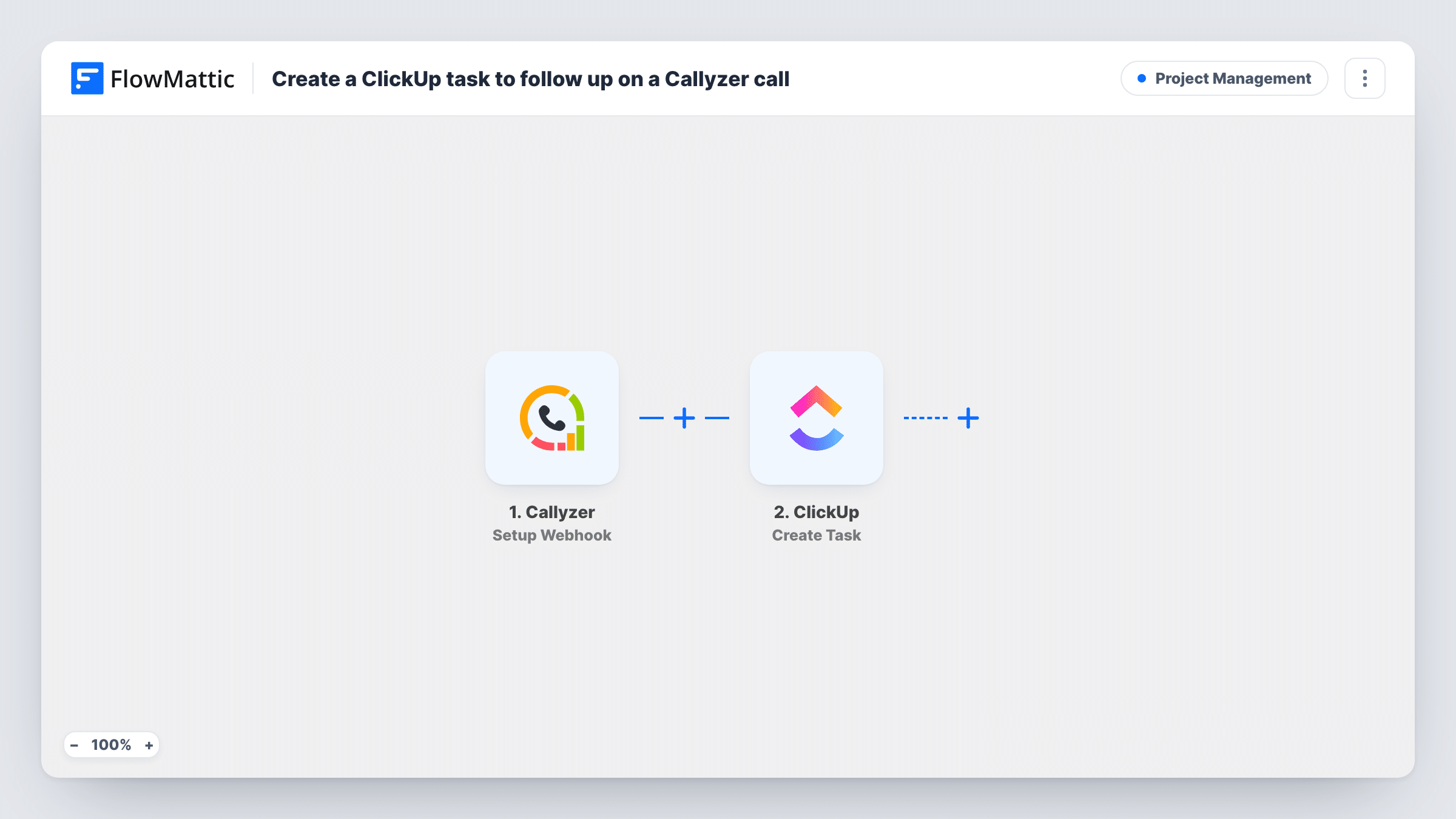
The Callyzer trigger, Setup Webhook, fires for the events Callyzer sends to this workflow's address. FlowMattic receives the call data that comes with each event and lets you map it. The ClickUp step then runs Create Task, adding a new task built from those values.
There is no Filter in the template, so every event Callyzer sends becomes a task. That includes short calls, missed calls and internal ones if Callyzer reports them. If you only want tasks for some calls, add a condition after the trigger. Each run, with the task ClickUp created, is listed in Task History.
Field sales team logging customer calls
Reps call leads from their phones and Callyzer tracks the calls. Each one creates a ClickUp task where the rep notes the outcome and the next step.
Calling back missed customers
When Callyzer reports a missed call, a task appears in a ClickUp list the support desk checks, so someone rings the customer back.
Manager reviewing call activity
A sales manager scans a ClickUp list of tasks from calls each morning to see who spoke to whom and what still needs doing.
How this workflow runs
What happens at each step once the workflow is on, and what you need before you import it.
 Callyzer Setup Webhook
Fires when Callyzer sends an event to this workflow's webhook address. Make a test call after setup so FlowMattic captures the call fields you can map.
- ClickUp Create Task
Adds a new task to ClickUp built from the call data. Connect your ClickUp account, map values such as the caller's number into the task, and check a test run to see where it lands.
What you need
- FlowMatticCore
- Callyzer AccountAccount
- ClickUp AccountAccount
After importing, map your own data. To keep the template universal, not every step is pre-filled. Open each step in the builder and connect your accounts and fields (channels, lists, sheets, recipients) before you switch the workflow on.
Make it yours
Changes worth making after you import it.
- Add a Filter after the trigger so only certain calls become tasks, for example missed calls or calls longer than a minute, using a field you see in a test run.
- Put the phone number and call time in the task name, so each ClickUp task says who to follow up with without opening it.
- Add a Slack Send Channel Message step after Create Task so the person who handles follow-ups sees each new call task as soon as ClickUp creates it.
Questions about this workflow
Does every Callyzer call create a ClickUp task?
Every event Callyzer sends to the webhook does. As imported there's no Filter, so add one after the trigger if you only want tasks for some calls.
Which call details from Callyzer can go into the ClickUp task?
Whatever Callyzer includes in the event it sends. After a test call, map the captured values, such as the number and duration, into the task.
Are calls made before import turned into ClickUp tasks?
No. Only events Callyzer sends after you set up the webhook start a run. Earlier calls stay in Callyzer's own logs.
Can the same caller end up with several ClickUp tasks?
Yes. Create Task adds a task each run and doesn't look for an existing one, so three calls with one customer give you three tasks.
More Project Management workflows
Other ready-to-import templates from the same category.




Import this workflow into your WordPress site
Download the JSON, import it from the Workflows screen and connect your accounts. Every run stays on your server, with no per-task fees.
30-day money-back guarantee Unlimited workflows and runs Self-hosted