

Create a ClickUp task when a new Ziflow proof is created
Every new proof in Ziflow creates a task in the ClickUp list you choose, so the review work behind each proof is tracked alongside the rest of your project.
 Ziflow
 ClickUp
2 steps Setup ~5 min Used on 3.2k sites Productivity Free to import
What this workflow does
Creative teams often review in Ziflow and plan in ClickUp. When a designer uploads a proof, someone still has to open a matching task so the review shows up on the project board and gets an owner. With this template, the ClickUp task appears as soon as the proof exists.
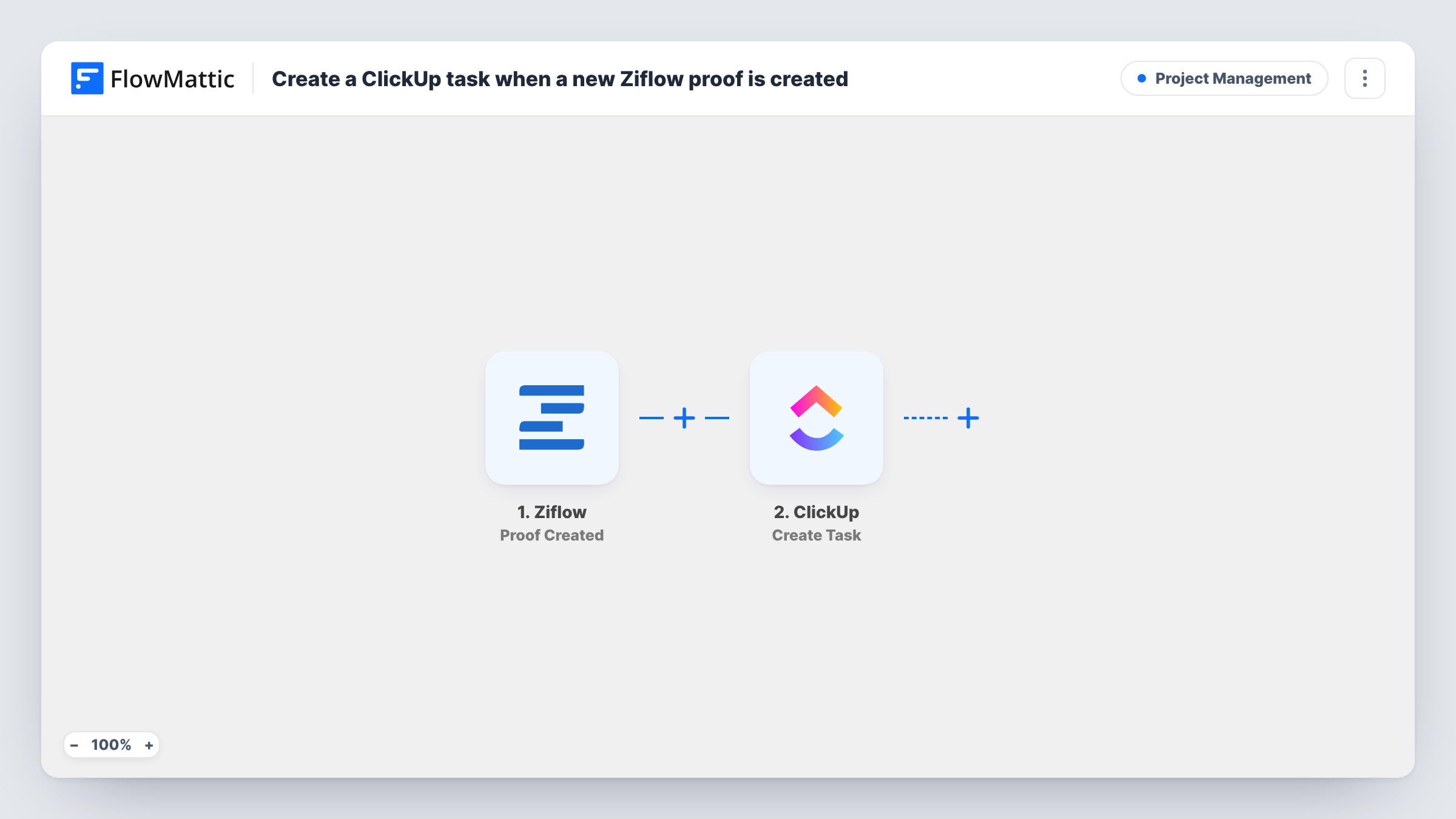
The Ziflow trigger, Proof Created, fires whenever a proof is created in your Ziflow account. FlowMattic takes the proof's details from that event and passes them to the ClickUp step, which creates a new task. You decide where the task goes and which proof details fill its name and description, for example the proof name and a link back to it in Ziflow.
The flow runs one way. It does not update the ClickUp task when the proof is approved or changes stage, and it does not change anything in Ziflow. Every proof created runs the workflow once, so each one gets its own task. Task History lists every run with the data each step sent.
Agency client artwork
Each time a designer uploads a client's banner or brochure as a Ziflow proof, the account manager sees a matching ClickUp task in the client's list and can set the review deadline there.
Marketing team asset queue
Proofs for ads, landing pages and social graphics all become ClickUp tasks in one review list, so the team lead can see what is waiting at a glance.
Packaging and print approvals
A print job proof created in Ziflow opens a ClickUp task where production notes, printer quotes and delivery dates can be kept with the job.
How this workflow runs
What happens at each step once the workflow is on, and what you need before you import it.
 Ziflow Proof Created
Fires each time a proof is created in Ziflow. The proof's details from that event become available to map into the ClickUp task.
- ClickUp Create Task
Adds a ClickUp task for the proof. Pick where it should be created, then map Ziflow data such as the proof name into the task and check the result with a test run.
What you need
- FlowMatticCore
- Ziflow AccountAccount
- ClickUp AccountAccount
After importing, map your own data. To keep the template universal, not every step is pre-filled. Open each step in the builder and connect your accounts and fields (channels, lists, sheets, recipients) before you switch the workflow on.
Make it yours
Changes worth making after you import it.
- Include the proof's Ziflow link in the task description if the trigger returns one, so whoever picks up the task can open the proof in one click.
- Add a Filter after the trigger if only some proofs need a task, for example proofs whose name contains a client code.
- Create a test proof in Ziflow after import so FlowMattic captures the event data, then check the mapping in the ClickUp step before you turn the workflow on.
Questions about this workflow
Does the ClickUp task update when the Ziflow proof is approved?
No. This template only creates a task when the proof is created. Ziflow has other FlowMattic triggers, such as Proof Status Changed and Review Completed, that you could use in a separate workflow.
Does every Ziflow proof get its own ClickUp task?
Yes. There is no Filter in the template, so each Proof Created event runs both steps once. Add a Filter after the trigger if some proofs should be left out.
Where in ClickUp does the new task end up?
Wherever you point the Create Task step when you set it up after import. Every proof's task goes to that same place unless you add more steps or a Router.
Will proofs already in Ziflow get ClickUp tasks?
No. The trigger reacts to proofs created after the workflow is turned on. Proofs that existed before that need tasks made by hand.
More Project Management workflows
Other ready-to-import templates from the same category.




Import this workflow into your WordPress site
Download the JSON, import it from the Workflows screen and connect your accounts. Every run stays on your server, with no per-task fees.
30-day money-back guarantee Unlimited workflows and runs Self-hosted