

Create a ClickUp remediation task when an UpGuard organization score drops
When UpGuard reports that your organization’s security score has dropped, this workflow creates a ClickUp task from the alert, so the remediation work is on someone’s list instead of in an inbox.
 UpGuard
 ClickUp
2 steps Setup ~5 min Used on 1.9k sites Productivity Free to import
What this workflow does
A falling security score is a signal that something in your external attack surface changed: a certificate, a misconfigured server, an exposed service. The alert is easy to read and forget. Turning it into a ClickUp task gives the fix an owner and a place to record progress.
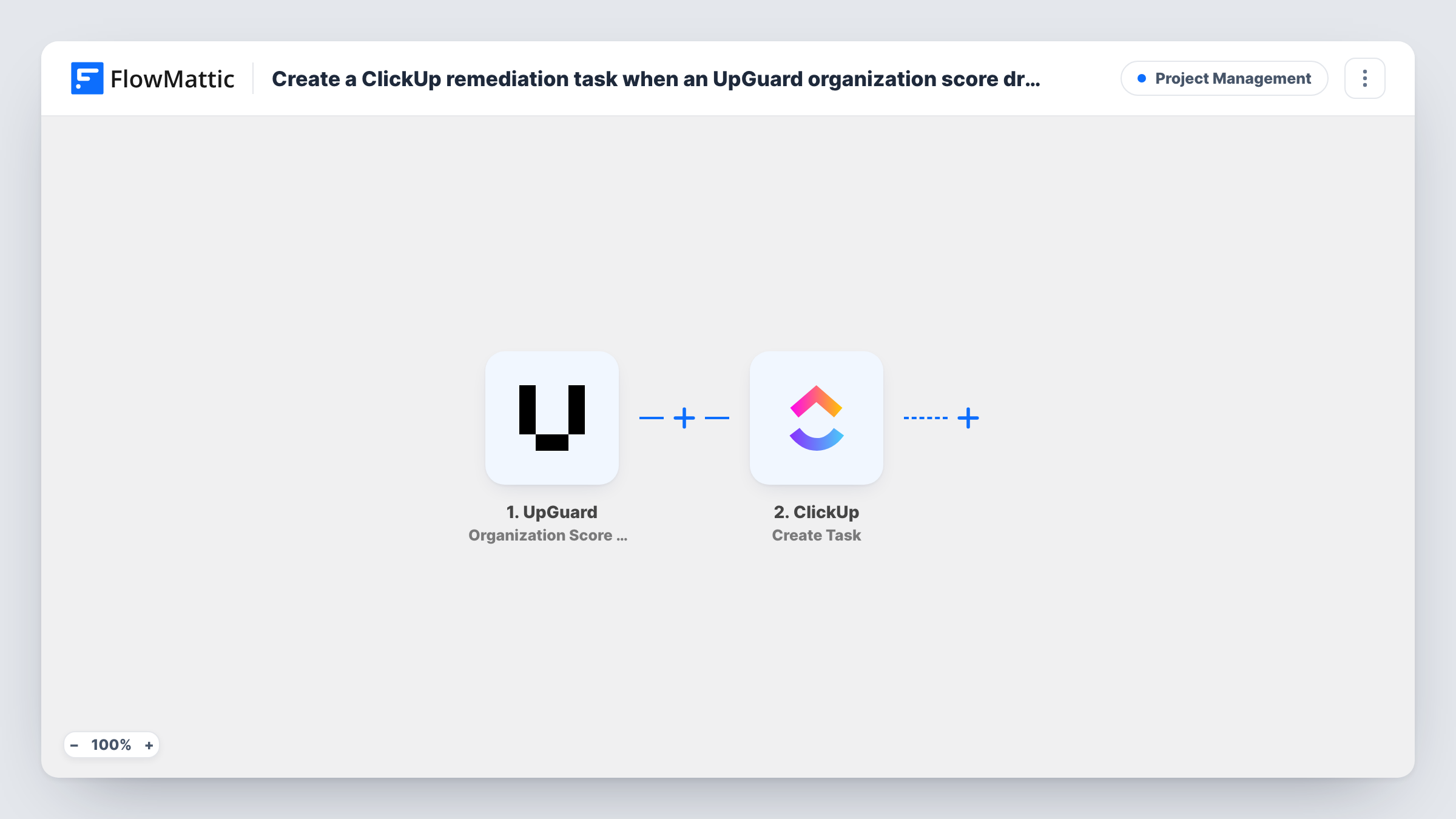
The UpGuard trigger, Organization Score Drop, fires when your organization score drops by a given amount within a set period. FlowMattic passes the alert data to ClickUp, where Create Task adds a new task. Map the alert values into the task name and description after import so whoever opens it can see what changed.
Each qualifying drop creates one task. The template doesn't check for an open task about the same issue, so two drops in a row mean two tasks. A test run after import shows which UpGuard values arrive and which you want in the task.
Security backlog for a small IT team
Every score drop lands in the IT team's ClickUp list, where it is assigned and closed like any other piece of work.
Audit trail for compliance reviews
When auditors ask how you respond to security alerts, the ClickUp tasks created from UpGuard drops show when each one was raised and handled.
Agencies watching a client's domain
An agency monitoring a client in UpGuard gets a ClickUp task in the client's space whenever the score falls, ready to scope the fix.
How this workflow runs
What happens at each step once the workflow is on, and what you need before you import it.
 UpGuard Organization Score Drop
Fires when UpGuard reports that your organization score dropped by a given amount in a set period. The alert data is passed to ClickUp for mapping.
- ClickUp Create Task
Creates a new ClickUp task from the UpGuard alert. Connect ClickUp, map the score details into the task name and description, and run a test to confirm where the task appears.
What you need
- FlowMatticCore
- UpGuard AccountAccount
- ClickUp AccountAccount
After importing, map your own data. To keep the template universal, not every step is pre-filled. Open each step in the builder and connect your accounts and fields (channels, lists, sheets, recipients) before you switch the workflow on.
Make it yours
Changes worth making after you import it.
- Put the score values from UpGuard in the task name so the size of the drop is visible in the ClickUp list without opening the task.
- Add a second trigger workflow on UpGuard Organization Score Below Threshold if you also want a task when the score sits under a set level.
- Follow the task with ClickUp Add Tag to Task so security tasks are easy to filter in your views.
Questions about this workflow
How big a drop does it take to create a ClickUp task?
The UpGuard trigger fires when the score drops by a given amount in the specified period. Check the trigger setup in FlowMattic and in UpGuard to see how that amount and period are decided for your account.
Will vendor score drops create tasks too?
No. This workflow uses Organization Score Drop, which watches your own organization. UpGuard has a separate Vendor Score Drop trigger you could use in another workflow.
Does the ClickUp task close when the UpGuard score recovers?
No. Nothing in this template watches for increases. You close the task in ClickUp when the work is done.
What happens if ClickUp rejects the UpGuard task?
The run is recorded in Task History with ClickUp's error on the Create Task step, so you can fix the mapping and look into the alert by hand.
More Project Management workflows
Other ready-to-import templates from the same category.




Import this workflow into your WordPress site
Download the JSON, import it from the Workflows screen and connect your accounts. Every run stays on your server, with no per-task fees.
30-day money-back guarantee Unlimited workflows and runs Self-hosted