

Add Trafft appointments to a Google Sheet when their status changes
Each time an appointment’s status changes in Trafft, FlowMattic adds a new row to your Google Sheet, giving you a shareable log of how your bookings move from one status to the next.
 Trafft
 Google Sheets
2 steps Setup ~5 min Used on 583 sites Free to import
What this workflow does
Trafft shows where each booking stands today, but it is harder to look back at how appointments moved over a week or a month. This workflow writes every status change into a spreadsheet, so you can count completed sessions, spot cancellations and share the record with people who don't log in to Trafft.
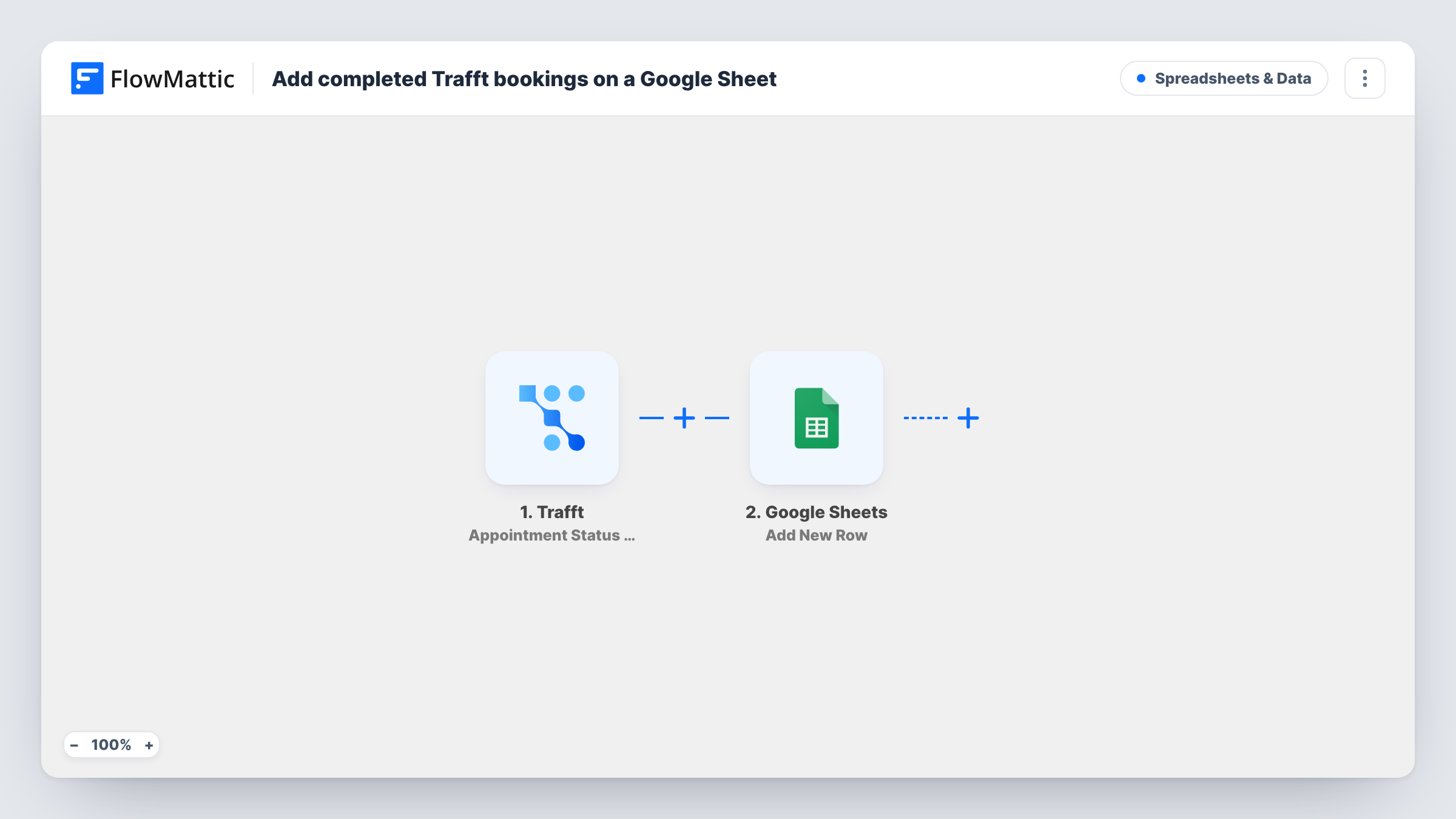
The Trafft trigger fires whenever an appointment's status is changed. FlowMattic receives the appointment data from that event and passes it to the next step. Run a test to see exactly which details Trafft sends, such as the service, customer, time and new status.
The Google Sheets step adds one new row per status change. It ships unmapped: after import you connect your Google account, choose the spreadsheet and sheet, and map the Trafft values into your columns.
Because the step always adds a row and never edits one, an appointment that changes status three times shows up in three rows. That gives you a history, not a single line per booking. If you only care about one status, add a Filter as described in the tips.
Monthly count of completed sessions
A coaching practice filters the sheet by the completed status at the end of each month to see how many sessions each coach delivered.
Cancellation review for a salon
A salon owner sorts the log by status to see which services and time slots collect the most cancellations and no-shows.
Shared booking history for the front desk
Reception staff who don't have Trafft access open the Google Sheet to check when a client's appointment was approved or rejected.
How this workflow runs
What happens at each step once the workflow is on, and what you need before you import it.
 Trafft Appointment Status Changed
Fires whenever the status of a Trafft appointment is changed, for any status. The appointment's details from Trafft become available to map into the sheet.
- Google Sheets Add New Row
Adds a new row to the Google Sheet you choose for each status change. No columns are mapped in the template, so after import pick the spreadsheet and match Trafft values to your column headers.
What you need
- FlowMatticCore
- Trafft AccountAccount
- Google Sheets AccountAccount
After importing, map your own data. To keep the template universal, not every step is pre-filled. Open each step in the builder and connect your accounts and fields (channels, lists, sheets, recipients) before you switch the workflow on.
Make it yours
Changes worth making after you import it.
- To log only completed appointments, put a Filter between the Trafft trigger and the Google Sheets step that continues when the status value equals completed. Check a test run for the exact status text Trafft sends.
- Map the appointment ID into its own column, so you can group the rows that belong to the same booking and follow its history.
- Keep a notes column at the end of the sheet that the workflow doesn't map, so your team can add follow-up remarks next to each status change without them being overwritten.
Questions about this workflow
Does each Trafft appointment get only one row in the sheet?
No. The workflow adds a row every time an appointment's status changes, so one booking can appear several times as it moves through statuses. For one row per booking at a single stage, put a Filter on the status between the Trafft trigger and the Google Sheets step.
Which appointment details reach Google Sheets?
The ones you map. The Add New Row step ships empty, so after import you pick the sheet and choose which Trafft values go into which columns. A test run shows what Trafft sends.
Are appointments that already changed status before I import this added?
No. Only status changes made after the workflow is turned on start a run. Export older appointments from Trafft if you want them in the sheet.
More Spreadsheets & Data workflows
Other ready-to-import templates from the same category.




Import this workflow into your WordPress site
Download the JSON, import it from the Workflows screen and connect your accounts. Every run stays on your server, with no per-task fees.
30-day money-back guarantee Unlimited workflows and runs Self-hosted