

Add Instabug custom survey responses to an Airtable base for analysis
When a user answers an Instabug custom survey in your mobile app, the response is saved as a new record in Airtable, so your team can sort, group and review survey answers in a base you already use.
 Instabug
 Airtable
2 steps Setup ~5 min Used on 1.5k sites Free to import
What this workflow does
Instabug collects in-app survey answers from your mobile users, but product teams often want those answers beside their roadmap, feature requests or interview notes. Copying responses into a base by hand means they arrive late or not at all. This workflow sends each response to Airtable when it comes in.
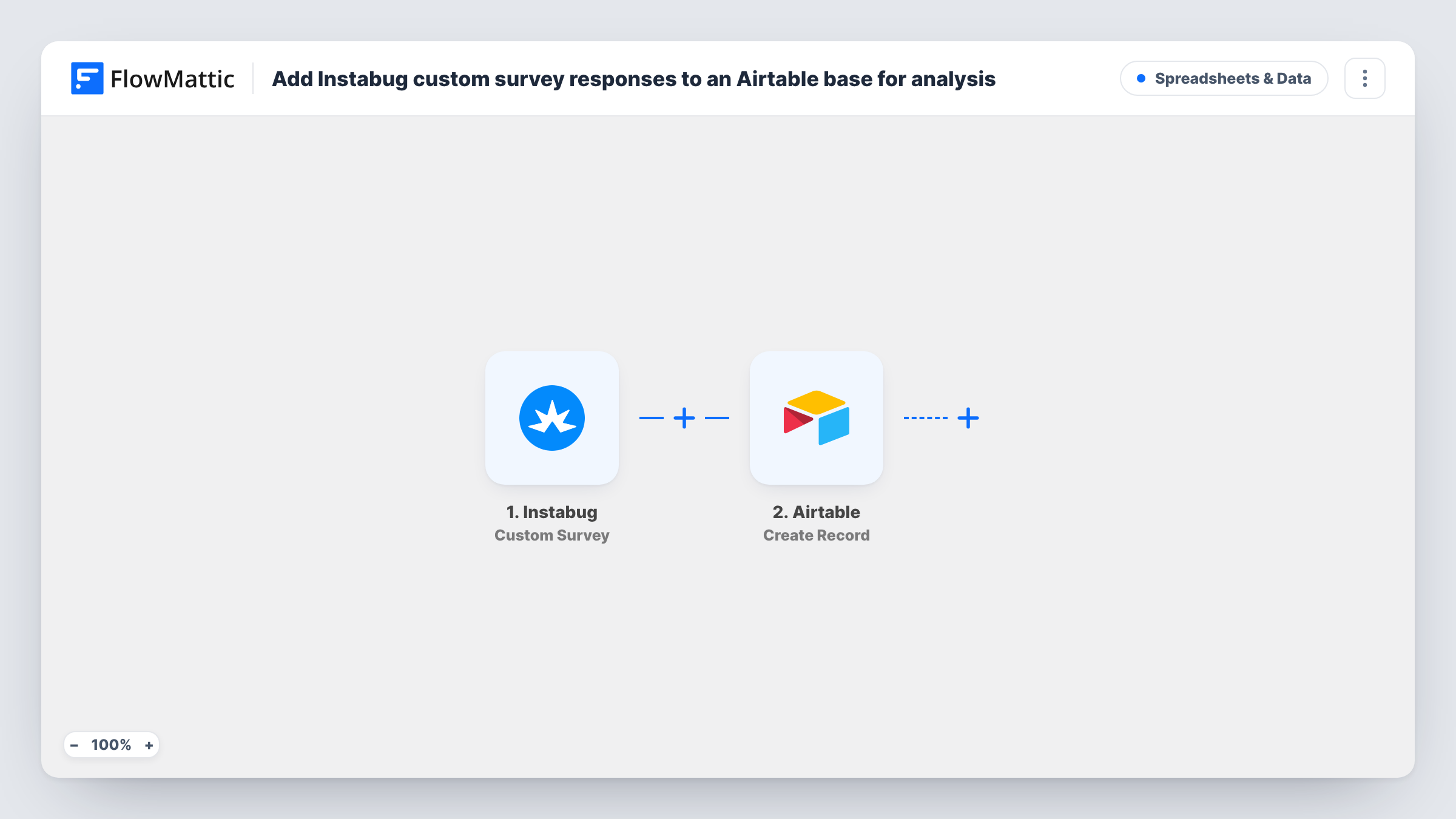
The Instabug trigger is Custom Survey, which fires when a new custom survey response is received. FlowMattic passes the response data to Airtable, where Create Record adds a new record. You map the survey answers and any user details Instabug sends to the fields in your table.
Each response becomes one record, so a user who answers two surveys gives you two. Answers given before the workflow is switched on stay in Instabug only. Task History keeps each run, which helps when a mapping is off and a field stays empty in Airtable.
Feature priority surveys
Ask users which feature they want next, then group the Airtable records by answer to see which requests come up most.
Onboarding feedback for a new release
A short Instabug survey after a release sends each answer to an Airtable base the product manager reviews every week.
Linking answers to research notes
With survey responses in Airtable, a researcher can link them to interview records in the same base and tag themes by hand.
How this workflow runs
What happens at each step once the workflow is on, and what you need before you import it.
 Instabug Custom Survey
Fires when a new custom survey response is received in Instabug. The response data, and whatever user details Instabug includes with it, become available to map.
- Airtable Create Record
Creates a new record in Airtable for each response. Connect your Airtable account, choose where the record goes, and map the survey answers to your table's fields. A test run shows the data you can map.
What you need
- FlowMatticCore
- Instabug AccountAccount
- Airtable AccountAccount
After importing, map your own data. To keep the template universal, not every step is pre-filled. Open each step in the builder and connect your accounts and fields (channels, lists, sheets, recipients) before you switch the workflow on.
Make it yours
Changes worth making after you import it.
- Create the Airtable fields before your first test, one per survey question plus a date, so each answer has a place to land when you map the record.
- If you run several Instabug surveys, add a Filter after the trigger on a value that identifies the survey, and keep this workflow to the one you want in this table.
- Instabug also has an NPS Response trigger. Clone this workflow and swap the trigger to collect NPS scores in a second Airtable table.
Questions about this workflow
Does this send Instabug NPS responses as well?
No. The trigger is Custom Survey, which fires for custom survey responses. Instabug's NPS Response is a separate trigger in FlowMattic that you can use in a copy of this workflow.
Do I need the Airtable table ready before importing?
Yes. Create Record adds a record to an existing table, so set up the base and fields first, then map the response data to them.
Which details about the user come with each Instabug response?
That depends on what Instabug sends for the survey. Submit a test response after import and check the trigger data before you map fields such as an email or user ID.
Will older Instabug survey answers be imported?
No. The workflow acts on responses received after you turn it on. Export older answers from Instabug if you want them in the base.
More Spreadsheets & Data workflows
Other ready-to-import templates from the same category.




Import this workflow into your WordPress site
Download the JSON, import it from the Workflows screen and connect your accounts. Every run stays on your server, with no per-task fees.
30-day money-back guarantee Unlimited workflows and runs Self-hosted