

Add new Book Like a Boss bookings to Todoist as tasks
Each booking created in Book Like a Boss becomes a task in Todoist, with the client and appointment details you map, so preparation for every booking sits on your to-do list.
 Book Like a Boss
 Todoist
2 steps Setup ~5 min Used on 2.7k sites Free to import
What this workflow does
A new booking often comes with work: prepare notes, send materials, set up a room. If you plan your day in Todoist, that work should appear there rather than in a separate booking screen. This workflow adds a task for each booking.
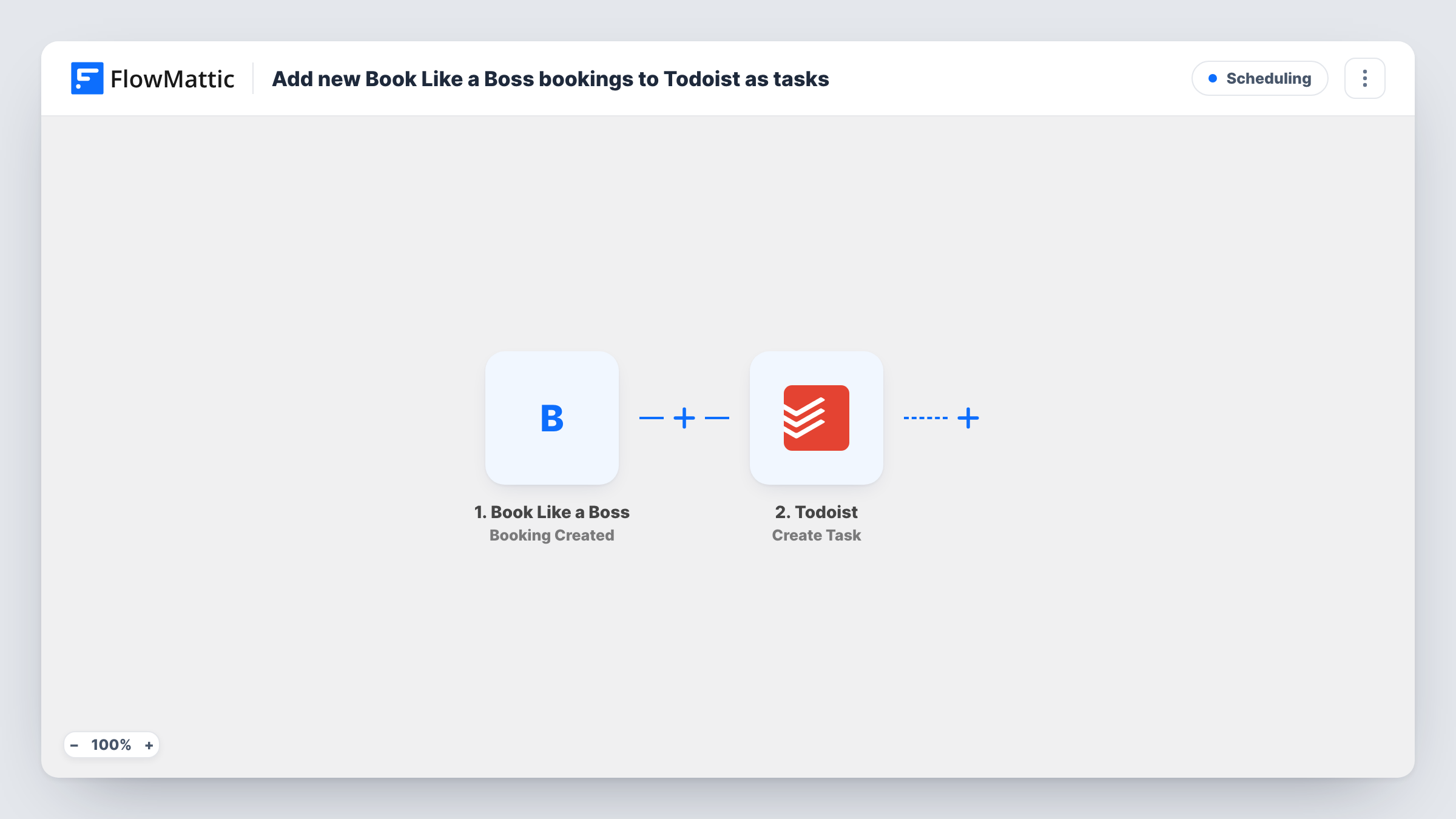
The Book Like a Boss trigger fires when a new booking is created. FlowMattic passes the booking details to Todoist, where Create Task adds a task. You build the task text from the booking, for example the client's name and the service they booked.
Every new booking gives one task. Book Like a Boss has separate triggers for reschedules and cancellations, which this template doesn't use, so a task stays as it was if the booking later changes. Each booking's run is listed in Task History.
Coach preparing for sessions
Each new coaching booking becomes a task reminding you to review the client's notes before the call.
Photographer planning shoots
A booked shoot appears in Todoist so you remember to confirm the location and pack the right kit.
Consultant sending pre-call material
Each booking adds a task to send the client a questionnaire before the meeting.
How this workflow runs
What happens at each step once the workflow is on, and what you need before you import it.
 Book Like a Boss Booking Created
Runs when a new booking is created in Book Like a Boss. Client and appointment details are available for the Todoist task.
- Todoist Create Task
Adds a to-do for the booking in your Todoist account. Connect Todoist and build the task text from the booking, such as the client's name and service.
What you need
- FlowMatticCore
- Book Like a Boss AccountAccount
- Todoist AccountAccount
After importing, map your own data. To keep the template universal, not every step is pre-filled. Open each step in the builder and connect your accounts and fields (channels, lists, sheets, recipients) before you switch the workflow on.
Make it yours
Changes worth making after you import it.
- Make a test booking after import and check the run, so you can see the booking details available before writing the task text.
- Copy the workflow with the Booking Cancelled trigger to add a task reminding you to clear the preparation work.
- Put the appointment date in the task text so you can see at a glance when each booked session takes place.
Questions about this workflow
Does a cancelled Book Like a Boss booking delete the Todoist task?
No. The workflow only creates tasks for new bookings. Cancellations are a separate trigger, and the task stays until you close it.
Which Todoist project do the booking tasks go to?
Check the Create Task step after import and a test run to see where tasks land in your Todoist account.
Are earlier Book Like a Boss bookings added to Todoist?
No. Bookings made before the workflow went live never reach Todoist; only new ones do.
More Scheduling workflows
Other ready-to-import templates from the same category.





Import this workflow into your WordPress site
Download the JSON, import it from the Workflows screen and connect your accounts. Every run stays on your server, with no per-task fees.
30-day money-back guarantee Unlimited workflows and runs Self-hosted