

Add new client to MainWP when lead received in Facebook Lead Ads
Each new lead from your Facebook Lead Ads forms is added to MainWP as a new client, using the name and contact details from the lead form, so web agencies have prospects ready in the dashboard they manage sites from.
 Facebook Lead Ads
 MainWP
2 steps Setup ~5 min Used on 2.6k sites Free to import
What this workflow does
Agencies that run Facebook ads for website care or hosting plans often manage their client sites in MainWP. When a lead comes in, someone has to copy the person's details into MainWP before work can be organised around them. This workflow does that copy for every lead.
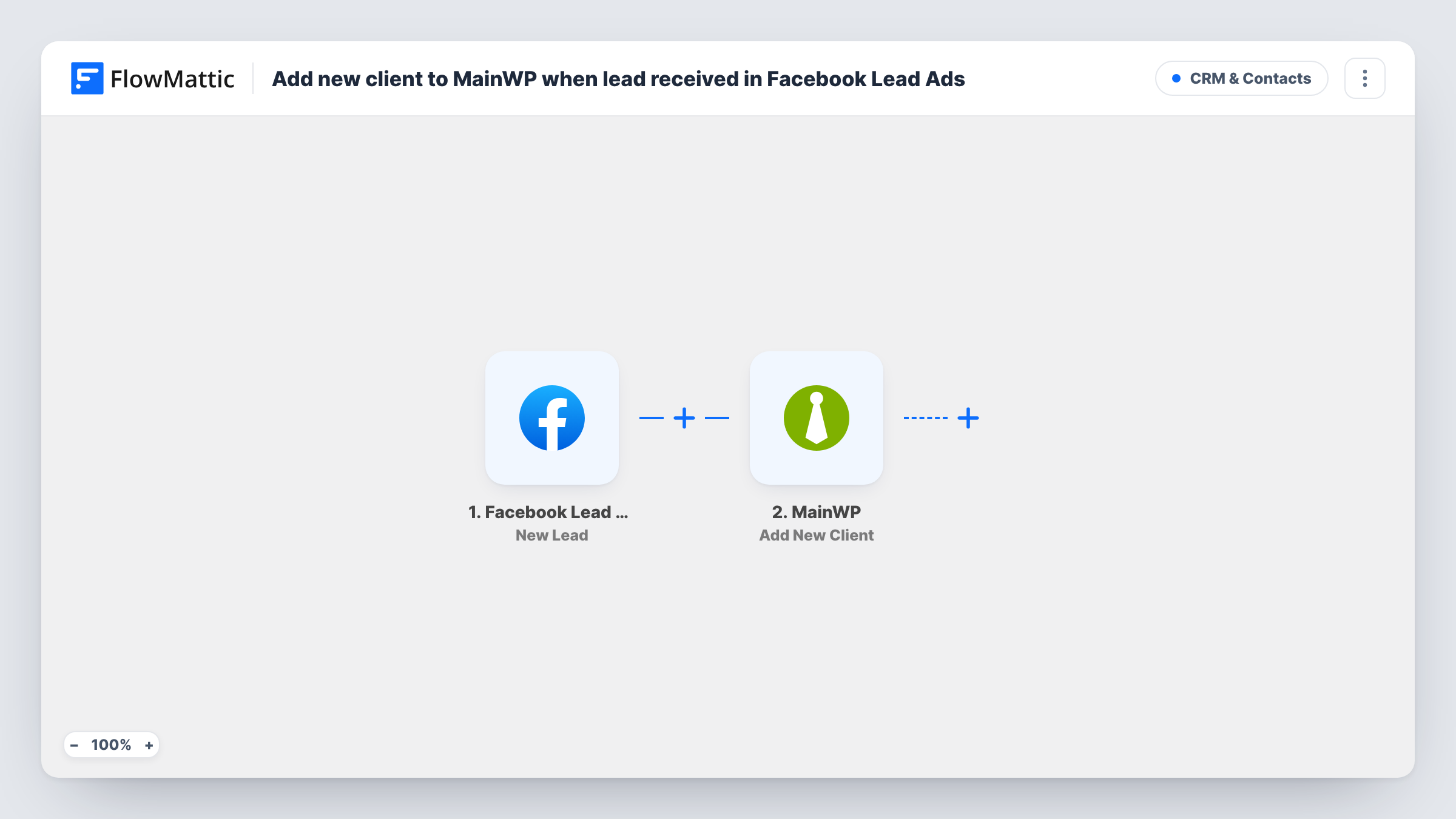
The Facebook Lead Ads trigger fires when a new lead is created from your lead form and passes the answers on. FlowMattic then runs MainWP Add New Client, which adds a new client record in your MainWP dashboard. You map the lead's name, email and any other answers into the client details.
Every lead becomes a client, whether or not they go on to buy. If you want only qualified leads in MainWP, add a Filter on a lead form answer. Task History keeps a record of each lead and what MainWP returned.
Website care plan campaigns
An agency advertises monthly maintenance plans on Facebook. Each lead appears as a MainWP client, ready to be linked to their site once they sign up.
Freelancer onboarding
A freelance developer collects enquiries through a lead form and keeps every prospect alongside existing clients in the MainWP dashboard.
Hosting offer sign-ups
Leads from a hosting promotion land in MainWP straight away, so the team can see who is waiting for a site to be set up.
How this workflow runs
What happens at each step once the workflow is on, and what you need before you import it.
 Facebook Lead Ads New Lead
Runs when a new lead is created through your Facebook Lead Ads form. The lead's answers, such as name and email, are passed on for mapping.
- MainWP Add New Client
Adds a new client in your MainWP dashboard. Map the Facebook lead's name, email and other answers into the client details, and confirm the result with a test lead.
What you need
- FlowMatticCore
- Facebook Lead Ads AccountAccount
- MainWP AccountAccount
After importing, map your own data. To keep the template universal, not every step is pre-filled. Open each step in the builder and connect your accounts and fields (channels, lists, sheets, recipients) before you switch the workflow on.
Make it yours
Changes worth making after you import it.
- Add a Filter after the trigger that continues only when a qualifying answer is given, such as a budget or a service choice, so casual enquiries stay out of MainWP.
- Use Facebook's lead form testing tool to send a test lead after import, so FlowMattic captures the form fields before you map them.
- Add an email step after MainWP to send the lead a welcome message from your agency, using the email address from the lead form.
Questions about this workflow
Can MainWP also add the lead's website automatically?
Not in this template, which only adds the client. FlowMattic's MainWP integration has an Add New Site action, but a lead form is unlikely to hold what connecting a site needs, so plan to add the site yourself once the lead signs up.
What if a Facebook lead submits the form twice?
Each lead is a separate run, so Add New Client runs again. Nothing checks MainWP for an existing client first, so you may get two records. Task History shows what MainWP returned.
Are old Facebook leads added to MainWP?
No. Only leads created after the workflow is on start a run. Download earlier leads from Facebook if you need them.
More CRM & Contacts workflows
Other ready-to-import templates from the same category.






Import this workflow into your WordPress site
Download the JSON, import it from the Workflows screen and connect your accounts. Every run stays on your server, with no per-task fees.
30-day money-back guarantee Unlimited workflows and runs Self-hosted