

When a new record is added in FlowMattic Tables, create a contact in FluentCRM
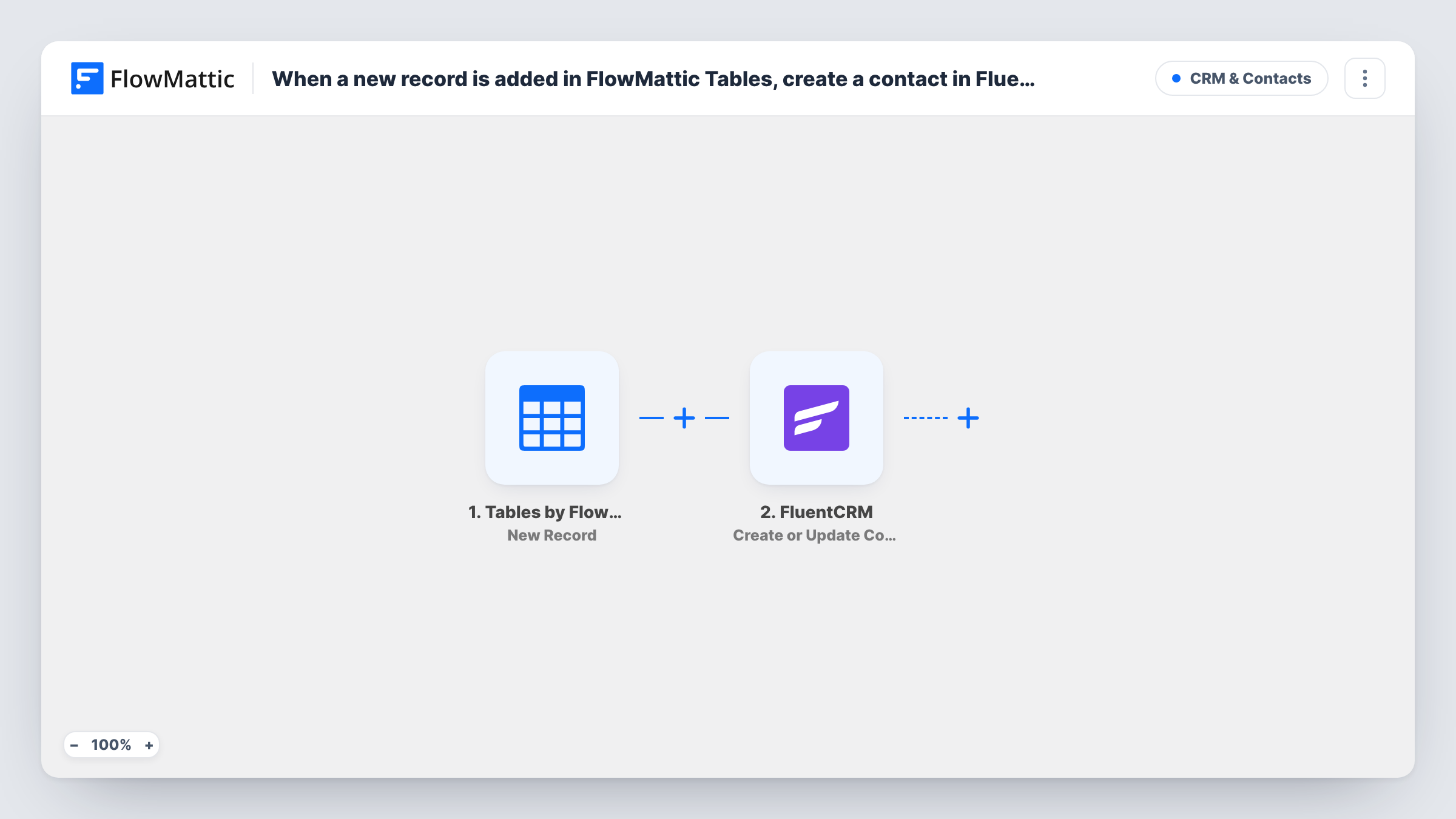
Every new row added to a FlowMattic Tables table becomes a FluentCRM contact, or updates the contact with that email if one exists, so data you collect in Tables reaches your CRM.
 Tables by FlowMattic
 FluentCRM
2 steps Setup ~5 min Used on 2.3k sites Free to import
What this workflow does
FlowMattic Tables is a database built into FlowMattic. You may already be filling a table from other workflows, an import or by hand: event attendees, partner leads, webinar sign-ups. If those people should also get your emails, they need to be in FluentCRM. This workflow copies each new row across.
The Tables by FlowMattic trigger fires when a new row is added to the table you pick, and every column value is available to map. The FluentCRM step then creates a contact from those values, matching on the email address. If a contact with that email is already there, FluentCRM updates it instead of making a duplicate.
Both the table and FluentCRM live on your WordPress site, so the data never leaves it. Only new rows start a run; changing a row later doesn't send anything to FluentCRM unless you build a separate workflow on the Updated Record trigger.
Trade show leads typed into a table
Staff at a booth add visitors to a FlowMattic table on a tablet. Each row becomes a FluentCRM contact you can follow up with after the event.
Rows written by another workflow
A different workflow stores webhook or form data in a table. This one picks up each stored row and turns it into a FluentCRM contact.
Keeping one table as the master list
Your team treats a FlowMattic table as the master record of partners. New partners added there reach FluentCRM for partner newsletters.
How this workflow runs
What happens at each step once the workflow is on, and what you need before you import it.
 Tables by FlowMattic New Record
Fires when a new row is added to the FlowMattic table you select. Each column of that row is passed on so you can map it to contact fields.
- FluentCRM Create or Update Contact
Creates a FluentCRM contact from the row, or updates an existing contact matched by email address. Map the table's email column, plus name or other columns you store.
What you need
- FlowMatticCore
- FluentCRM PluginPlugin
After importing, map your own data. To keep the template universal, not every step is pre-filled. Open each step in the builder and connect your accounts and fields (channels, lists, sheets, recipients) before you switch the workflow on.
Make it yours
Changes worth making after you import it.
- Give the table a required email column. FluentCRM matches contacts on email, so a row without one has nothing to create the contact from.
- To send only some rows to FluentCRM, add a Filter after the trigger on a column such as status or source.
- Rows edited after they're created don't reach FluentCRM. If edits matter, build a second workflow on the Tables Updated Record trigger with the same FluentCRM step.
Questions about this workflow
Will a new FlowMattic Tables row duplicate an existing FluentCRM contact?
No. The step creates or updates based on the email address, so a row with an email already in FluentCRM updates that contact.
Do rows already in the table get sent to FluentCRM?
No. Only rows added to the FlowMattic table once the workflow is switched on start a run. Earlier rows stay in the table only.
Does this workflow need any outside accounts?
No. FlowMattic Tables and FluentCRM both run on your WordPress site, so you only need FluentCRM installed alongside FlowMattic.
Can a row change contact data FluentCRM already holds?
Yes. When the email matches an existing contact, FluentCRM updates that contact with the values you mapped, so map only the table columns you trust.
More CRM & Contacts workflows
Other ready-to-import templates from the same category.







Import this workflow into your WordPress site
Download the JSON, import it from the Workflows screen and connect your accounts. Every run stays on your server, with no per-task fees.
30-day money-back guarantee Unlimited workflows and runs Self-hosted