

Add new LinkedCamp accepted prospects to a HubSpot CRM contact list
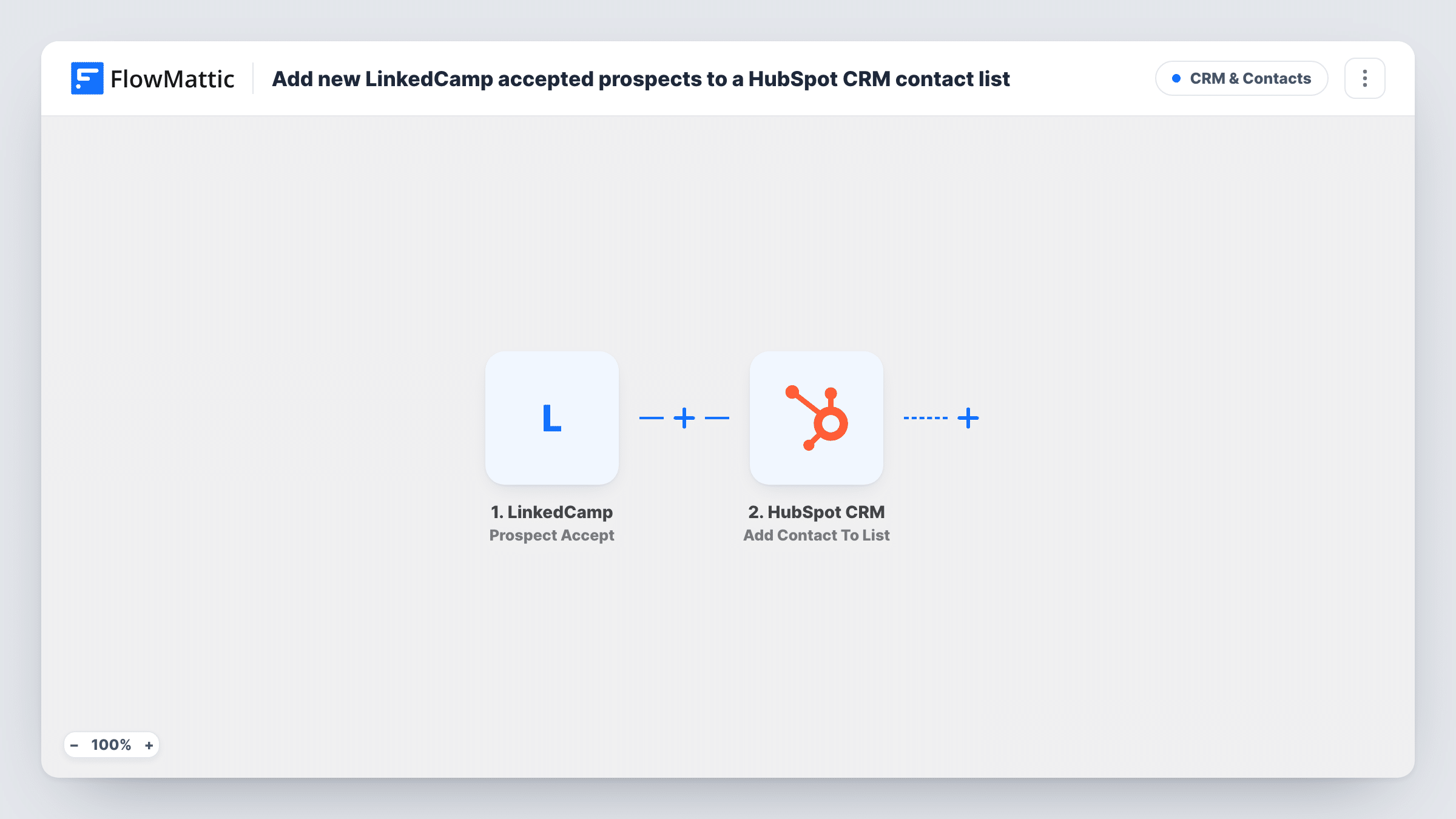
When a LinkedCamp prospect accepts your LinkedIn invitation, FlowMattic creates them as a HubSpot CRM contact and adds that new contact to the static list you choose.
 LinkedCamp
 HubSpot CRM
3 steps Setup ~5 min Used on 2.4k sites Free to import
What this workflow does
An accepted connection request is the moment a cold LinkedIn prospect becomes someone you can actually talk to. If those people stay inside LinkedCamp, your sales team can't see them next to the rest of the pipeline. This workflow moves each one into HubSpot and onto a list, so the follow-up can start from the CRM.
The LinkedCamp trigger fires when a prospect accepts your invitation. FlowMattic receives the prospect's details from LinkedCamp and passes them to the two HubSpot steps.
The first HubSpot CRM step creates a contact. The second adds that contact to a static list. Both ship unmapped: after import you map the prospect's name and the other details you want on the contact, then choose the list and map the contact ID returned by the Create Contact step into the list step.
LinkedIn prospects don't always come with an email address, so run a test with a real acceptance and check in Task History what LinkedCamp sent. Create Contact only creates records; if the prospect is already in HubSpot, HubSpot may refuse the duplicate, and Task History shows its response.
Outreach replies handled in HubSpot
An agency runs LinkedIn outreach in LinkedCamp, and every prospect who connects shows up on a HubSpot list the account managers work through each morning.
Separate lists per campaign
A recruiter imports the workflow once per LinkedCamp campaign and points each copy at its own HubSpot list, so candidates and clients stay apart.
Nurture emails after a connection
A SaaS founder uses the HubSpot list as the audience for a short email series that introduces the product to newly connected prospects who shared an email.
How this workflow runs
What happens at each step once the workflow is on, and what you need before you import it.
 LinkedCamp Prospect Accept
Fires when a prospect accepts the invitation you sent through LinkedCamp. The prospect's details that LinkedCamp provides are passed to the HubSpot steps.
- HubSpot CRM Create Contact
Adds the accepted prospect to HubSpot as a fresh contact record. Nothing is mapped in the template, so after import connect HubSpot and map the prospect's name, email if present, and any other properties you want filled.
- HubSpot CRM Add Contact To List
Puts the new record on one of your static HubSpot lists. Pick the list and map the contact ID from the Create Contact step so HubSpot knows which record to add.
What you need
- FlowMatticCore
- LinkedCamp AccountAccount
- HubSpot CRM AccountAccount
After importing, map your own data. To keep the template universal, not every step is pre-filled. Open each step in the builder and connect your accounts and fields (channels, lists, sheets, recipients) before you switch the workflow on.
Make it yours
Changes worth making after you import it.
- Put a Filter between the LinkedCamp trigger and the Create Contact step that continues only when the prospect has an email, if your HubSpot setup relies on email to identify contacts.
- Use a dedicated static list for LinkedCamp acceptances, so HubSpot reports and email sends can target exactly these prospects.
- Map the LinkedIn profile URL into a contact property in the Create Contact step, so reps can open the conversation from the HubSpot record.
Questions about this workflow
What happens if the LinkedCamp prospect is already a HubSpot contact?
Create Contact is a create-only action. HubSpot may refuse a contact that duplicates an existing email, and the response appears in Task History. Test with a prospect you already have to see what your account returns.
Does the HubSpot list have to be a static list?
Yes. FlowMattic describes the Add Contact To List action as adding a contact to a specific static list. Active lists in HubSpot fill themselves from their own rules.
Will prospects without an email address reach HubSpot?
That depends on what LinkedCamp sends and what HubSpot accepts. Check a test run in Task History, and put a Filter on the email between the LinkedCamp trigger and the Create Contact step if you only want prospects who have one.
More CRM & Contacts workflows
Other ready-to-import templates from the same category.








Import this workflow into your WordPress site
Download the JSON, import it from the Workflows screen and connect your accounts. Every run stays on your server, with no per-task fees.
30-day money-back guarantee Unlimited workflows and runs Self-hosted