

When a subscriber unregisters from a list in Acumbamail, tag the contact in FluentCRM
When someone unsubscribes from an Acumbamail list, this workflow adds tags to their existing FluentCRM contact, so your WordPress CRM shows who opted out of your Acumbamail mailings.
 Acumbamail
 FluentCRM
2 steps Setup ~5 min Used on 3.2k sites Free to import
What this workflow does
If you send from Acumbamail but keep your contact records in FluentCRM, an unsubscribe in one tool isn't visible in the other. Someone could opt out of your newsletter and still look like an active reader in your CRM. This workflow marks those people with a tag in FluentCRM when they leave an Acumbamail list.
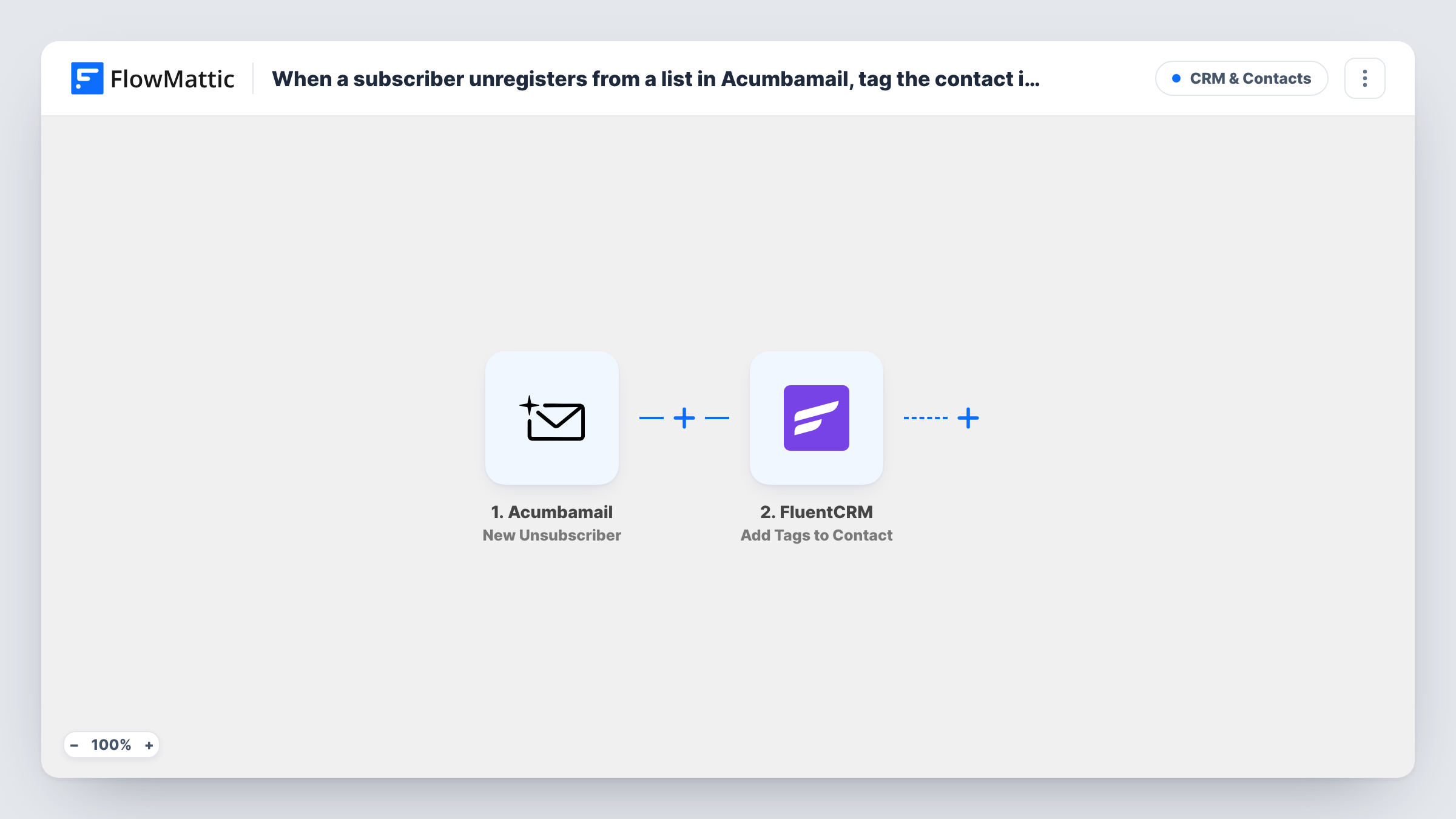
The Acumbamail trigger fires when a subscriber unregisters from a list. FlowMattic takes the subscriber details, including the email address. The FluentCRM step, Add Tags to Contact, adds the tags you pick to an existing contact, which you identify from the Acumbamail data.
The tag only lands on people already in FluentCRM. Anyone who unsubscribes from Acumbamail without a matching FluentCRM contact isn't added, so no tag is applied for them; Task History shows how that run's FluentCRM step ended. The workflow adds a tag and nothing else. It doesn't unsubscribe the contact in FluentCRM.
Keeping opt-outs visible to the sales team
Sales reps working in FluentCRM see an unsubscribed tag on contacts who left the Acumbamail newsletter and leave them out of email follow-ups.
Segmenting FluentCRM emails
You exclude contacts with the opt-out tag when building FluentCRM campaigns, so people who left Acumbamail aren't emailed from WordPress either.
Reporting on churned readers
Filtering FluentCRM by the tag shows how many known contacts have unsubscribed from your Acumbamail lists over time.
How this workflow runs
What happens at each step once the workflow is on, and what you need before you import it.
 Acumbamail New Unsubscriber
Fires when a subscriber unregisters from one of your Acumbamail lists. The subscriber's details, including the email, are passed on.
- FluentCRM Add Tags to Contact
Adds the tags you choose to an existing FluentCRM contact identified from the Acumbamail data. People with no FluentCRM contact are not tagged.
What you need
- FlowMatticCore
- Acumbamail AccountAccount
- FluentCRM PluginPlugin
After importing, map your own data. To keep the template universal, not every step is pre-filled. Open each step in the builder and connect your accounts and fields (channels, lists, sheets, recipients) before you switch the workflow on.
Make it yours
Changes worth making after you import it.
- Create a clear tag in FluentCRM first, such as Acumbamail Unsubscribed, and select it in the step, so the meaning is obvious to anyone filtering contacts.
- Test with an address that exists in both Acumbamail and FluentCRM, then confirm in FluentCRM that the tag was applied to the right contact.
- If you run several Acumbamail lists and the trigger data names the list, add a Filter on it so only unsubscribes from your main newsletter tag the contact.
Questions about this workflow
What happens if the Acumbamail unsubscriber isn't in FluentCRM?
Add Tags to Contact works only on existing contacts, so nobody is created or tagged for that person. Task History shows how the FluentCRM step ended for that run.
Does this unsubscribe the person in FluentCRM?
No. It adds a tag only. Their FluentCRM status stays as it was, so use the tag to exclude them from campaigns or change the status yourself.
Can the FluentCRM tagging work with FluentCRM on another site?
No. The tag step talks to the FluentCRM plugin installed on the same WordPress site that runs FlowMattic.
More CRM & Contacts workflows
Other ready-to-import templates from the same category.








Import this workflow into your WordPress site
Download the JSON, import it from the Workflows screen and connect your accounts. Every run stays on your server, with no per-task fees.
30-day money-back guarantee Unlimited workflows and runs Self-hosted