

Add new Form2chat submitters to an ActiveCampaign list
Each new Form2chat submission creates or updates the person as an ActiveCampaign contact, then subscribes that contact to the ActiveCampaign list you choose.
 Form2chat
 ActiveCampaign
3 steps Setup ~5 min Used on 2.5k sites Free to import
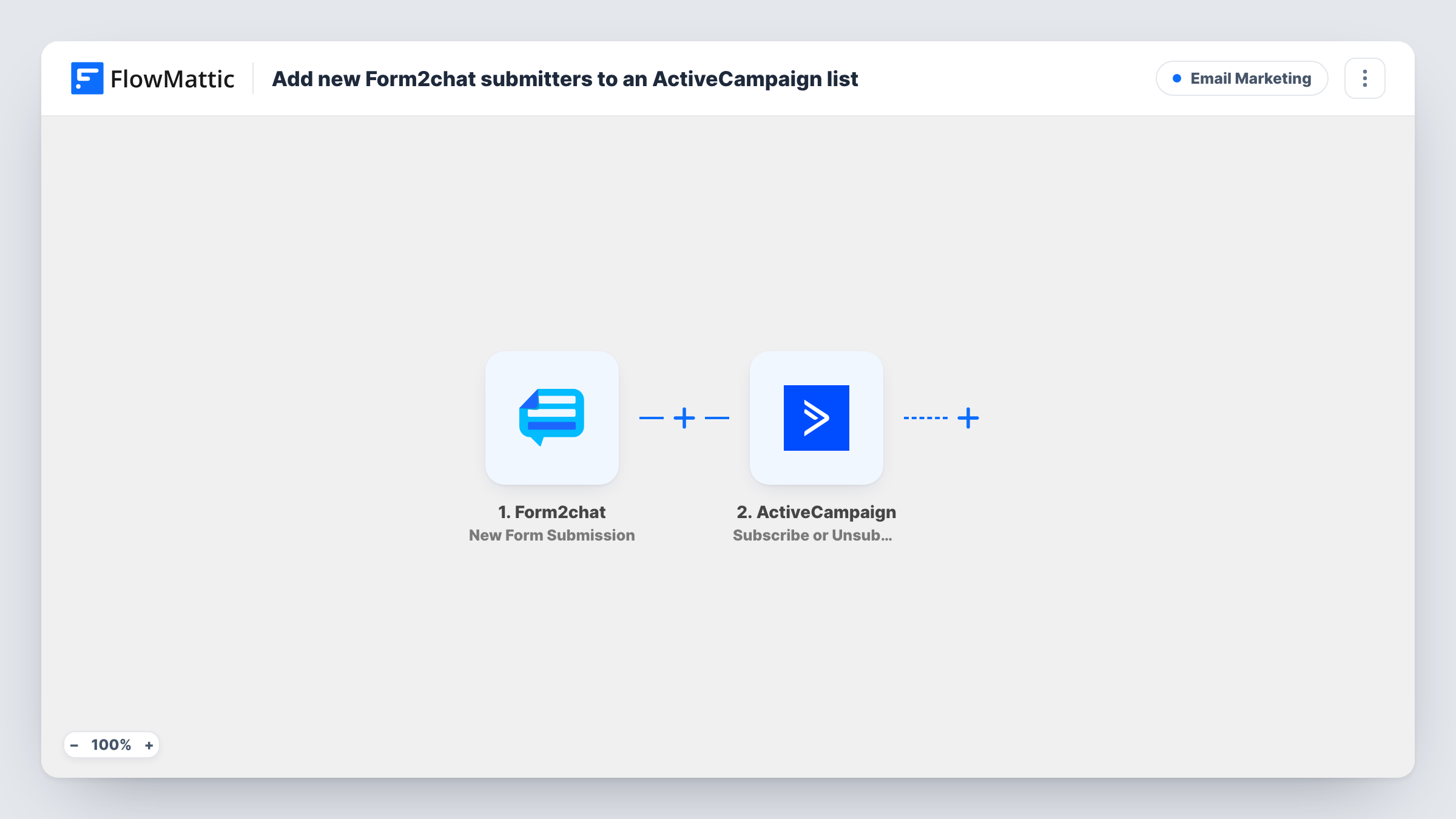
What this workflow does
Form2chat collects form submissions, but your newsletters, nurture sequences and campaigns run from ActiveCampaign lists. This workflow connects the two, so every person who fills in a Form2chat form ends up on the list you send to, without exports or copy and paste.
The Form2chat trigger starts a run whenever a new form submission is received. The submitted values, such as name, email and phone, become available to map. Each submission runs the workflow once, so the same person filling in the form twice is processed twice.
A pair of ActiveCampaign steps comes next. Create or Update Contact makes a new contact, or updates an existing one, from the details you map. After that, the contact is put on a list. Since step 2 has already created or found the contact by then, people who are new to your account can be subscribed too.
No step in this template has its fields mapped. After import you connect ActiveCampaign, map the form's email and name into the contact step, pass the contact from step 2 to the list step and choose the list. Send a test submission and check Task History to confirm the contact and subscription.
Newsletter sign-ups from a Form2chat widget
A blog uses a Form2chat form to collect sign-ups and drops each person onto its ActiveCampaign newsletter list for the next weekly send.
Lead nurture for service enquiries
A renovation company subscribes everyone who sends a quote request through Form2chat to an ActiveCampaign list that starts a follow-up email sequence.
Event registration list
An event organiser collects registrations with Form2chat and keeps registrants on a dedicated list for reminders and venue updates.
How this workflow runs
What happens at each step once the workflow is on, and what you need before you import it.
 Form2chat New Form Submission
Starts a run for each new Form2chat form submission. The values the person submitted are passed to ActiveCampaign; a test submission shows which fields your form sends.
- ActiveCampaign Create or Update Contact
Creates a new ActiveCampaign contact, or updates the existing one, from the form data. The step ships unmapped, so map at least the email address and any name or phone fields you want stored.
- ActiveCampaign Subscribe or Unsubscribe Contact From List
Puts the contact created or updated in step 2 on an ActiveCampaign list. Map the contact the previous step returned and choose the list you want Form2chat submitters to join.
What you need
- FlowMatticCore
- Form2chat AccountAccount
- ActiveCampaign AccountAccount
After importing, map your own data. To keep the template universal, not every step is pre-filled. Open each step in the builder and connect your accounts and fields (channels, lists, sheets, recipients) before you switch the workflow on.
Make it yours
Changes worth making after you import it.
- Use a separate list for Form2chat submitters if you want an ActiveCampaign automation that starts only when someone arrives from this form.
- Add a consent checkbox to the Form2chat form and put a Filter between the Create or Update Contact step and the list step on it, so only people who agreed are subscribed while every submitter is still saved as a contact.
- Map the form's name field into the contact's first name, so your ActiveCampaign emails can greet people personally.
Questions about this workflow
What if the Form2chat submitter is already an ActiveCampaign contact?
Create or Update Contact updates the existing contact instead of adding a duplicate, and the list step then subscribes that same contact.
Can new people be added to the ActiveCampaign list?
Yes. The list step only works with an existing contact, and step 2 creates the contact first, so a first-time submitter is in ActiveCampaign before the subscription runs.
Which ActiveCampaign list do Form2chat submitters join?
The one you choose in the third step after import. Every submission that reaches this workflow joins that same list.
More Email Marketing workflows
Other ready-to-import templates from the same category.





Import this workflow into your WordPress site
Download the JSON, import it from the Workflows screen and connect your accounts. Every run stays on your server, with no per-task fees.
30-day money-back guarantee Unlimited workflows and runs Self-hosted