

Add new LoneScale leads to a HubSpot CRM contact list
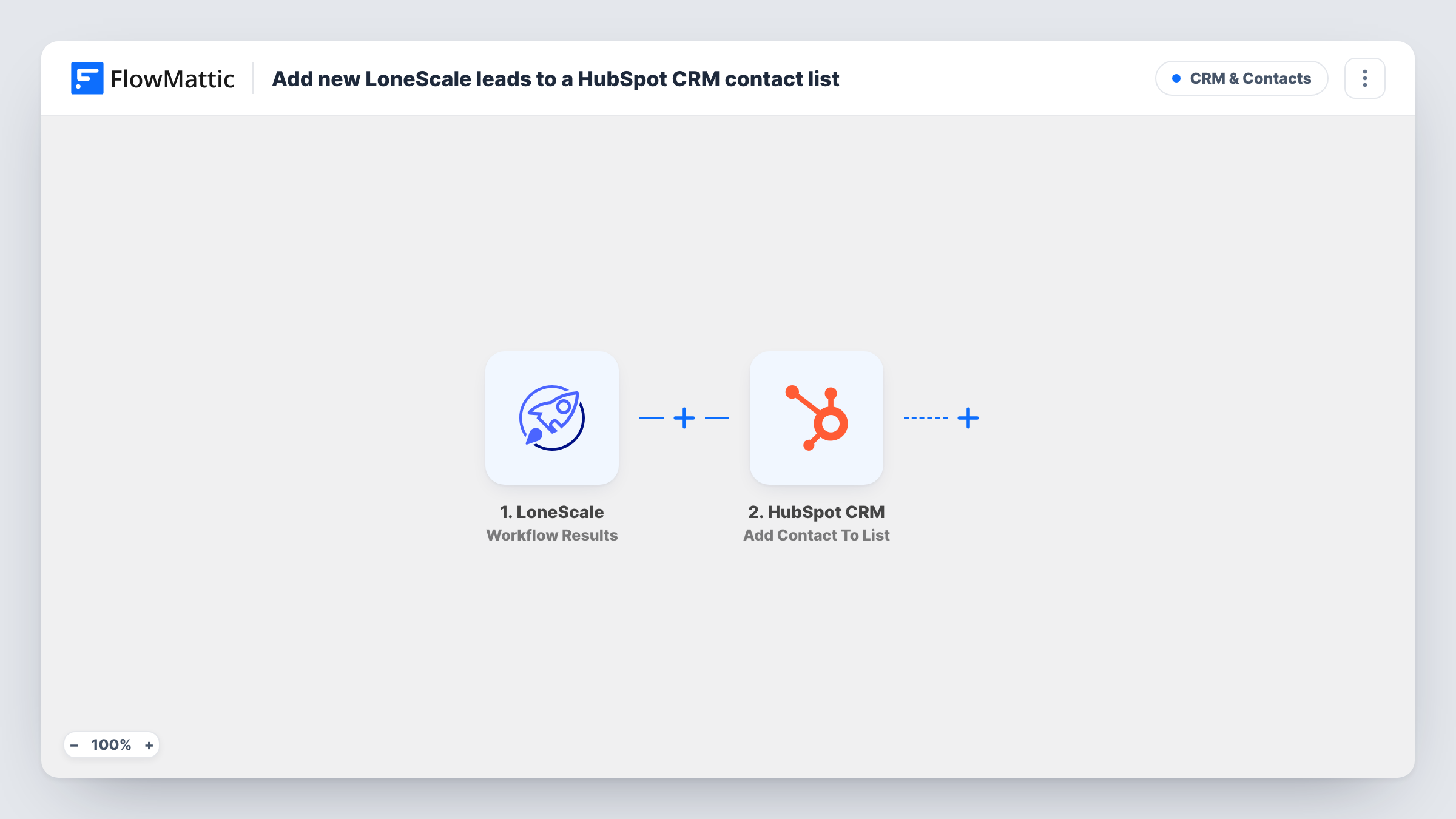
Each lead that a LoneScale workflow returns is created as a contact in HubSpot CRM and then added to the static contact list you pick, ready for your sales team or outreach.
 LoneScale
 HubSpot CRM
3 steps Setup ~5 min Used on 3.1k sites Free to import
What this workflow does
LoneScale finds and qualifies prospects, but outreach usually happens from the CRM. Exporting results and importing them into HubSpot by hand slows that down and loses context. This workflow sends LoneScale's leads straight into HubSpot and groups them on one list.
The LoneScale Workflow Results trigger fires when the results of a LoneScale workflow are captured. Each result carries the lead's details, such as name, email, job title and company, depending on what your LoneScale workflow collects.
Two HubSpot CRM actions run next. Create Contact makes a new HubSpot contact from the lead, then Add Contact To List puts that contact on a static list. Static lists in HubSpot only hold contacts that exist, which is why the contact is created first.
Neither HubSpot step is mapped as shipped. After import, map the lead's email and other fields into Create Contact, then in the list step map the contact from the step before and choose your list. Create Contact is create-only, so a lead whose email HubSpot already has may be turned down. Run a LoneScale test and read Task History for HubSpot's answers.
Intent-based prospect list for SDRs
A B2B sales team runs a LoneScale workflow for companies showing buying signals, and every lead it finds lands on a HubSpot list the SDRs work through each morning.
Job-change leads for account managers
A software vendor tracks champions who changed companies in LoneScale and collects them on a HubSpot list for a reconnect campaign.
Segmented lists per campaign
A marketing team points each LoneScale workflow to its own copy of this template, so each campaign's leads fill a separate HubSpot list.
How this workflow runs
What happens at each step once the workflow is on, and what you need before you import it.
 LoneScale Workflow Results
Fires when the results of your LoneScale workflow are captured. The lead data in each result, such as name, email and company, is passed to HubSpot.
- HubSpot CRM Create Contact
Creates a HubSpot contact from the LoneScale lead. Unmapped in the template: map the lead's email, plus name, job title, company or any other property you want filled.
- HubSpot CRM Add Contact To List
Adds the new contact to a static list in HubSpot. Map the contact from the Create Contact step and pick the list your team or campaign uses.
What you need
- FlowMatticCore
- LoneScale AccountAccount
- HubSpot CRM AccountAccount
After importing, map your own data. To keep the template universal, not every step is pre-filled. Open each step in the builder and connect your accounts and fields (channels, lists, sheets, recipients) before you switch the workflow on.
Make it yours
Changes worth making after you import it.
- Create the static list in HubSpot before import and give it a clear name, such as LoneScale intent leads, so it's easy to pick in the list step.
- Map a lead source property with a fixed value like LoneScale in Create Contact, so HubSpot reports can show where these contacts came from.
- To keep leads without an email out of HubSpot, put a Filter between the LoneScale trigger and Create Contact that continues only when the email field is not empty.
- Duplicate the workflow for each LoneScale workflow whose results should go to a different HubSpot list.
Questions about this workflow
What if a LoneScale lead already exists in HubSpot?
Create Contact only makes new contacts, so HubSpot may refuse a lead with an email it already holds. Look at Task History for that run to see the response and whether the list step had a contact to add.
Does the HubSpot list need to be static?
Yes. Add Contact To List adds a contact to a specific static list. Active lists in HubSpot fill themselves from their own filters, so they can't be added to this way.
Which lead details reach HubSpot from LoneScale?
Whatever your LoneScale workflow captures and you map in Create Contact. Run a test so the result fields appear, then match them to HubSpot properties.
More CRM & Contacts workflows
Other ready-to-import templates from the same category.





Import this workflow into your WordPress site
Download the JSON, import it from the Workflows screen and connect your accounts. Every run stays on your server, with no per-task fees.
30-day money-back guarantee Unlimited workflows and runs Self-hosted