

Add new PeopleForce employees to a Google Sheets roster
Whenever a new employee is created in PeopleForce, this workflow adds them as a row in your Google Sheets roster, so the people who work from that sheet see each new starter without waiting for HR.
 PeopleForce
 Google Sheets
2 steps Setup ~5 min Used on 1.7k sites Free to import
What this workflow does
PeopleForce holds your HR records, but not everyone who needs a staff list has access to it. Office managers, IT and finance often work from a shared spreadsheet instead. Keeping that roster current by hand means someone copies each new hire across, and sometimes forgets. This workflow handles the copying.
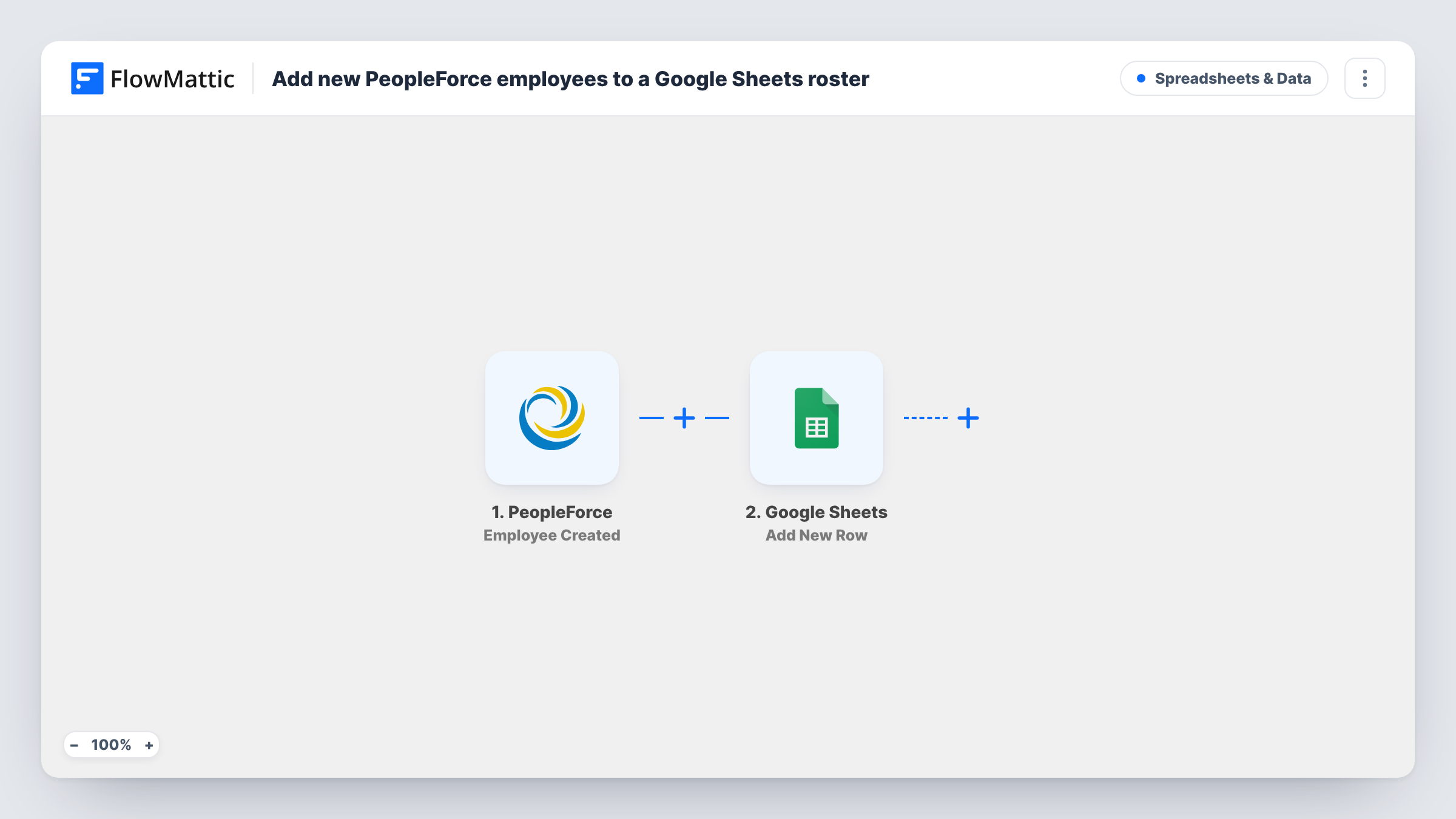
The PeopleForce trigger fires when a new employee is created. FlowMattic takes the employee data PeopleForce sends with that event and passes it to Google Sheets. The Add New Row action writes it to the spreadsheet and tab you select, with each value mapped to the column you choose.
The sheet only grows. Changes made to an employee later in PeopleForce, and people who leave, are not reflected in rows already written. Choose carefully which columns you share, because a roster is personal data. Task History lists every run if you need to check what was added.
IT account set-up list
The IT team works through a shared sheet of new employees and sets up laptops and logins for each row, without needing PeopleForce access.
Office and facilities planning
An office manager uses the roster to order desks, keys and welcome packs, seeing each new starter as soon as HR creates them in PeopleForce.
Finance headcount tracking
Finance keeps a running list of hires in Google Sheets to compare against the hiring budget each month.
How this workflow runs
What happens at each step once the workflow is on, and what you need before you import it.
 PeopleForce Employee Created
Runs when a new employee is created in PeopleForce. The employee data sent with the event is made available for mapping in Google Sheets.
- Google Sheets Add New Row
Writes the new employee to your roster spreadsheet as a fresh row. Connect your Google account, pick the spreadsheet and tab, and map each employee value to a column.
What you need
- FlowMatticCore
- PeopleForce AccountAccount
- Google Sheets AccountAccount
After importing, map your own data. To keep the template universal, not every step is pre-filled. Open each step in the builder and connect your accounts and fields (channels, lists, sheets, recipients) before you switch the workflow on.
Make it yours
Changes worth making after you import it.
- Create a test employee in PeopleForce after import, or wait for the next real hire, so FlowMattic captures the employee data before you map columns.
- Map only the columns the sheet's readers need, such as name and start date, and leave sensitive fields out of a widely shared roster.
- Add a Filter after the trigger if this roster is for one office or department, continuing only when that value in the employee data matches.
Questions about this workflow
Do changes to a PeopleForce employee update the Google Sheets roster?
No. The trigger is Employee Created, and Add New Row only adds rows. Later edits in PeopleForce leave the existing row as it is.
Are my current PeopleForce employees added when I import this?
No. Only employees created while the workflow is active start a run. Add your existing staff to the sheet yourself once, and the workflow keeps adding new starters after that.
What happens if the same person is created twice in PeopleForce?
Each Employee Created event adds its own row, so a duplicate record in PeopleForce gives you a duplicate row in the sheet.
Which employee details reach the sheet?
Only the values you map. A test run shows what PeopleForce sends with the event, and you choose which of those go into which column.
More Spreadsheets & Data workflows
Other ready-to-import templates from the same category.





Import this workflow into your WordPress site
Download the JSON, import it from the Workflows screen and connect your accounts. Every run stays on your server, with no per-task fees.
30-day money-back guarantee Unlimited workflows and runs Self-hosted