

Add new Tilda Publishing leads to a Mailchimp audience for nurturing
When a form on your Tilda Publishing website sends a new lead, this workflow adds that person as a member of your Mailchimp audience, ready for the nurture emails you run there.
 Tilda Publishing
 Mailchimp
2 steps Setup ~5 min Used on 1.2k sites Free to import
What this workflow does
Tilda Publishing makes it quick to put a lead form on a landing page. The harder part is getting those leads into the mailing list where you follow up with them. This workflow adds each one to Mailchimp as the form is sent, so you are not exporting lists by hand.
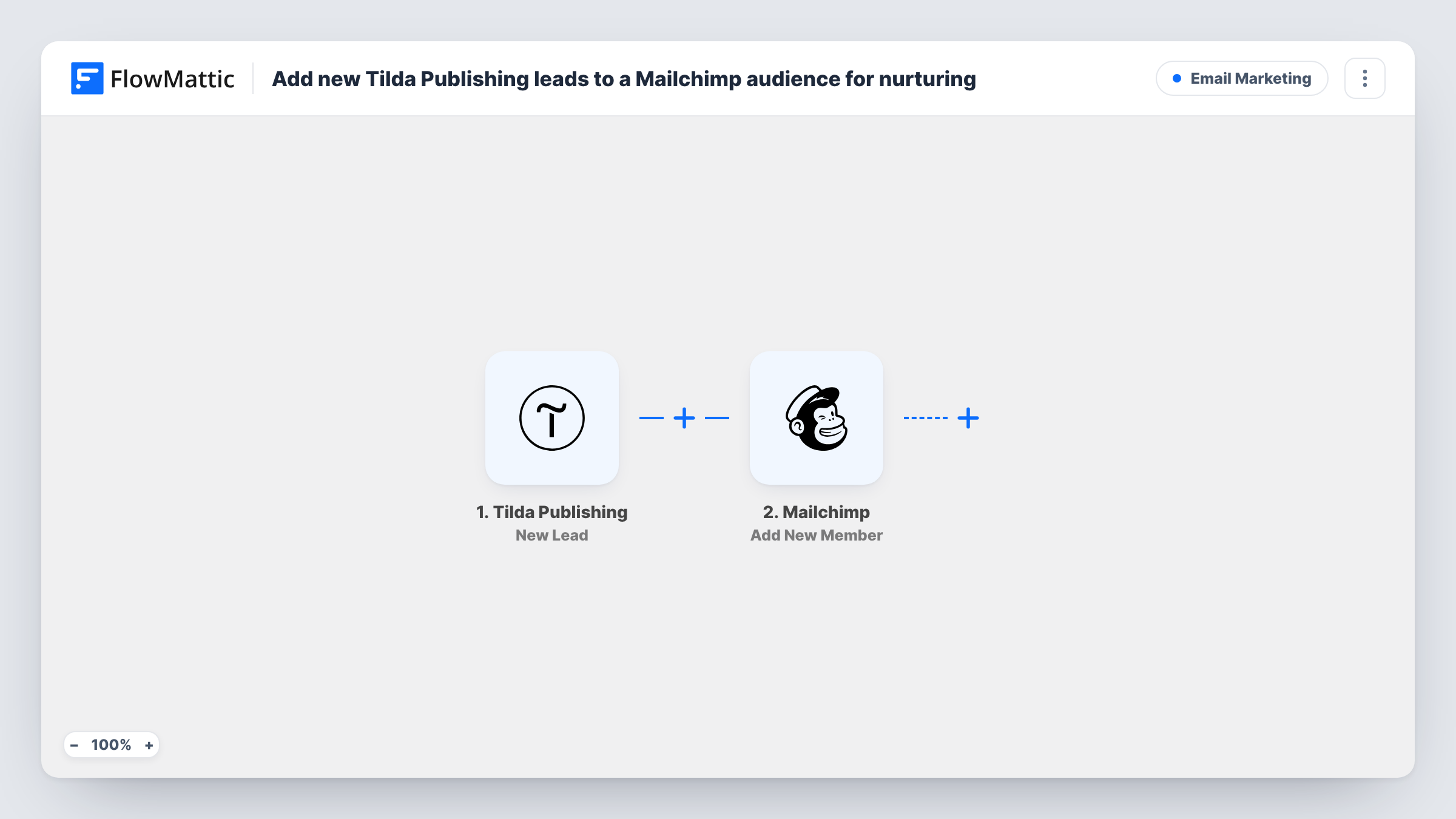
The Tilda Publishing trigger fires when a new lead is sent from a website form. FlowMattic receives the form fields and makes them available for mapping. The second step uses the Add New Member action in Mailchimp to add the person to the audience you pick, with their email address and any name fields you map.
The workflow fills the audience. The nurture emails come from what you build in Mailchimp, such as a welcome journey for new members. Send a test lead from your Tilda page after import to capture the field names, and check Task History if a lead does not appear in Mailchimp.
Landing page for a free download
A Tilda page offers a checklist in exchange for an email address. Each lead joins a Mailchimp audience that receives the download link in a welcome email you set up.
Waiting list for a product launch
Visitors sign up on a Tilda launch page and join the audience you will email when the product is available.
Event sign-ups on a Tilda site
People who register through a Tilda form are added to Mailchimp, where you send reminders and the follow-up after the event.
How this workflow runs
What happens at each step once the workflow is on, and what you need before you import it.
 Tilda Publishing New Lead
Runs when a new lead is sent from a form on your Tilda Publishing website. The submitted fields are passed on so you can map them into Mailchimp.
- Mailchimp Add New Member
Adds the lead as a member of the Mailchimp audience you choose. Map the Tilda email field, plus name fields if your form has them, and connect your Mailchimp account.
What you need
- FlowMatticCore
- Tilda Publishing AccountAccount
- Mailchimp AccountAccount
After importing, map your own data. To keep the template universal, not every step is pre-filled. Open each step in the builder and connect your accounts and fields (channels, lists, sheets, recipients) before you switch the workflow on.
Make it yours
Changes worth making after you import it.
- Send one test lead through your Tilda form after import, so FlowMattic captures the field names before you map the Mailchimp step.
- Make the email field required in your Tilda form, so every lead reaches Mailchimp with an address to add.
- If you run several Tilda forms and only one should feed this audience, add a Filter after the trigger on a value that identifies that form.
Questions about this workflow
What happens if the Tilda lead is already in my Mailchimp audience?
Add New Member updates an existing member, so a returning Tilda lead isn't duplicated. The fields you map from the Tilda form replace their current values in Mailchimp.
Does this send a welcome email to the new Mailchimp member?
Not directly. It only adds the person to the audience. Set up a welcome email or journey in Mailchimp if you want one to go out.
Are leads that came in before import added?
No. Only leads sent from your Tilda forms after the workflow is active reach Mailchimp.
Can Tilda leads go to Mailchimp and a CRM at once?
Yes. Add a CRM step after the Mailchimp step and map the same Tilda fields into it.
More Email Marketing workflows
Other ready-to-import templates from the same category.




Import this workflow into your WordPress site
Download the JSON, import it from the Workflows screen and connect your accounts. Every run stays on your server, with no per-task fees.
30-day money-back guarantee Unlimited workflows and runs Self-hosted