

Send a personalized email via FluentCRM when a MemberPress membership trial is about to end
When a MemberPress Before Subscription Trial Ends reminder fires, FluentCRM sends the member an email you write, so trial users hear from you before their trial runs out.
 MemberPress
 FluentCRM
2 steps Setup ~5 min Used on 658 sites Free to import
What this workflow does
A trial that ends without a word from you can catch members off guard. MemberPress can run reminders, and FluentCRM is where your email content and contact history already live. This workflow ties the two together so the trial reminder goes out through FluentCRM.
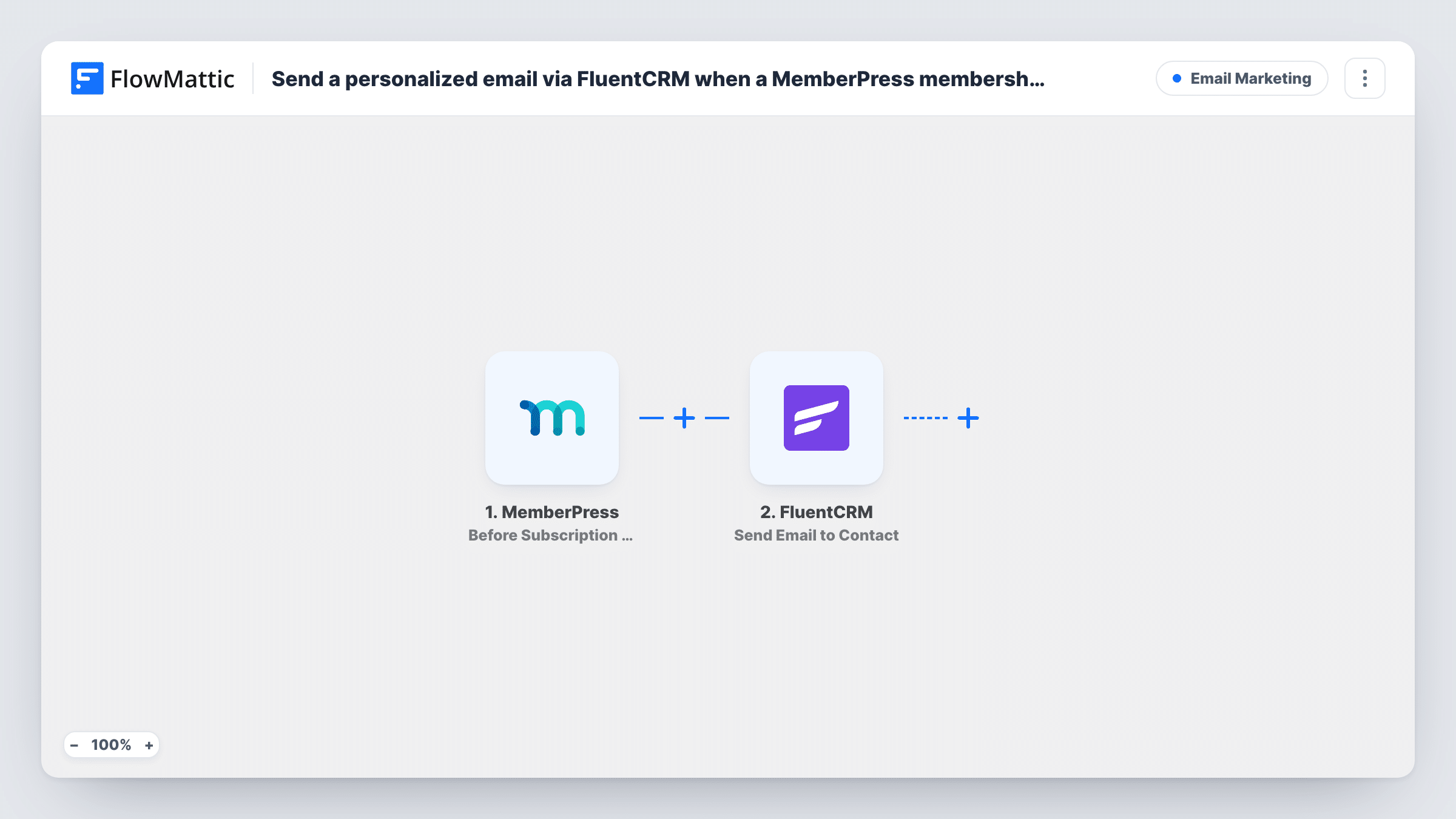
The MemberPress trigger fires when any Before Subscription Trial Ends reminder fires on your site. You set how long before the trial end that happens in MemberPress's own reminder settings. FlowMattic passes the member and subscription details to FluentCRM, and the Send Email to Contact action sends your message to that member's contact.
The email goes to a FluentCRM contact, so the member's email address needs to match one. Test with a member you know is in FluentCRM. You can personalise the message with data from the MemberPress event, such as the member's name or membership. Task History shows each run and any error FluentCRM returned.
Upgrade reminder for a course membership
Three days before a 14-day trial ends, members get a FluentCRM email reminding them what is included and when billing starts.
Trial check-in for a software membership
A members-only plugin site asks trial users how setup is going before the trial closes, with a link to book help.
Billing heads-up for a paid community
Trial members receive a plain notice that their card will be charged soon, with a link to manage or cancel their subscription.
How this workflow runs
What happens at each step once the workflow is on, and what you need before you import it.
 MemberPress Before Subscription Trial Ends
Fires when any Before Subscription Trial Ends reminder in MemberPress fires. The member and subscription details from that reminder are passed on for mapping.
- FluentCRM Send Email to Contact
Sends an email through FluentCRM to the member's contact. Map the member's email to find the contact, write the subject and message, and test with a member who is in FluentCRM.
What you need
- FlowMatticCore
- MemberPress PluginPlugin
- FluentCRM PluginPlugin
After importing, map your own data. To keep the template universal, not every step is pre-filled. Open each step in the builder and connect your accounts and fields (channels, lists, sheets, recipients) before you switch the workflow on.
Make it yours
Changes worth making after you import it.
- Create the Before Subscription Trial Ends reminder in MemberPress first. Without one, nothing fires the trigger.
- Add a FluentCRM Create or Update Contact step before the email step so members who aren't in FluentCRM yet are added and can receive the message.
- If you run more than one trial membership, add a Filter after the trigger on the membership name and copy the workflow with a different message for each.
Questions about this workflow
When does the MemberPress trial reminder email go out?
When the Before Subscription Trial Ends reminder you created in MemberPress fires. Its timing is set in that reminder, not in this workflow.
What if the trial member isn't a FluentCRM contact?
The step sends to a FluentCRM contact, so it can't reach someone who isn't there. Add a Create or Update Contact step first, then test with a new member.
Does this replace MemberPress's own reminder email?
No. It uses the reminder as a trigger. If the MemberPress reminder also sends its own email, turn that off if you don't want members getting two.
Do I need FluentCRM and MemberPress on the same site as FlowMattic?
Yes. Both are WordPress plugins, and the workflow runs on the site where FlowMattic, MemberPress and FluentCRM are all installed.
More Email Marketing workflows
Other ready-to-import templates from the same category.






Import this workflow into your WordPress site
Download the JSON, import it from the Workflows screen and connect your accounts. Every run stays on your server, with no per-task fees.
30-day money-back guarantee Unlimited workflows and runs Self-hosted