

Create new email template in FluentCRM from the FlowMattic's Email Templates
Call this workflow’s webhook URL and FlowMattic creates a new FluentCRM email template from the FlowMattic email template you pick, using that template’s processed HTML.
 Webhook
 FluentCRM
2 steps Setup ~5 min Used on 1.8k sites Free to import
What this workflow does
If you design emails with FlowMattic's own email templates, you may want the same design available in FluentCRM for campaigns and sequences. Rebuilding it by hand in FluentCRM's editor is slow and easy to get wrong. This workflow copies it across on request.
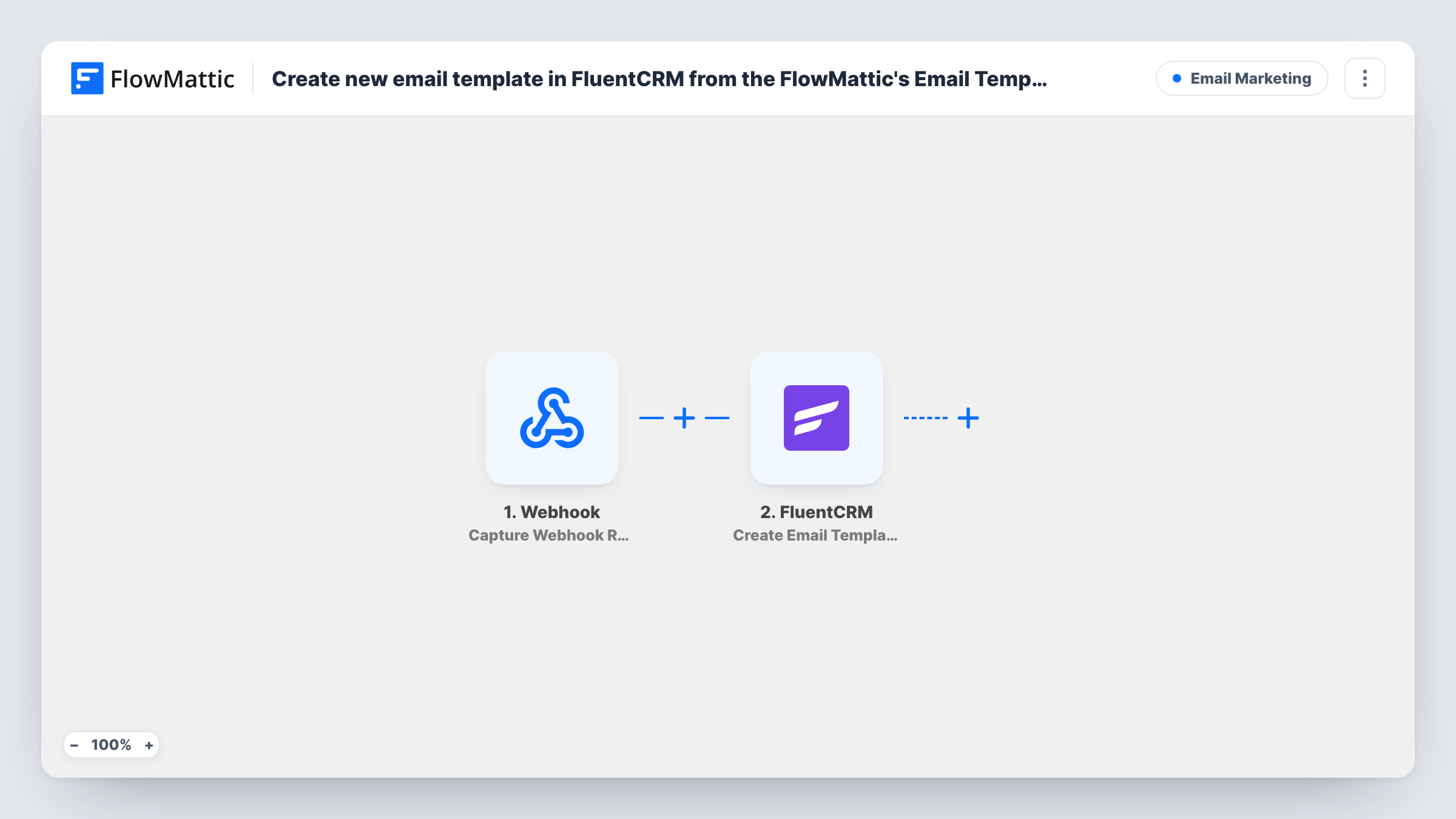
The Webhook trigger provides a URL that belongs to this workflow alone. Any request to that URL starts a run, whether it comes from another tool, a script or a button you set up. The trigger only starts the run here; nothing from the request is needed unless you choose to map it in.
The FluentCRM Create Email Template step then creates a FluentCRM email template from a FlowMattic email template. FlowMattic describes the action as using the processed HTML from FlowMattic for the FluentCRM template. It ships unmapped, so after import you choose which FlowMattic template to copy and fill in the other settings the step shows.
Each call creates another template, so calling the URL twice gives you two copies. The webhook can require authentication on incoming requests: turn that setting on so only callers with the key can start a run. Check FluentCRM's email templates after a test call to see the result.
One design for site emails and campaigns
A shop that styles its order emails with a FlowMattic template copies the same layout into FluentCRM, so newsletters match the receipts.
Agency handover
An agency builds a client's email design in FlowMattic, then calls the webhook to place it in the client's FluentCRM ready for their team.
Refreshing a seasonal template
A marketer updates the holiday template in FlowMattic each year and calls the webhook to create the new version in FluentCRM.
How this workflow runs
What happens at each step once the workflow is on, and what you need before you import it.
 Webhook Capture Webhook Response
Starts a run whenever a request reaches this workflow's webhook URL. Copy the URL after import and call it from the tool or script you'll use to trigger the copy.
- FluentCRM Create Email Template
Creates a FluentCRM email template from a FlowMattic email template, using its processed HTML. The step ships unmapped: choose the FlowMattic template to copy, then check the step's other settings.
What you need
- FlowMatticCore
- FluentCRM PluginPlugin
After importing, map your own data. To keep the template universal, not every step is pre-filled. Open each step in the builder and connect your accounts and fields (channels, lists, sheets, recipients) before you switch the workflow on.
Make it yours
Changes worth making after you import it.
- Turn on "Require authentication on incoming requests" in the Webhook trigger, so a stray request can't create templates in FluentCRM.
- If the step lets you name the new template, include the date or a version, so FluentCRM's template list shows which copy is newest.
- If you call the URL from a script, send a value such as a version label in the request, then map it into the FluentCRM step where it fits.
Questions about this workflow
Do I need to send any data to the webhook?
Not for the basic copy. The request only starts the run, and the template is chosen in the FluentCRM step. You can send values in the request and map them into the step if you want each call to differ.
Does calling the webhook again update the existing FluentCRM template?
No. The action creates a new template every time, so each call adds another copy to FluentCRM.
Can anyone with the webhook URL create templates?
Yes, while authentication is off. Turn on the Webhook trigger's "Require authentication on incoming requests" setting so callers must send your key.
Is the FluentCRM email template editable after it's created?
It is created from the processed HTML of your FlowMattic template. Open it in FluentCRM after a test call to see how it looks and what you can change there.
More Email Marketing workflows
Other ready-to-import templates from the same category.





Import this workflow into your WordPress site
Download the JSON, import it from the Workflows screen and connect your accounts. Every run stays on your server, with no per-task fees.
30-day money-back guarantee Unlimited workflows and runs Self-hosted