

Add new Zoho Books vendors to Google Sheets for supplier management
Each vendor you create in Zoho Books is added as a new row in a Google Sheets spreadsheet, building a supplier list that people outside your accounting team can open.
 Zoho Books
 Google Sheets
2 steps Setup ~5 min Used on 3.0k sites Free to import
What this workflow does
Purchasing, operations and project staff often need supplier contact details, but not everyone should have a login to your accounting software. This workflow copies every new Zoho Books vendor into a Google Sheet, so the people who order from suppliers have one shared list to look things up in.
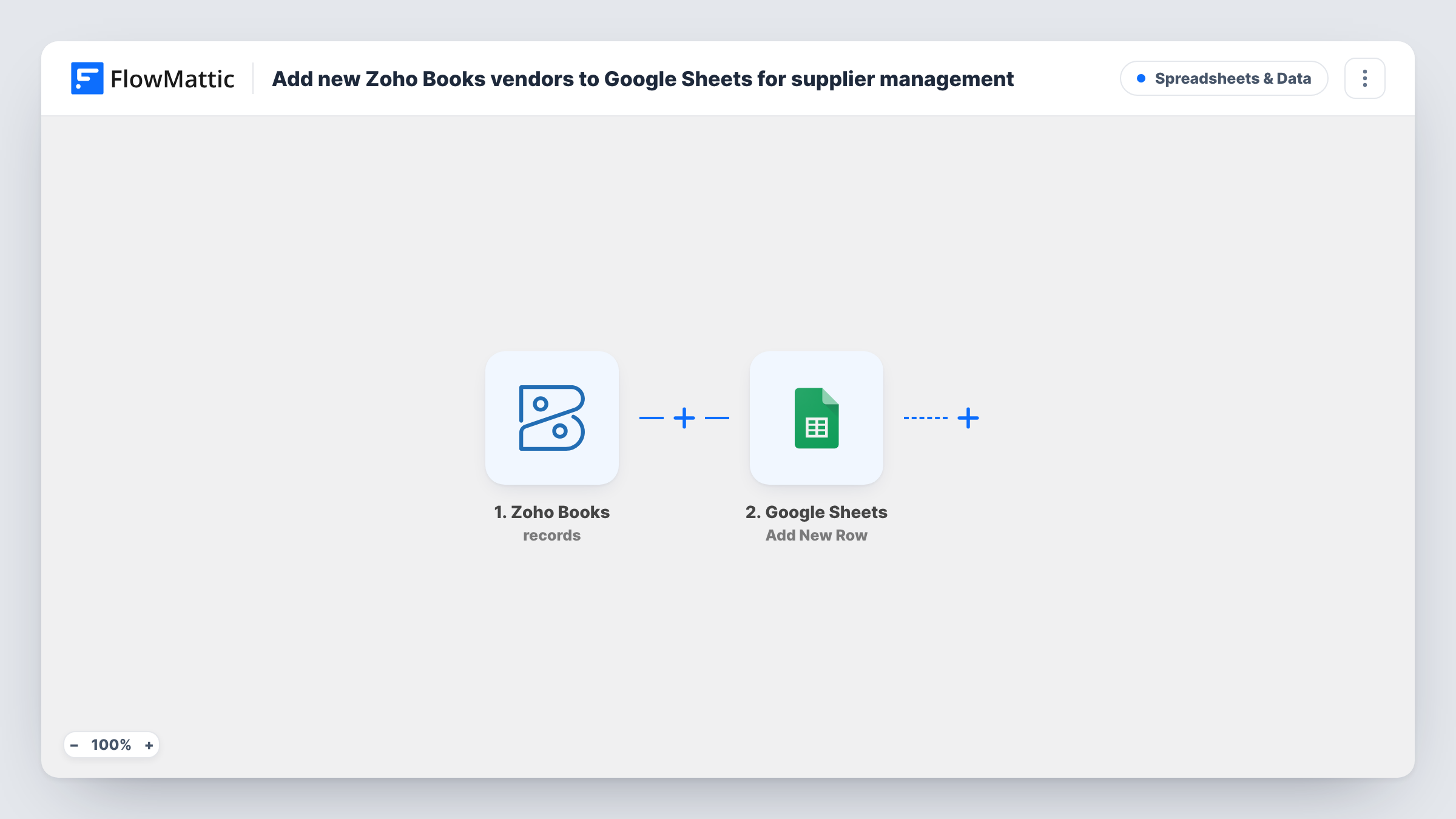
The Zoho Books trigger starts a run when a vendor is created. FlowMattic passes the vendor record on, with details such as the company name and contact information. The Google Sheets step then appends one row for that vendor.
The row step comes unmapped. After import you connect your Google account, choose the spreadsheet and sheet, and decide which vendor fields go into which column. A header row in the sheet makes the mapping easier to read.
Only vendors created after you turn the workflow on are added, and only once. Edits to a vendor in Zoho Books don't change its row, so treat the sheet as a record of when suppliers were added, or update details by hand. For every vendor, Task History records the run and the reply from Google Sheets.
Supplier directory for the buying team
A manufacturer's purchasing staff look up phone numbers and emails for new suppliers in a shared sheet instead of asking the accountant.
Vendor onboarding checklist
An operations lead adds columns for contract, insurance and bank-details checks next to each new vendor row and ticks them off.
Approved supplier list for projects
A construction firm shares the sheet with site managers, so they can see which subcontractors have been set up in Zoho Books.
How this workflow runs
What happens at each step once the workflow is on, and what you need before you import it.
 Zoho Books New Vendor
Starts the workflow when a new vendor is created in Zoho Books. The vendor record, such as the company name and contact details, becomes available to map into the sheet.
- Google Sheets Add New Row
Adds one row to the spreadsheet you choose for each new vendor. The template sets no columns, so pick the sheet and map the vendor fields to your column headers after import.
What you need
- FlowMatticCore
- Zoho Books AccountAccount
- Google Sheets AccountAccount
After importing, map your own data. To keep the template universal, not every step is pre-filled. Open each step in the builder and connect your accounts and fields (channels, lists, sheets, recipients) before you switch the workflow on.
Make it yours
Changes worth making after you import it.
- Add your own columns to the right of the mapped ones for notes such as payment terms or contract status. FlowMattic fills only the columns that have a mapping.
- Map the Zoho Books vendor ID into a column, if a test run shows one, so you can match each row back to the record when details change later.
- Share the sheet as view-only with staff who only need to look things up, and keep edit access for the people who maintain supplier notes.
Questions about this workflow
Are my existing Zoho Books vendors copied to the sheet?
No. Only vendors created while the workflow is active start a run. Export your current vendors from Zoho Books and paste them into the sheet once to start the list.
Does the row change when I edit a vendor in Zoho Books?
No. The trigger is for new vendors, and the step adds rows only. Update the row yourself, or build a separate workflow if you need edits to sync.
Which vendor details end up in Google Sheets?
Whatever you assign to columns in Add New Row. Run a test by creating a vendor in Zoho Books, then pick the fields you want from the data it sends.
More Spreadsheets & Data workflows
Other ready-to-import templates from the same category.



Import this workflow into your WordPress site
Download the JSON, import it from the Workflows screen and connect your accounts. Every run stays on your server, with no per-task fees.
30-day money-back guarantee Unlimited workflows and runs Self-hosted