

Add or update LeadConnector contacts from new JetFormBuilder submissions
Each JetFormBuilder submission on your WordPress site creates a contact in your LeadConnector (GoHighLevel) sub-account, or updates the existing one, so the CRM holds the details people last gave you.
 JetFormBuilder
 LeadConnector V2
2 steps Setup ~5 min Used on 2.5k sites Free to import
What this workflow does
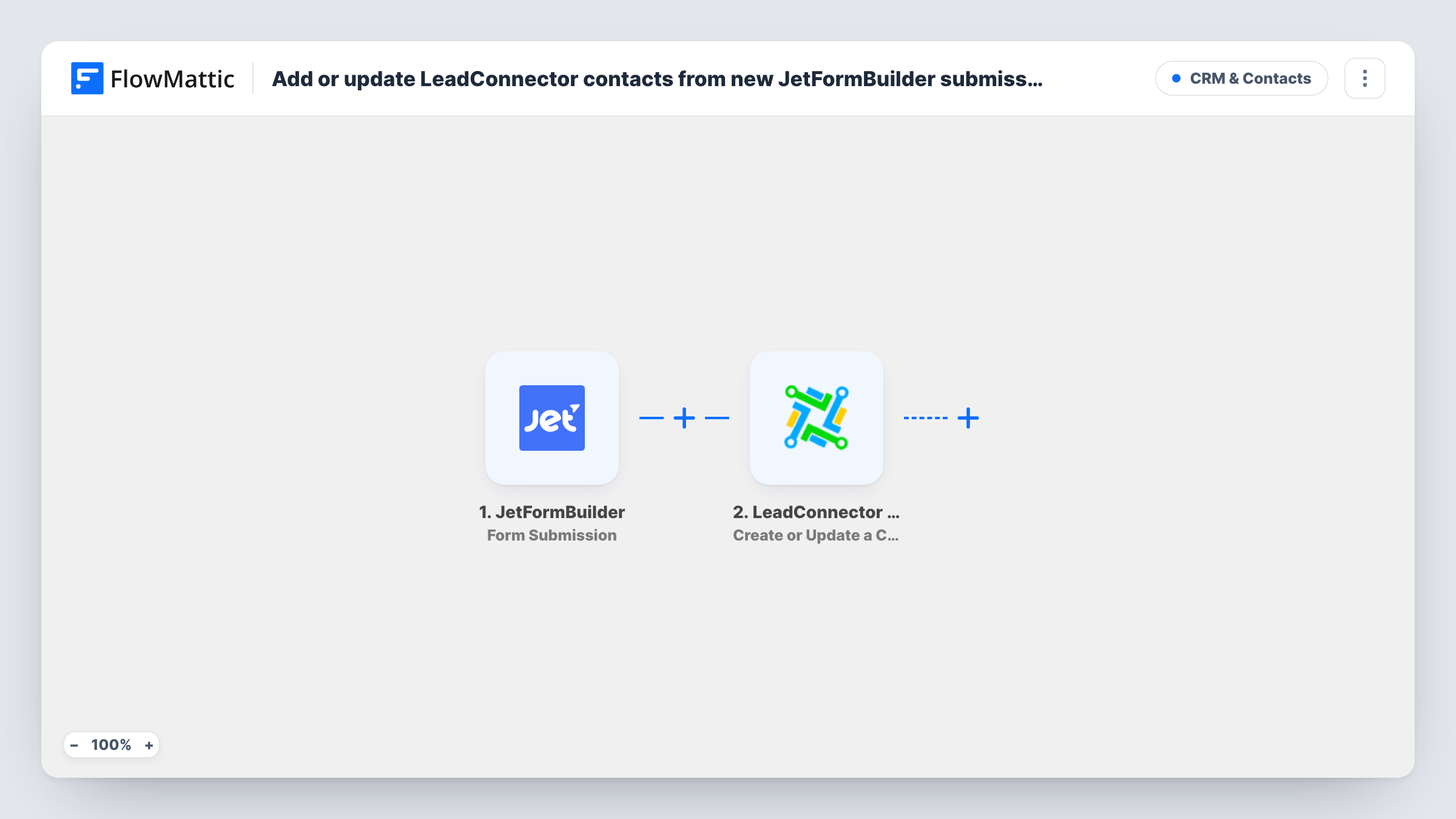
People fill in more than one form over time: a contact form, a quote request, a newsletter box. If each submission made a new record, your LeadConnector sub-account would soon hold the same person several times. This workflow sends JetFormBuilder entries to LeadConnector with an action that adds new people and updates those you already have.
The JetFormBuilder trigger fires when a form on your site is submitted. FlowMattic passes the fields to LeadConnector V2, where Create or Update a Contact works at the sub-account level. A new person becomes a contact. A known one has their record updated with what you mapped.
Updating means the newest submission wins. If a later form leaves a mapped field empty, that blank can replace a value you had. Map only the fields each form fills, and check Task History after a test to see what LeadConnector stored.
Quote request after an earlier enquiry
A visitor who used your contact form last month now requests a quote. Their existing LeadConnector contact is updated rather than duplicated.
Agency running client sites
Forms on a client's WordPress site feed that client's own LeadConnector sub-account, where the agency runs the follow-up.
Keeping phone numbers current
A returning customer submits a booking form with a new phone number, and the LeadConnector contact carries the new number for your next call or text.
How this workflow runs
What happens at each step once the workflow is on, and what you need before you import it.
 JetFormBuilder Form Submission
Runs when a JetFormBuilder form on your WordPress site is submitted. Each field becomes data you can map into the LeadConnector step.
- LeadConnector V2 Create or Update a Contact
Creates a contact in your LeadConnector V2 sub-account, or updates it if it's already there. Map the form's email and other details into the contact, then test with a contact you know exists.
What you need
- FlowMatticCore
- JetFormBuilder AccountAccount
- LeadConnector V2 AccountAccount
After importing, map your own data. To keep the template universal, not every step is pre-filled. Open each step in the builder and connect your accounts and fields (channels, lists, sheets, recipients) before you switch the workflow on.
Make it yours
Changes worth making after you import it.
- Map only the JetFormBuilder fields this form always fills, so an empty answer doesn't overwrite a value already stored in LeadConnector.
- Add a Filter after the trigger if several JetFormBuilder forms are on your site and only some should reach LeadConnector.
- Follow the contact step with LeadConnector's Add Tags to Contact action to mark which form the person used last.
Questions about this workflow
How does LeadConnector decide the JetFormBuilder contact already exists?
LeadConnector looks for an existing contact in the sub-account using the details you send, such as the email. Test with a contact you already have to confirm the record is updated rather than duplicated.
Can a JetFormBuilder submission erase data in LeadConnector?
It can if you map a field the form left blank, because the update writes what it receives. Leave fields unmapped when a form doesn't collect them.
Do I need GoHighLevel for this workflow?
Yes. LeadConnector V2 connects to the GoHighLevel platform, and the contact is written to a sub-account you connect after import.
More CRM & Contacts workflows
Other ready-to-import templates from the same category.








Import this workflow into your WordPress site
Download the JSON, import it from the Workflows screen and connect your accounts. Every run stays on your server, with no per-task fees.
30-day money-back guarantee Unlimited workflows and runs Self-hosted