

When a new user registers in WordPress, create a donor in GiveWP
Each time someone registers an account on your WordPress site, this workflow creates a donor for them in GiveWP, so your registered users are already in your donor list before they give.
 WordPress
 GiveWP
2 steps Setup ~5 min Used on 1.2k sites Free to import
What this workflow does
On a charity or community site, the people who sign up for an account are often the people you hope will donate. GiveWP keeps its own donor list, separate from WordPress users. Without a link between the two, a registered member only shows up as a donor after their first gift. This workflow adds them as a donor as soon as they register.
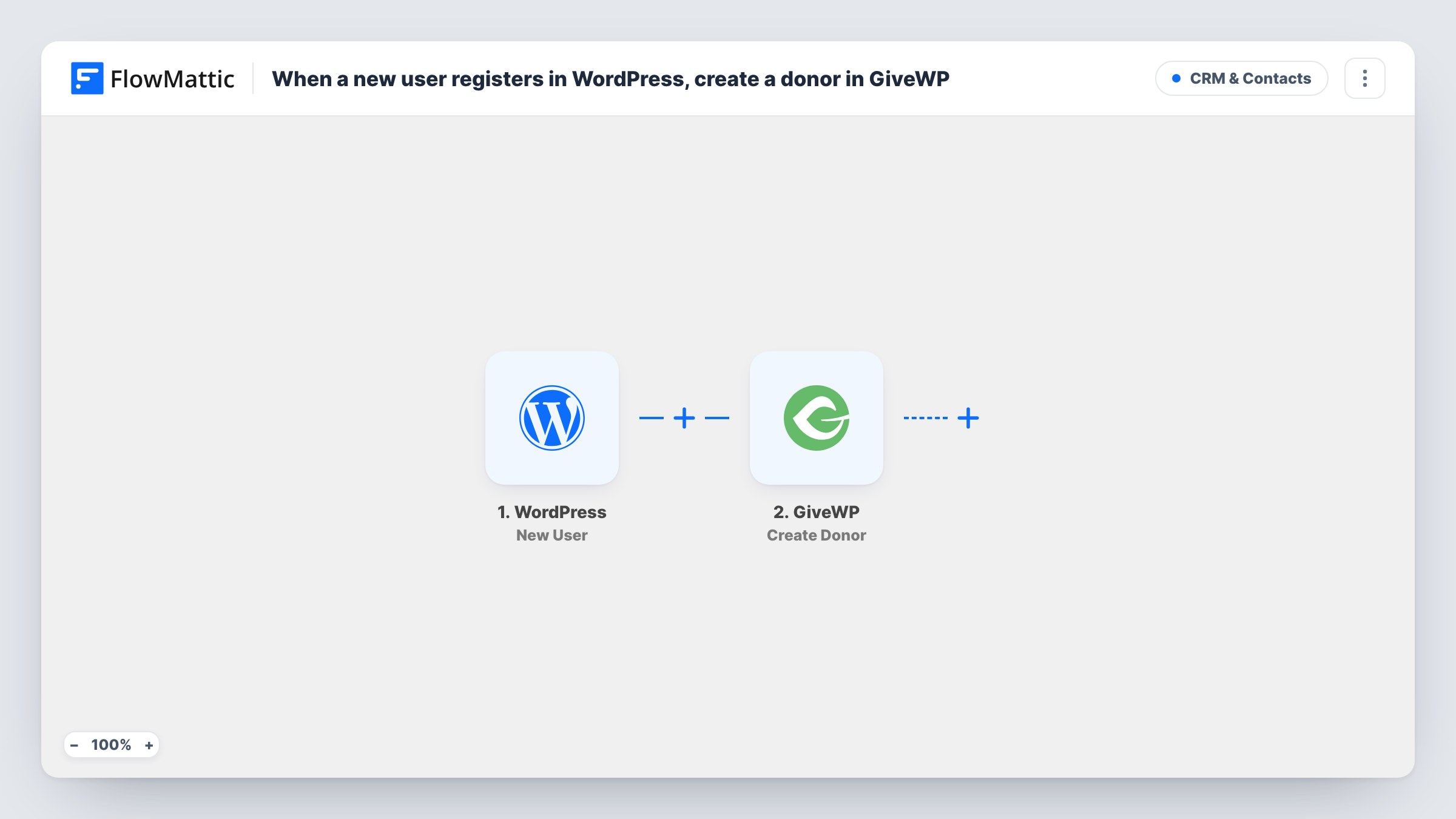
The WordPress trigger fires when a new user account is created on your site. FlowMattic takes that user's data and passes it to GiveWP, where the Create Donor action adds a new donor from the values you map.
Both plugins run on the same WordPress site, so nothing leaves your server. The workflow does not touch existing users, and it records no donation. It only creates the donor. Task History shows each run and what GiveWP returned for it.
Charity site with member accounts
Supporters who create an account to read updates or manage their details appear in GiveWP as donors right away, ready for when they give.
Fundraising events with registration
People who register on the site for a charity run or gala are added to GiveWP, so the event team sees them in one donor list.
School or club alumni site
Alumni registering for the members' area are added as GiveWP donors, so the people you ask to give are already in GiveWP before an appeal.
How this workflow runs
What happens at each step once the workflow is on, and what you need before you import it.
 WordPress New User
Fires when a new user account is created on your WordPress site. The user's data is passed to the GiveWP step.
- GiveWP Create Donor
Adds a new donor in GiveWP for the person who registered. Map the WordPress user data into the donor, then run a test registration to check the result.
What you need
- FlowMatticCore
- GiveWP PluginPlugin
After importing, map your own data. To keep the template universal, not every step is pre-filled. Open each step in the builder and connect your accounts and fields (channels, lists, sheets, recipients) before you switch the workflow on.
Make it yours
Changes worth making after you import it.
- Register a test account after import so FlowMattic captures the user data, then map it in the GiveWP step before you turn the workflow on.
- Add a Filter after the trigger with a condition on a value from the user data, such as the role if it is included, when only some accounts should become donors.
- If people sometimes donate before they register, test with an email that GiveWP already holds to see how the Create Donor step handles it in Task History.
Questions about this workflow
Are my existing WordPress users added to GiveWP?
No. The trigger fires on new registrations only, so users created before you turn the workflow on are not added as donors.
Does creating a GiveWP donor record a donation?
No. The step creates the donor only. Donations are still recorded by GiveWP when the person gives through one of your donation forms.
What if the new WordPress user is already a GiveWP donor?
The step tries to create a new donor every time. Run a test with an email GiveWP already has and check Task History to see what GiveWP returns before relying on it.
Do I need GiveWP on the same site as FlowMattic?
Yes. GiveWP, FlowMattic and the WordPress users all live on one site, which is where the donor is created.
More CRM & Contacts workflows
Other ready-to-import templates from the same category.






Import this workflow into your WordPress site
Download the JSON, import it from the Workflows screen and connect your accounts. Every run stays on your server, with no per-task fees.
30-day money-back guarantee Unlimited workflows and runs Self-hosted