

Add rows to Zoho Analytics from new Google Sheets entries
Each new row added to a Google Sheets spreadsheet is copied into a Zoho Analytics table, so reports built on that table pick up fresh entries without a manual upload.
 Google Sheets
 Zoho Analytics
2 steps Setup ~5 min Used on 729 sites Free to import
What this workflow does
Plenty of teams collect data in a spreadsheet but build their charts in Zoho Analytics. Moving the numbers across usually means exporting a file and importing it again, and the reports lag behind until someone does. This workflow sends each new spreadsheet row to Zoho Analytics as it arrives.
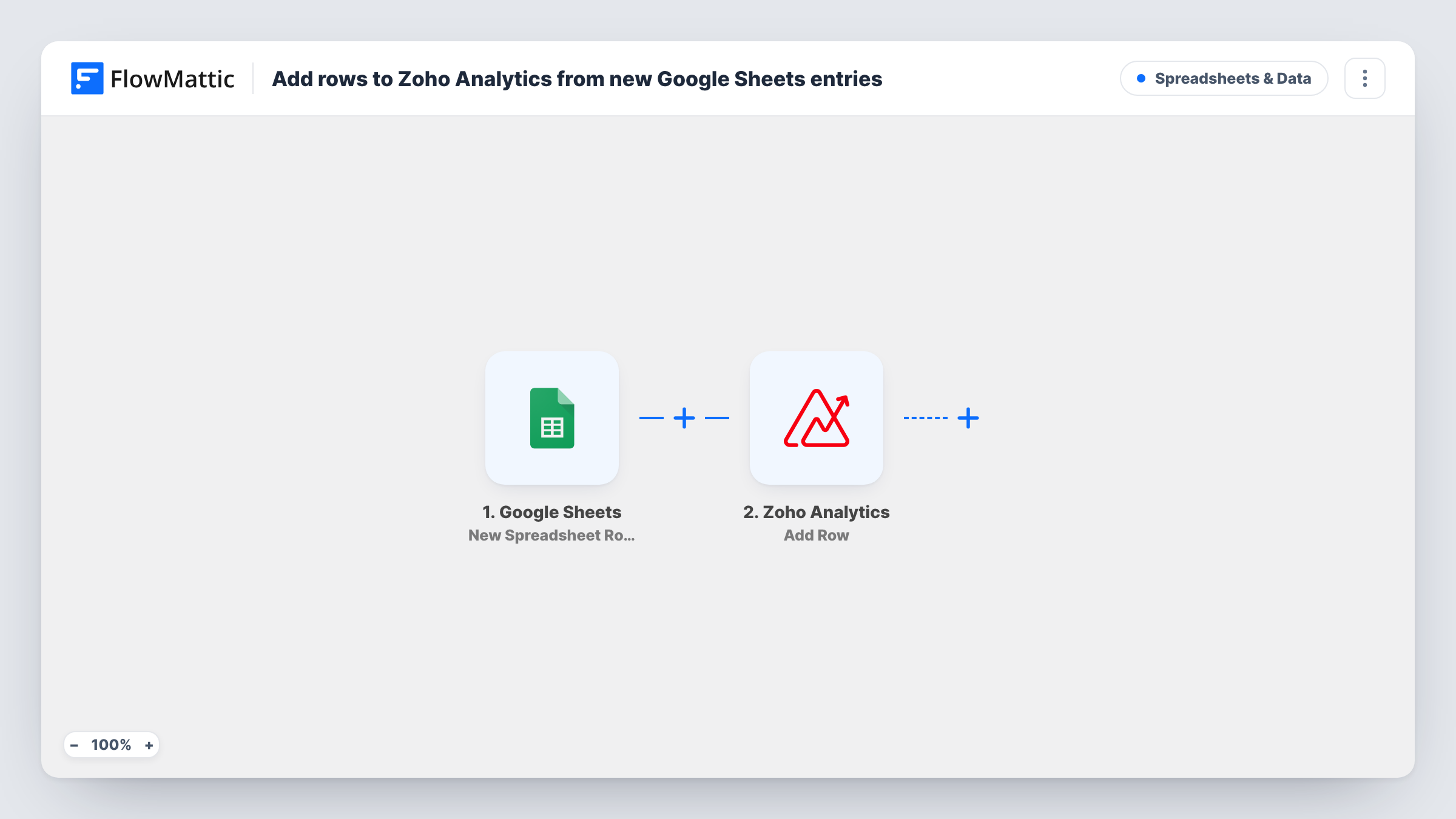
The Google Sheets trigger watches your chosen spreadsheet and starts a run for every row appended to it. FlowMattic reads the values in that row and passes them to Zoho Analytics. The Add Row action then inserts them as a new row in a table view, with each sheet column mapped to a column in that table.
Runs start for added rows alone. Editing a row that is already in the sheet doesn't send the change, so corrections have to be made in Zoho Analytics as well. Rows that were in the sheet before you turned the workflow on aren't copied either. Task History records each run, including what Zoho Analytics returned.
Daily sales figures from a shop team
Store staff add each day's takings to a shared sheet. Zoho Analytics receives every new line, so the regional sales dashboard shows the latest day.
Survey answers collected in Sheets
A form tool writes responses into Google Sheets. Each response row reaches a Zoho Analytics table where you chart answers by question and date.
Field inspection logs
Inspectors log site visits in a spreadsheet on their phones. Managers track visit counts and issues in Zoho Analytics without waiting for a weekly import.
How this workflow runs
What happens at each step once the workflow is on, and what you need before you import it.
 Google Sheets New Spreadsheet Row
Starts a run each time a row is appended to the connected Google Sheets file. The values in that row's columns become data you can map in the next step.
- Zoho Analytics Add Row
Inserts the row's values as a new row in a Zoho Analytics table view. Connect your Zoho account, then map each spreadsheet column to the matching column in the table and run a test.
What you need
- FlowMatticCore
- Google Sheets AccountAccount
- Zoho Analytics AccountAccount
After importing, map your own data. To keep the template universal, not every step is pre-filled. Open each step in the builder and connect your accounts and fields (channels, lists, sheets, recipients) before you switch the workflow on.
Make it yours
Changes worth making after you import it.
- Make sure the column types in Zoho Analytics fit what the sheet holds. A date or number column that receives text may not accept the row, and Task History shows Zoho's reply.
- Add a Filter after the trigger that continues only when a key column isn't empty, so half-filled rows don't land in your reports.
- If your sheet has no date column, add one and fill it as rows are entered, then map it to a date column in Zoho Analytics so you can chart entries over time.
Questions about this workflow
Are changes to existing Google Sheets rows sent to Zoho Analytics?
No. This trigger reacts to added rows. If you edit a row later, update the matching row in Zoho Analytics yourself, or build a separate workflow on the New Or Updated Spreadsheet Row trigger.
Can I send old spreadsheet rows to Zoho Analytics with this?
No. Only rows added after the workflow is on are copied. For history, import the existing sheet into the Zoho Analytics table once, then let the workflow handle new rows.
Does the Zoho Analytics table need to exist first?
Yes. Add Row inserts into a table view that already exists, so create the workspace and table with the columns you need before you map the step.
Do I need a Zoho Analytics account to use this Google Sheets workflow?
Yes. The Add Row step runs through your own Zoho Analytics account, which you connect in FlowMattic, and the account needs access to the workspace that holds the table.
More Spreadsheets & Data workflows
Other ready-to-import templates from the same category.




Import this workflow into your WordPress site
Download the JSON, import it from the Workflows screen and connect your accounts. Every run stays on your server, with no per-task fees.
30-day money-back guarantee Unlimited workflows and runs Self-hosted