

Convert updated Notion pages to speech and store audio metadata in new database items
Whenever an item in a Notion database you pick is updated, ElevenLabs reads its text aloud as speech, and a new item in a second Notion database records the details of that audio.
 Notion
 ElevenLabs
3 steps Setup ~5 min Used on 2.3k sites Free to import
What this workflow does
Notes, scripts and articles written in Notion are easier to review on the move when you can listen to them. This workflow turns a Notion entry into spoken audio each time it changes, then keeps a record of every recording in Notion itself, so your text and its audio versions sit in the same workspace.
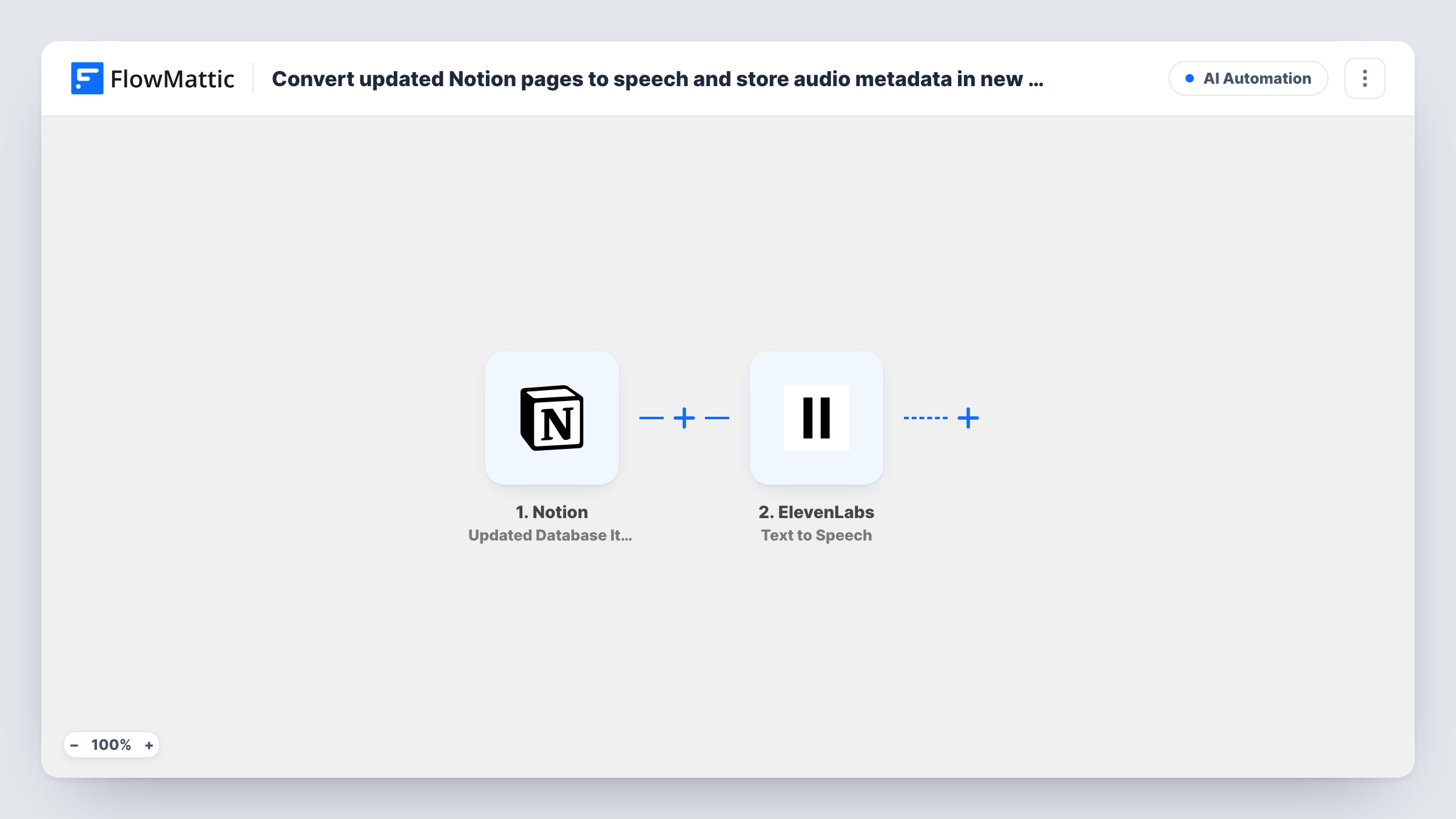
The Notion trigger watches one database and starts a run when an item in it is updated. The item's properties are passed to ElevenLabs, whose Text to Speech step converts the text you map into speech with an ElevenLabs voice. The last step creates a new item in a Notion database and stores what ElevenLabs returned, such as a link or file reference for the audio, alongside the source page's title.
The trigger, the speech step and the record step all arrive empty, so after import you choose the database to watch, map the text property into the ElevenLabs step and pick a voice, then choose the database for the audio records and map the ElevenLabs response into its properties. Run one test and look at Task History to see exactly which values ElevenLabs sends back before you map them.
Point the last step at a separate database from the one the trigger watches. Every edit to a watched item starts a new run, so a page you change five times produces five recordings and five records.
Listen to blog drafts before publishing
A writer keeps drafts in a Notion content database. Each time a draft is revised, an audio read-through is made, and a log database lists every version with its audio details.
Audio versions of team announcements
An operations lead edits a weekly update in Notion, and the spoken version is ready for staff who prefer to listen during their commute.
Practice scripts for videos and podcasts
A creator refines a script in Notion and hears each revision in an ElevenLabs voice, with the recordings tracked in a separate Notion table.
How this workflow runs
What happens at each step once the workflow is on, and what you need before you import it.
 Notion Updated Database Item
Starts a run when an item in the Notion database you select is updated. The updated item's properties, including the text you want spoken, become available to map.
- ElevenLabs Text to Speech
Converts the text you map into speech using an ElevenLabs voice. The step ships unmapped, so connect ElevenLabs, map the Notion text property and choose the voice after import.
- Notion Create Database Item
Creates a new item in a Notion database to record the audio. Map the ElevenLabs response and any source details, such as the page title, into that database's properties.
What you need
- FlowMatticCore
- Notion AccountAccount
- ElevenLabs AccountAccount
After importing, map your own data. To keep the template universal, not every step is pre-filled. Open each step in the builder and connect your accounts and fields (channels, lists, sheets, recipients) before you switch the workflow on.
Make it yours
Changes worth making after you import it.
- Add a Filter between the Notion trigger and the ElevenLabs step that continues only when a status property equals Ready for audio, so routine edits don't each produce a new recording.
- Keep a property in the audio database for the source page's title or ID, so you can tell which Notion item each recording came from.
- Map only the main text property into ElevenLabs, not the whole item, so the speech doesn't read out tags, dates or other metadata.
Questions about this workflow
Does every edit to a Notion item create new ElevenLabs audio?
Yes, as imported. Each update to an item in the watched database starts a run. Add a Filter on a status or checkbox property between the trigger and the ElevenLabs step if you only want audio for items you mark as ready.
Can the audio records go into the same Notion database the trigger watches?
Don't do that. Creating items in the watched database can start more runs. Use a separate Notion database for the audio records.
Which audio details end up in the new Notion item?
The ones you map from the ElevenLabs step. Run a test, open Task History to see what the Text to Speech step returned, and map those values into your database's properties.
Do I need an ElevenLabs account to use this workflow?
Yes. The Text to Speech step runs through your own ElevenLabs connection, and you pick the voice from it when you set up the step.
More AI Automation workflows
Other ready-to-import templates from the same category.







Import this workflow into your WordPress site
Download the JSON, import it from the Workflows screen and connect your accounts. Every run stays on your server, with no per-task fees.
30-day money-back guarantee Unlimited workflows and runs Self-hosted