

Create a ClickUp task for each new Rezdy contact
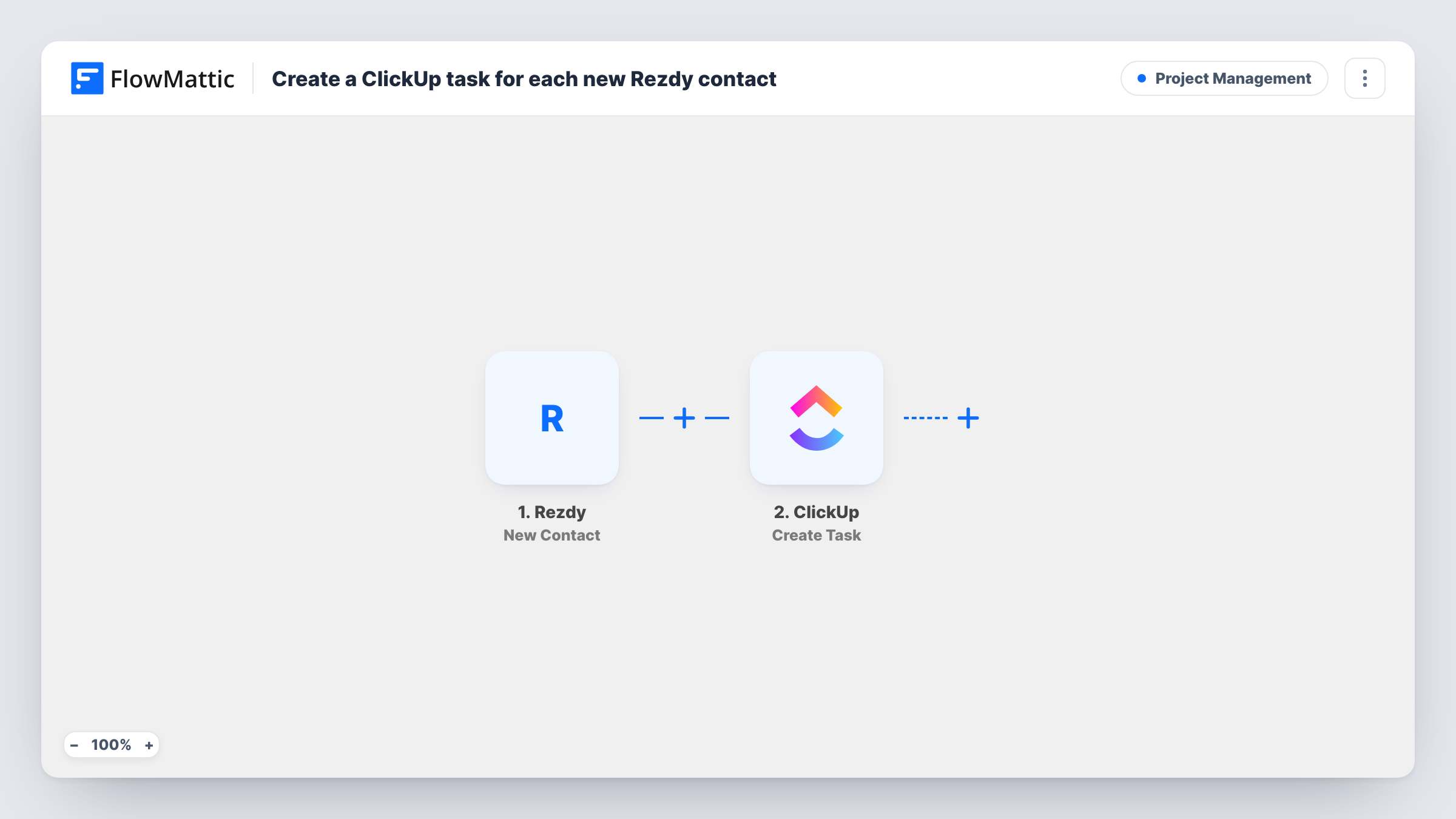
Every time a contact is created in Rezdy, this workflow opens a ClickUp task with the contact’s details, so your tour or activity team has a to-do for each new person to follow up.
 Rezdy
Rezdy
 ClickUp
2 steps Setup ~5 min Used on 1.1k sites Productivity Free to import
What this workflow does
Tour and activity operators collect contacts in Rezdy through bookings and enquiries. If follow-up is planned in ClickUp, someone has to notice each new person and set up a task. This workflow does that part, so no contact sits unnoticed.
The Rezdy trigger fires when a new contact is created. FlowMattic passes the contact's data to the Create Task action in ClickUp, where you map the Rezdy contact details into the new task.
One contact produces one task. Edits to an existing contact don't fire this trigger, so updates in Rezdy won't create more tasks. Plan the ClickUp list as a follow-up queue that your team clears. Task History shows each run and the data ClickUp received.
Welcome call for new guests
A small tour company creates a ClickUp task for each new Rezdy contact, so a team member can call to welcome them and answer questions.
Group booking enquiries
New contacts from group enquiries get a task in the sales list, where the coordinator prepares a quote.
Partner and agent records
When the office adds a reseller contact in Rezdy, the partnerships list in ClickUp gets a task to send the agent kit.
How this workflow runs
What happens at each step once the workflow is on, and what you need before you import it.
 Rezdy New Contact
Fires when a new contact is created in your Rezdy account. The contact's details become available to map into the ClickUp task.
- ClickUp Create Task
Adds a ClickUp task for the new Rezdy contact. Map the contact's details into the task, then check the result on a test run.
What you need
- FlowMatticCore
- Rezdy AccountAccount
- ClickUp AccountAccount
After importing, map your own data. To keep the template universal, not every step is pre-filled. Open each step in the builder and connect your accounts and fields (channels, lists, sheets, recipients) before you switch the workflow on.
Make it yours
Changes worth making after you import it.
- Create a test contact in Rezdy after import, so FlowMattic captures the contact fields you can place into the ClickUp task.
- Add a Delay before the ClickUp step if you want the follow-up task to appear a day after the contact is created rather than straight away.
- Want an alert too? Add a Slack step after ClickUp that posts the new contact's name to your team channel.
Questions about this workflow
Does editing a Rezdy contact create another ClickUp task?
No. The trigger fires when a contact is created. Updates to an existing contact don't start this workflow.
Will the Rezdy follow-up task land with a specific teammate in ClickUp?
That depends on what the Create Task step offers. Open it after import and run a test to see whether an assignee can be set.
Are Rezdy contacts from before setup turned into tasks?
No. Only contacts created while the workflow is on reach ClickUp. Add tasks for older contacts by hand if you need them.
More Project Management workflows
Other ready-to-import templates from the same category.





Import this workflow into your WordPress site
Download the JSON, import it from the Workflows screen and connect your accounts. Every run stays on your server, with no per-task fees.
30-day money-back guarantee Unlimited workflows and runs Self-hosted