

Create a ClickUp task when a PageProof workflow step is reached
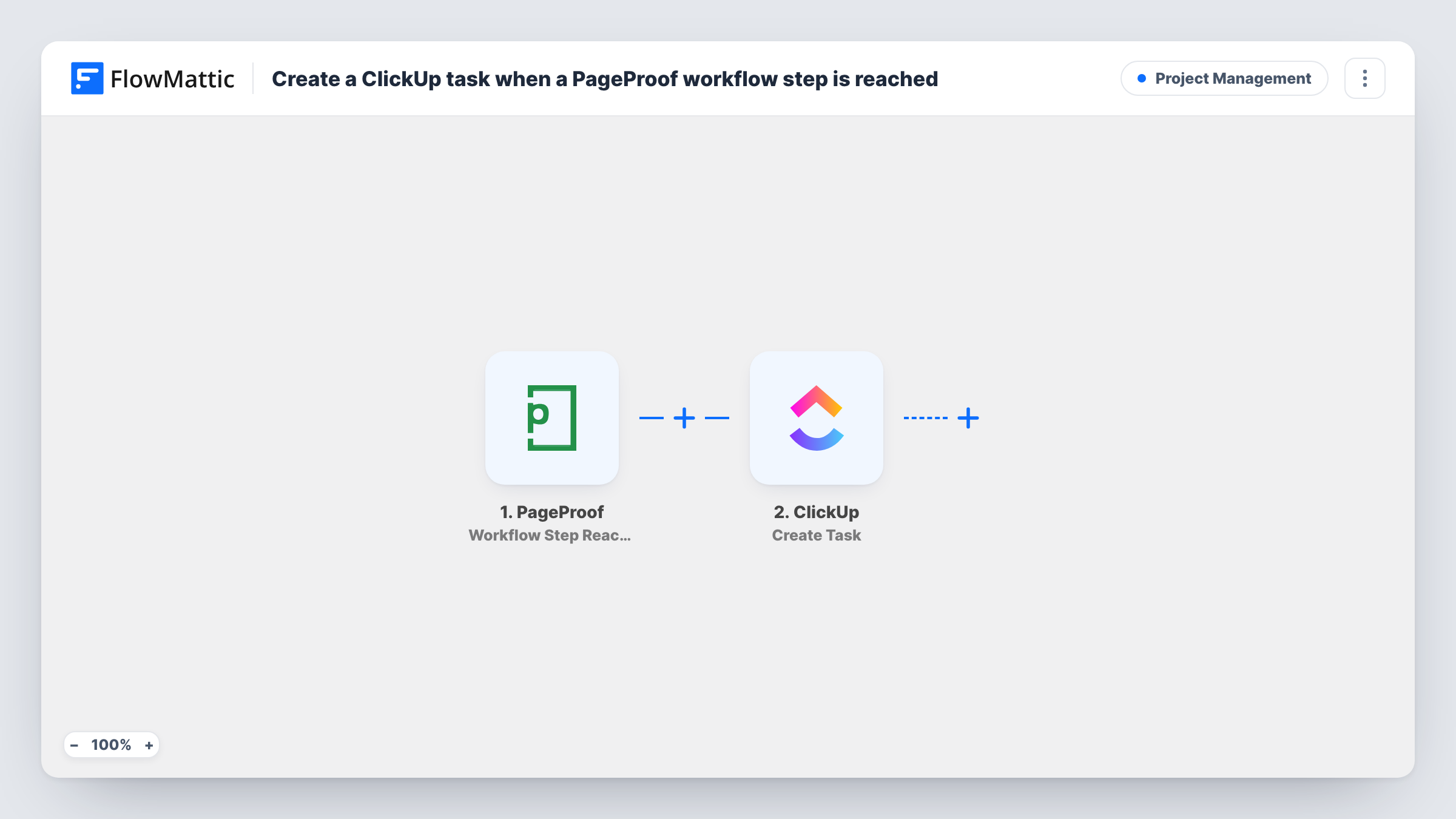
When a proof reaches a specific step of its PageProof workflow, this workflow creates a task in ClickUp, so the person responsible for that stage has it on their task list.
 PageProof
 ClickUp
2 steps Setup ~5 min Used on 1.7k sites Productivity Free to import
What this workflow does
Proofing workflows in PageProof move a file through stages such as internal review, client review and final approval. Your team may plan its work in ClickUp, though, and a stage change in PageProof doesn't show up there by itself. This workflow bridges the two by creating a ClickUp task when a proof arrives at a step.
The PageProof trigger fires when a specific step in the workflow is reached. FlowMattic passes the proof and step details to ClickUp, where Create Task adds a new task. You map the task name and description from the PageProof data, for example the proof name and the step it reached.
Each time the trigger fires, a new task is made. ClickUp doesn't hear when the step is finished, so close the task there yourself. Task History lists every run with ClickUp's response.
Client review stage at an agency
When a proof reaches the client review step, an account manager gets a ClickUp task to chase the client for feedback.
Final artwork checks
A proof reaching the pre-press step creates a task for the production designer to prepare print-ready files.
Legal sign-off for marketing
Proofs that reach a compliance step appear as tasks in the legal team's ClickUp space, next to the rest of their work.
How this workflow runs
What happens at each step once the workflow is on, and what you need before you import it.
 PageProof Workflow Step Reached
Runs when a proof reaches a specific step in its PageProof workflow. The proof and step details are passed on to build the ClickUp task.
- ClickUp Create Task
Adds a fresh ClickUp task for the proof that reached the step. Map PageProof details into the task, such as its name and description, and connect your ClickUp account.
What you need
- FlowMatticCore
- PageProof AccountAccount
- ClickUp AccountAccount
After importing, map your own data. To keep the template universal, not every step is pre-filled. Open each step in the builder and connect your accounts and fields (channels, lists, sheets, recipients) before you switch the workflow on.
Make it yours
Changes worth making after you import it.
- Put the PageProof proof link in the task description, so whoever picks up the ClickUp task can open the proof directly.
- If your PageProof workflows have several steps and only one should create tasks, add a Filter after the trigger that checks the step name.
- Move a test proof to the step after import, then map the fields you see in the trigger output into the ClickUp task.
Questions about this workflow
Does the ClickUp task close when the PageProof step is complete?
No. ClickUp gets the task once and hears nothing more from PageProof. Close it in ClickUp yourself, or build another workflow that reacts to PageProof's other triggers.
Which PageProof step creates a ClickUp task?
FlowMattic's catalog describes the trigger as firing when a specific step is reached. Move a test proof forward and read the trigger output to see which step it reports; add a Filter on the step name if more than one step starts runs.
Will an overdue PageProof proof also create a ClickUp task?
Not with this trigger. PageProof's Proof Overdue trigger is separate and would need its own workflow.
More Project Management workflows
Other ready-to-import templates from the same category.




Import this workflow into your WordPress site
Download the JSON, import it from the Workflows screen and connect your accounts. Every run stays on your server, with no per-task fees.
30-day money-back guarantee Unlimited workflows and runs Self-hosted