

Create a ClickUp task when a Rendi FFmpeg command completes for review
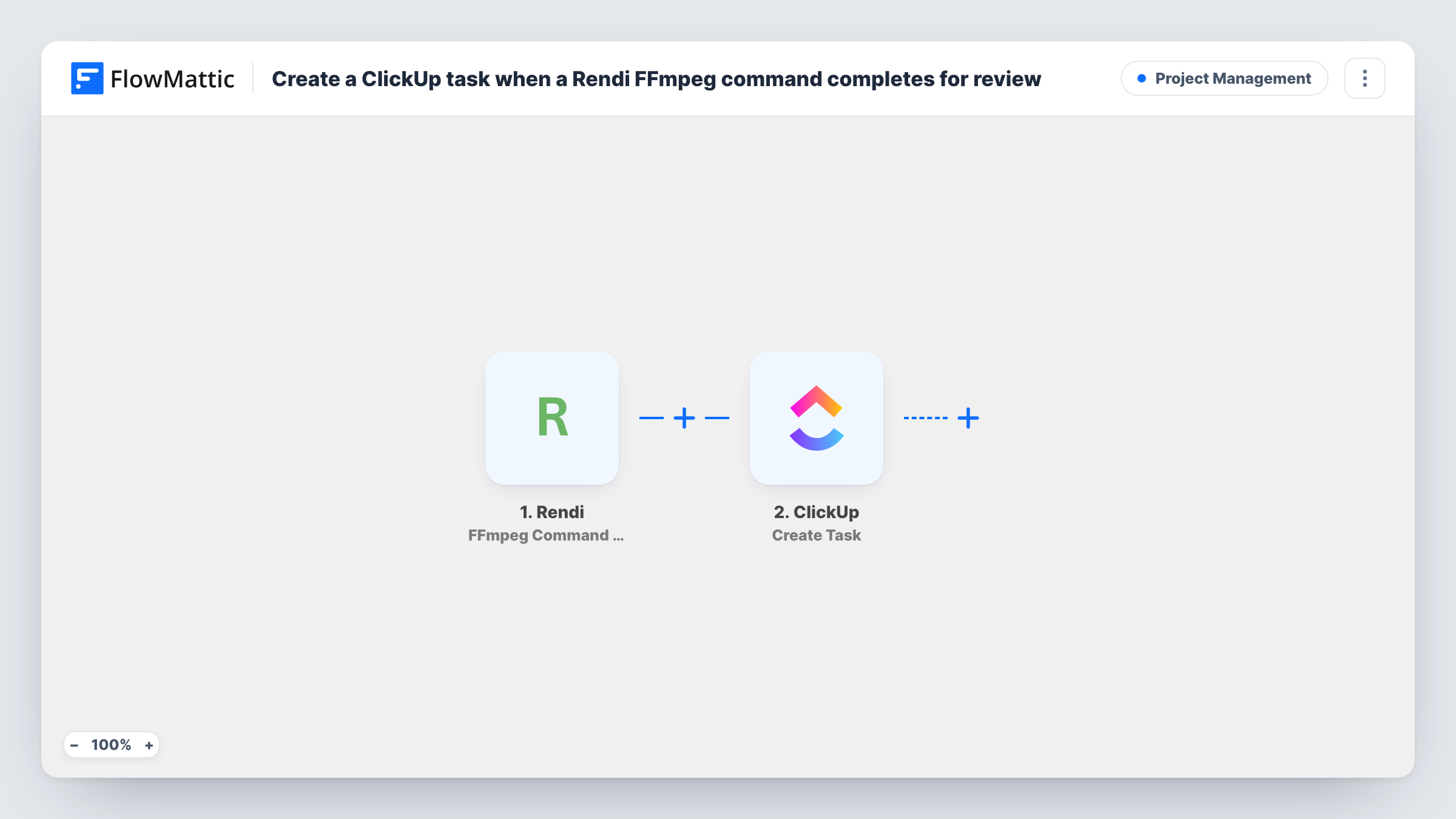
When a Rendi FFmpeg command finishes, this workflow creates a ClickUp task with the details you map, so every processed video or audio file gets a review task for your team.
 Rendi
Rendi
 ClickUp
2 steps Setup ~5 min Used on 1.3k sites Productivity Free to import
What this workflow does
Rendi runs FFmpeg commands in the cloud, so your media is processed without a server of your own. Once a job is done, someone still needs to check the output before it is published. This workflow creates a ClickUp task each time a command completes, so the review is never forgotten.
A run starts once Rendi reports that one of your FFmpeg commands has finished. FlowMattic takes the data from that event and passes it to ClickUp. The Create Task action adds a new task to the list you choose, with a name and description built from the details you map, such as a command ID or output file link if the event includes them.
The trigger fires on completion, so check with a test run whether failed commands also start it and what status the event reports. Task History shows each run and the response ClickUp returned.
Video team review queue
Each clip trimmed or converted by Rendi becomes a ClickUp task in the editors' list, so someone watches it before it goes live.
Podcast audio processing
When Rendi finishes normalising an episode's audio, the producer gets a task to listen to the result and approve it.
Client deliverables at an agency
Rendi renders each client video, and ClickUp holds a task per render that the account manager closes once the client has the file.
How this workflow runs
What happens at each step once the workflow is on, and what you need before you import it.
 Rendi FFmpeg Command Completed
Fires when an FFmpeg command you ran in Rendi completes. The data from that event becomes available to map into the ClickUp task.
- ClickUp Create Task
Creates a new task in the ClickUp list you pick. Map details from the Rendi event into the task name and description, and connect your ClickUp account on import.
What you need
- FlowMatticCore
- Rendi AccountAccount
- ClickUp AccountAccount
After importing, map your own data. To keep the template universal, not every step is pre-filled. Open each step in the builder and connect your accounts and fields (channels, lists, sheets, recipients) before you switch the workflow on.
Make it yours
Changes worth making after you import it.
- Add a Filter after the trigger that continues only when the Rendi status shows success, if the event reports one, so failed jobs don't create review tasks.
- Map the output file link from Rendi into the task description, if the event provides it, so reviewers can open the file straight from ClickUp.
- Run one FFmpeg command in Rendi after import so FlowMattic captures the event fields, then build the task name from them.
Questions about this workflow
Does a failed Rendi FFmpeg command create a ClickUp task?
Find out with a deliberate failure. Run a Rendi command that can't succeed and check Task History. If it starts a run, add a Filter on the status field from the event.
Can the ClickUp task be assigned to a reviewer automatically?
Check what the ClickUp step offers after import. If it lets you set an assignee, choose the reviewer there; otherwise assign tasks in ClickUp.
Are Rendi commands that finished before import added to ClickUp?
No. Only commands completed after you turn on the workflow create tasks.
More Project Management workflows
Other ready-to-import templates from the same category.





Import this workflow into your WordPress site
Download the JSON, import it from the Workflows screen and connect your accounts. Every run stays on your server, with no per-task fees.
30-day money-back guarantee Unlimited workflows and runs Self-hosted