

When a new form submission is received in Tally, create a new task in Monday.com
Every new Tally form submission becomes an item on the Monday.com board you choose, named and filled from the answers you map, so requests turn into tasks your team can assign and track.
 Tally
Tally
 Monday.com
2 steps Setup ~5 min Used on 2.1k sites Productivity Free to import
What this workflow does
Requests that arrive through a Tally form are easy to lose if someone has to copy them onto the team's board. A missed copy means a request nobody owns. This workflow puts each submission on your Monday.com board as soon as Tally receives it.
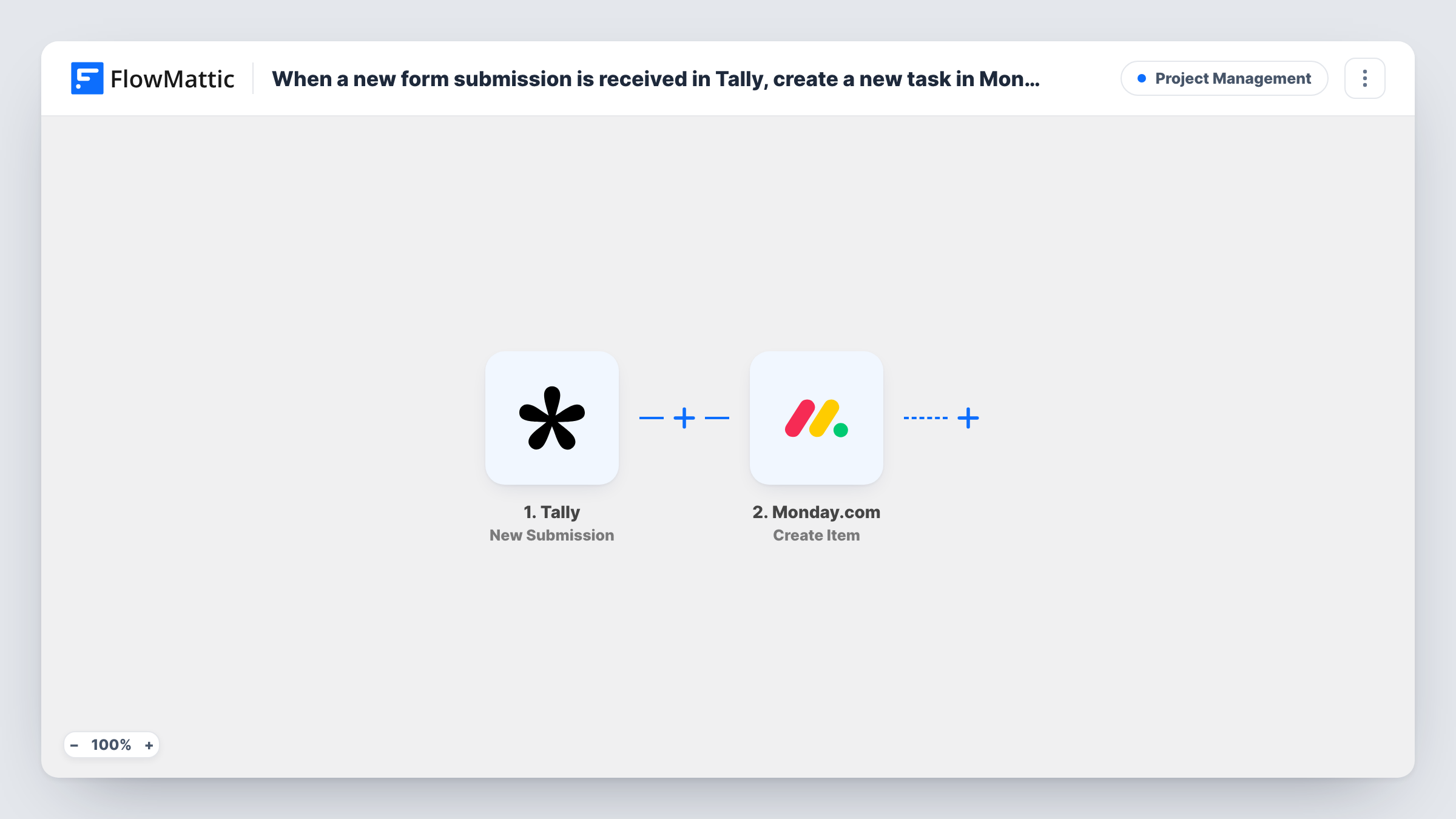
The Tally trigger fires on each new form submission and hands the answers to FlowMattic. Next comes the Monday.com step, whose Create Item action places a fresh item on a board of yours. You choose the board and map Tally answers into the item, for example the request summary as the item name.
From there the item behaves like any other on the board: your team can assign it, set its status and comment on it in Monday.com. Tally keeps its copy of the response too. Task History lists each run and what Monday.com sent back.
Design requests from other teams
Colleagues ask for graphics through a Tally form, and each request appears on the design team's Monday.com board ready to be picked up.
Client change requests
An agency gives clients a Tally form for website changes. Each change becomes a Monday.com item the project manager can schedule.
IT help requests in a small office
Staff report a broken laptop or a login problem through Tally, and the office manager works through the items on a Monday.com board.
How this workflow runs
What happens at each step once the workflow is on, and what you need before you import it.
 Tally New Submission
Runs whenever a chosen Tally form gets a new submission. Connect Tally, pick the form and send a test response so its answers can be used in the Monday.com step.
- Monday.com Create Item
Puts the Tally request on your chosen Monday.com board as a new item. Map Tally answers into it, using a short answer for the item name, and connect your Monday.com account.
What you need
- FlowMatticCore
- Tally AccountAccount
- Monday.com AccountAccount
After importing, map your own data. To keep the template universal, not every step is pre-filled. Open each step in the builder and connect your accounts and fields (channels, lists, sheets, recipients) before you switch the workflow on.
Make it yours
Changes worth making after you import it.
- Use the clearest Tally answer, such as a short request title, as the item name so the board stays readable at a glance.
- Only some requests belong on this board? Put a Filter between Tally and Monday.com that continues when a department or request-type answer matches.
- To route requests to different boards, swap the single step for a Router with one route per answer value and a Create Item step on each route.
Questions about this workflow
Which Monday.com board does the Tally submission go to?
The one you pick in the Create Item step. Each run adds its item to that board.
Can Tally answers fill Monday.com columns as well as the item name?
Map whatever the Create Item step offers once your Monday.com account is connected. A test run shows how each answer lands on the item.
What happens if two people submit the same request?
Each submission creates its own item, because Create Item doesn't check the board for matches. You'll see two items and can merge or archive one in Monday.com.
Are Tally responses from before import added to the board?
No. The trigger reacts to new submissions only, so earlier responses stay in Tally.
More Project Management workflows
Other ready-to-import templates from the same category.






Import this workflow into your WordPress site
Download the JSON, import it from the Workflows screen and connect your accounts. Every run stays on your server, with no per-task fees.
30-day money-back guarantee Unlimited workflows and runs Self-hosted