

Create a ClickUp task when a Synchroteam job is cancelled
When a job is cancelled in Synchroteam, this workflow creates a task in ClickUp with the job details, so someone in your team follows up on the cancellation.
 Synchroteam
 ClickUp
2 steps Setup ~5 min Used on 1.9k sites Productivity Free to import
What this workflow does
A cancelled field job leaves loose ends. The customer may need to rebook, parts may need returning, and the technician's day has a gap. If the office only learns about it from the Synchroteam schedule, those follow-ups can wait too long. This workflow puts each cancellation on your team's task list.
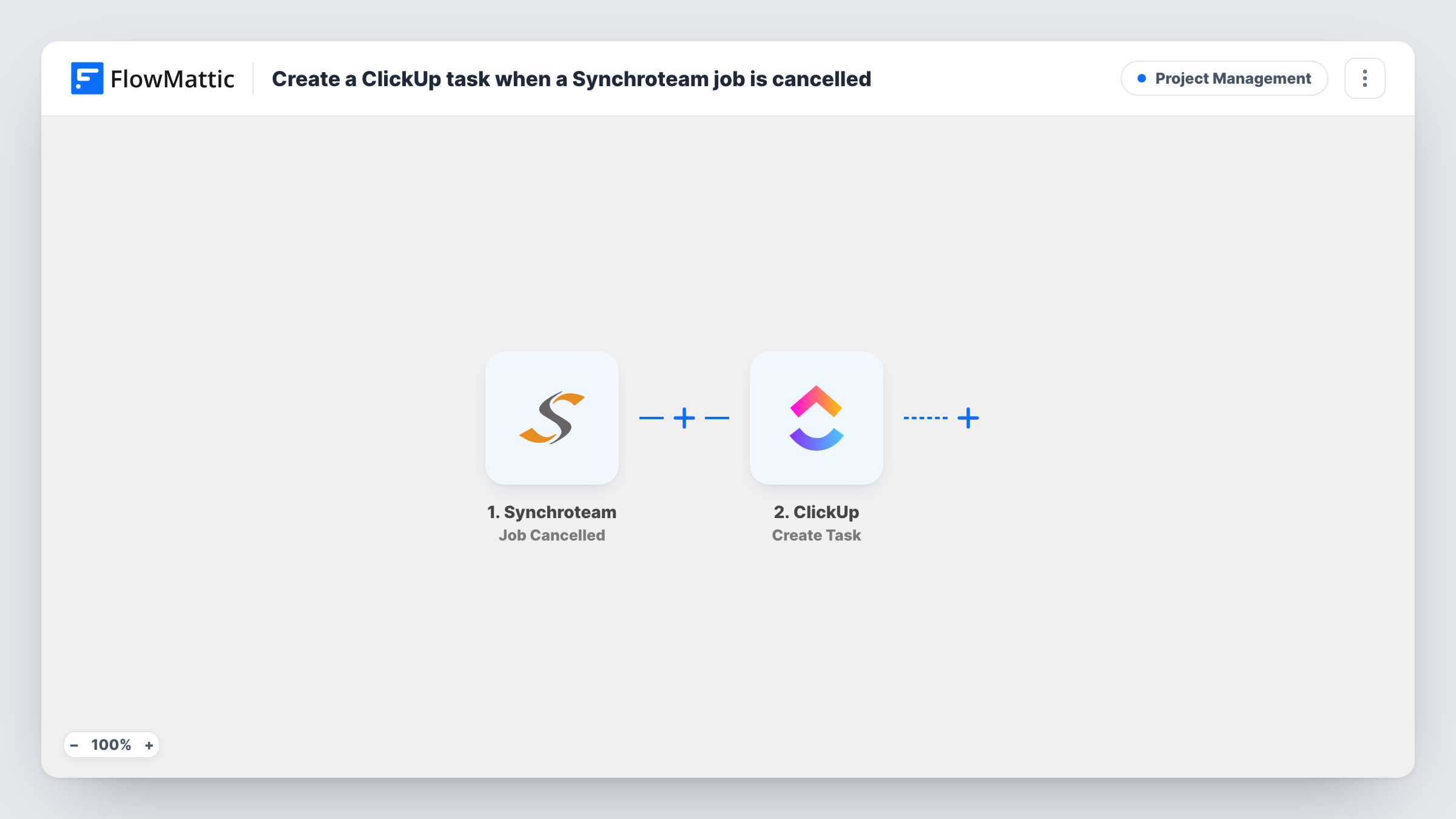
The Synchroteam trigger fires when a job is cancelled. FlowMattic receives the job data and makes it available for mapping. The second step creates a task in ClickUp, and you decide which job details go into the task name and description, such as the customer, the job reference and the planned date.
Every cancelled job creates one task, so the ClickUp list becomes a queue of cancellations to deal with. Where the task lands and who sees it depends on how you set up the ClickUp step after import. Run a test cancellation to confirm the task looks the way you want, and use Task History to check each run.
Rebooking cancelled service visits
An HVAC company gets a ClickUp task for each cancelled maintenance visit, and the office calls the customer to offer a new date.
Returning reserved parts to stock
When an installation job is cancelled, the task reminds the warehouse team to put the parts set aside for it back into stock.
Reviewing cancellations each week
Cancellation tasks collect in one ClickUp list, so a manager can look through them each week and spot repeat causes.
How this workflow runs
What happens at each step once the workflow is on, and what you need before you import it.
 Synchroteam Job Cancelled
Runs when a job is cancelled in your Synchroteam account. The job data Synchroteam sends is passed on so you can use it in the ClickUp task.
- ClickUp Create Task
Creates a task in ClickUp from the cancelled job. Map the job details you want into the task, and connect your ClickUp account. Run a test to confirm where the task is created.
What you need
- FlowMatticCore
- Synchroteam AccountAccount
- ClickUp AccountAccount
After importing, map your own data. To keep the template universal, not every step is pre-filled. Open each step in the builder and connect your accounts and fields (channels, lists, sheets, recipients) before you switch the workflow on.
Make it yours
Changes worth making after you import it.
- Put an identifier for the job in the task name, such as its number or the customer's name, so whoever picks up the task can find the job in Synchroteam quickly.
- Add a Filter after the trigger if only some cancellations need a task, for example jobs of one type or for one customer.
- Cancel a test job in Synchroteam after import so FlowMattic captures real job data before you map the ClickUp step.
Questions about this workflow
Does the workflow change anything in Synchroteam?
No. It reads the cancelled job and creates a ClickUp task. The job in Synchroteam stays as it is.
Will a job that is cancelled, rescheduled and cancelled again create two ClickUp tasks?
It runs each time Synchroteam reports a cancellation, so a second cancellation creates a second task. Check Task History if you see duplicates.
Can I get a ClickUp task for other Synchroteam job events?
Not with this template. It reacts to cancelled jobs only. Add another workflow with a different Synchroteam trigger for other job events.
Can the ClickUp task be assigned to someone automatically?
Check the Create Task step after import. Whatever it lets you set, you can fill with fixed values or with data from the cancelled job. Run a test cancellation and look at the task in ClickUp to confirm the result.
More Project Management workflows
Other ready-to-import templates from the same category.




Import this workflow into your WordPress site
Download the JSON, import it from the Workflows screen and connect your accounts. Every run stays on your server, with no per-task fees.
30-day money-back guarantee Unlimited workflows and runs Self-hosted