

Create a Todoist task to follow up on a new Alchemer survey response
Each new Alchemer survey response creates a Todoist task, so someone on your team has a clear to-do to read the answers and get back to the respondent.
 Alchemer
 Todoist
2 steps Setup ~5 min Used on 2.8k sites Productivity Free to import
What this workflow does
An Alchemer survey keeps collecting answers whether or not anyone reads them. Feedback that needs a reply, a complaint or a request for a call can sit in Alchemer's reports for days. This workflow turns every response into a task in the to-do list you already check.
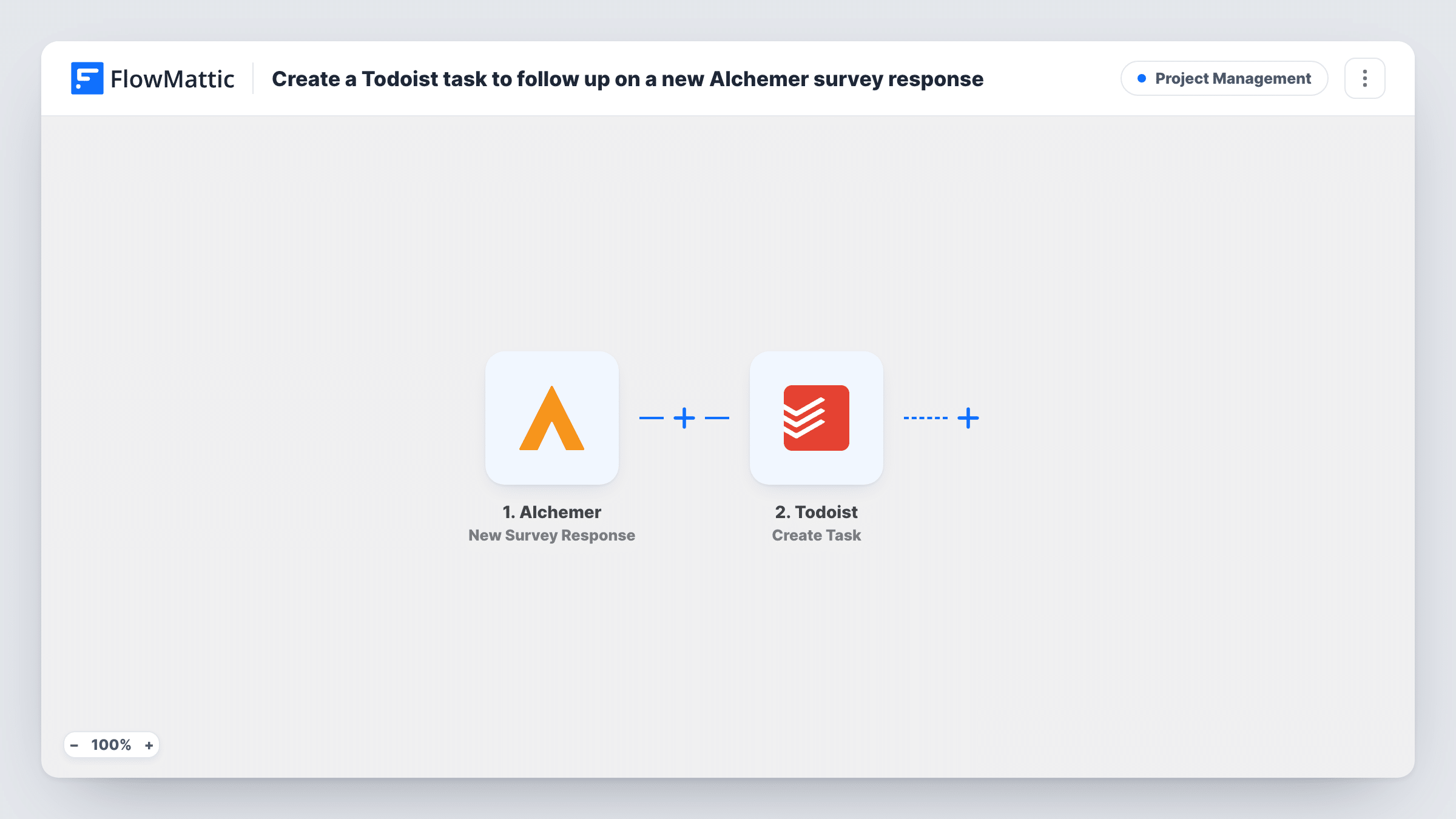
The Alchemer trigger fires when a survey response is submitted. FlowMattic receives the response data and passes it to Todoist, where the Create Task action adds a new task. You map the answers you care about into the task, for example a name and a comment box if your survey asks for them, so the task explains what the follow-up is about.
There is no condition in between. Every response becomes a task, including ones that need no action, so a busy survey can fill your list quickly. Read the tips if you want only some answers to reach Todoist. Task History shows each run and what Todoist returned.
Customer satisfaction follow-ups
A support lead gets a Todoist task for each satisfaction survey, reads the comments and decides who should reply to the customer.
Event feedback with callback requests
Attendees can ask for a call in a post-event Alchemer survey. Each response lands in the sales rep's Todoist with the answers attached.
Small research projects
A researcher running a short Alchemer study gets one task per participant to review the answers and send a thank-you note.
How this workflow runs
What happens at each step once the workflow is on, and what you need before you import it.
 Alchemer New Survey Response
Runs when a new response is submitted to your Alchemer survey. The answers and response details become data you can map into Todoist.
- Todoist Create Task
Adds a Todoist task for the response. Connect your Todoist account and map the response data into the task, such as who answered and the answers that need a follow-up.
What you need
- FlowMatticCore
- Alchemer AccountAccount
- Todoist AccountAccount
After importing, map your own data. To keep the template universal, not every step is pre-filled. Open each step in the builder and connect your accounts and fields (channels, lists, sheets, recipients) before you switch the workflow on.
Make it yours
Changes worth making after you import it.
- Add a Filter after the trigger so only responses that need action become tasks, for example a low rating or a yes to a request for contact.
- Put a short summary of the answer that matters in the task title, so you can sort follow-ups without opening each task.
- Submit a test response to the survey after import so FlowMattic captures Alchemer's real fields before you map the Todoist task.
Questions about this workflow
Does every Alchemer response create a Todoist task?
Yes, as imported. There is no Filter, so each submitted response runs the workflow. Add a Filter after the trigger if you want tasks only for certain answers.
Can I see the survey answers inside the Todoist task?
Yes, if you map them. Whatever response data you place in the Create Task step's text appears in the task, so include the answers your team needs to act on.
Are partial Alchemer responses turned into tasks?
The trigger is New Survey Response, which fires when a survey is submitted. Run a test with your survey to see exactly which responses reach FlowMattic.
More Project Management workflows
Other ready-to-import templates from the same category.




Import this workflow into your WordPress site
Download the JSON, import it from the Workflows screen and connect your accounts. Every run stays on your server, with no per-task fees.
30-day money-back guarantee Unlimited workflows and runs Self-hosted