

Create a ClickUp task when a Userpilot checklist event is received
When Userpilot reports a checklist event, whether a user starts, completes or dismisses an onboarding checklist, FlowMattic creates a task in ClickUp so your team can act on it.
 Userpilot
 ClickUp
2 steps Setup ~5 min Used on 1.7k sites Productivity Free to import
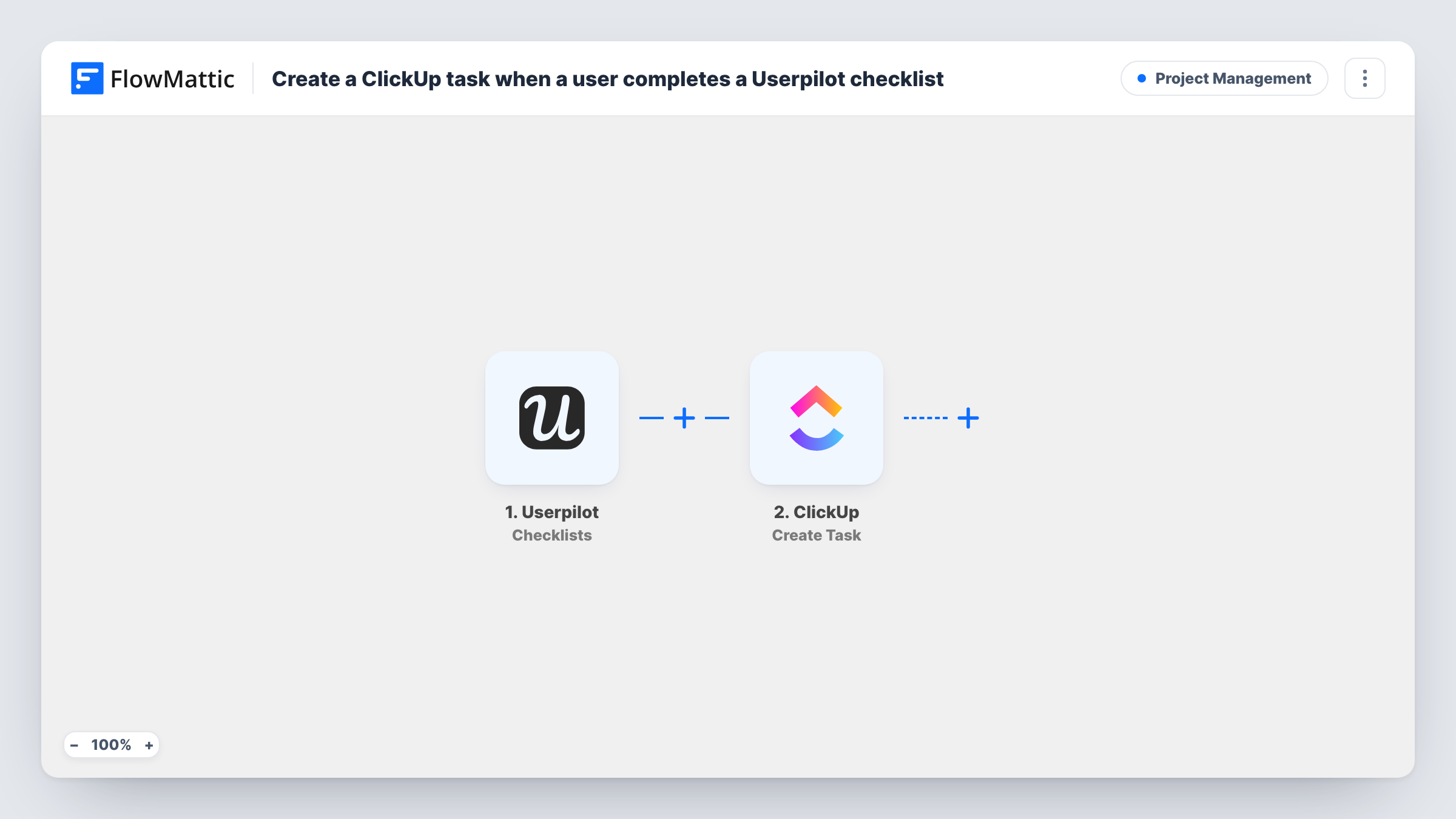
What this workflow does
Onboarding checklists show how far a new user has got, but the signal is only useful if someone acts on it: a call after a user finishes setup, or a nudge when they give up. This workflow turns each Userpilot checklist event into a ClickUp task in the list your team works from.
The Userpilot trigger, Checklists, fires when a checklist is started, completed or dismissed. As imported, all three events start a run, so each one creates a task. The event data, such as the checklist and the user, is passed to ClickUp.
The ClickUp step, Create Task, adds a new task. It ships unmapped: after import, connect ClickUp, pick where the task goes and map the Userpilot details into its name and description, for example the user and the event type, so whoever opens the task knows what happened.
If only one of the three events matters to you, such as completions, add a Filter on the event type before the ClickUp step. Start and complete a test checklist, then check Task History to see the data Userpilot sends for each event.
Follow-up calls after onboarding
A customer success team gets a ClickUp task each time a trial user completes the Userpilot setup checklist, and books a check-in call from it.
Rescue tasks for dismissed checklists
A SaaS team filters for dismissals so a ClickUp task reminds a success manager to email users who closed the onboarding checklist.
Tracking onboarding activity in ClickUp
A small startup keeps every checklist start and finish as tasks in one ClickUp list, so the founders can see onboarding activity where they plan their work.
How this workflow runs
What happens at each step once the workflow is on, and what you need before you import it.
 Userpilot Checklists
Fires when a Userpilot checklist is started, completed or dismissed. Each event starts a run and passes its details, such as the checklist and user, to ClickUp.
- ClickUp Create Task
Adds one ClickUp task per checklist event. The step ships unmapped: connect ClickUp, choose where the task should go, and map the Userpilot event details into the task name and description.
What you need
- FlowMatticCore
- Userpilot AccountAccount
- ClickUp AccountAccount
After importing, map your own data. To keep the template universal, not every step is pre-filled. Open each step in the builder and connect your accounts and fields (channels, lists, sheets, recipients) before you switch the workflow on.
Make it yours
Changes worth making after you import it.
- To create tasks only for completed checklists, put a Filter between the Userpilot trigger and the ClickUp step that checks the event type. Confirm the field and its value in a test run.
- Include the event type in the ClickUp task name, such as 'Checklist completed', so started, completed and dismissed tasks are easy to tell apart.
- Replace the single Create Task step with a Router after the trigger, one route per event type, each ending in its own ClickUp step and list. Use exact-match conditions on distinct event values so no event matches two routes.
Questions about this workflow
Which Userpilot checklist events create a ClickUp task?
All three as imported: started, completed and dismissed. Add a Filter between the trigger and the ClickUp step on the event type to keep only the ones you need.
Which ClickUp list receives the Userpilot checklist tasks?
Wherever you set in the Create Task step. The template leaves it unset, so after import you choose the location in ClickUp and map the task details.
Will a user who starts and then finishes a checklist create two tasks?
Yes, as imported. The start and the completion are separate events and each one starts a run. A Filter on the event type stops that.
More Project Management workflows
Other ready-to-import templates from the same category.





Import this workflow into your WordPress site
Download the JSON, import it from the Workflows screen and connect your accounts. Every run stays on your server, with no per-task fees.
30-day money-back guarantee Unlimited workflows and runs Self-hosted