

Create a FluentCRM contact from each new Hello Bar subscriber
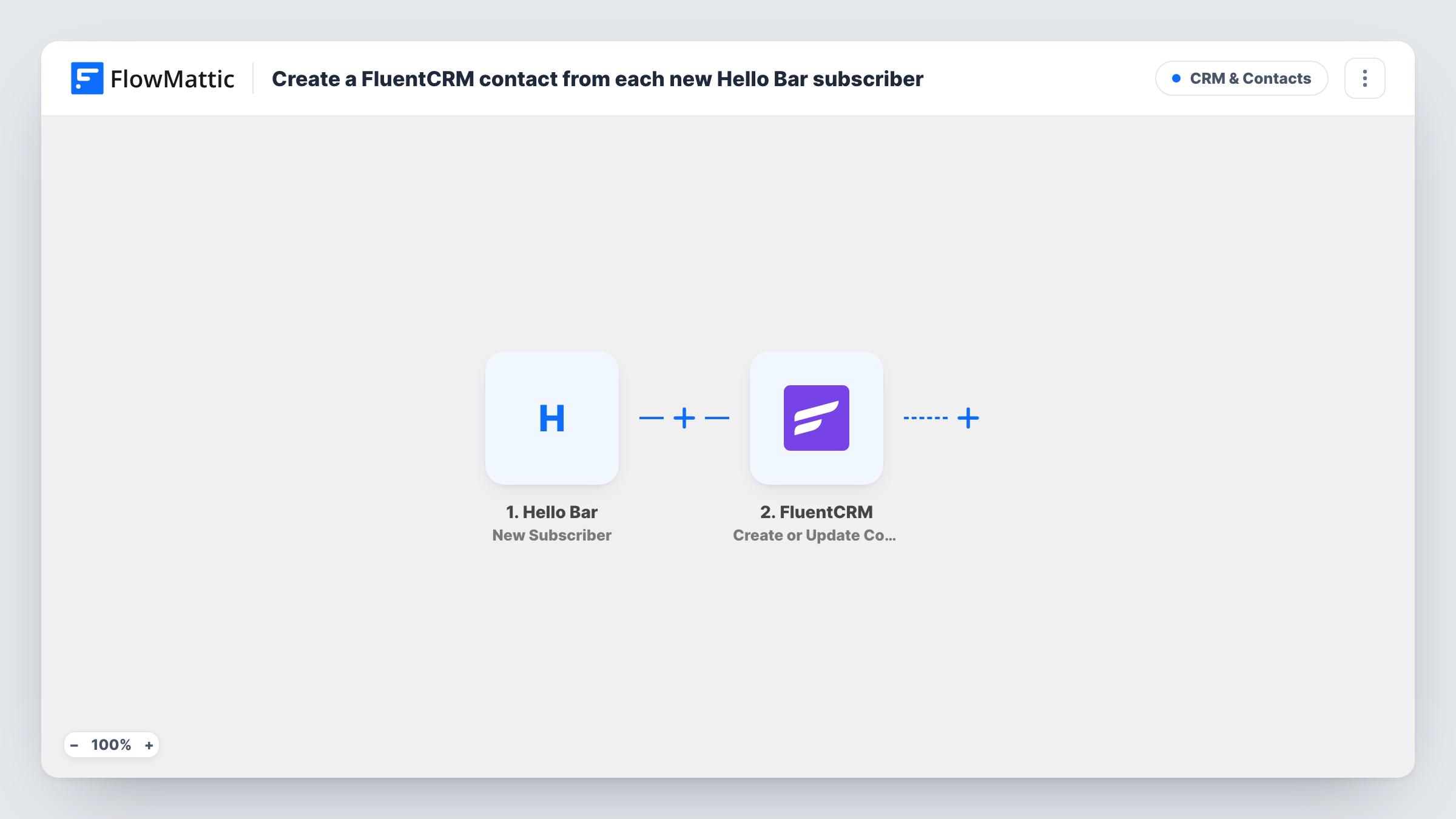
When someone subscribes through your Hello Bar, this workflow creates a FluentCRM contact for them, or updates the existing one with the same email, so they are ready for your WordPress email campaigns.
 Hello Bar
 FluentCRM
2 steps Setup ~5 min Used on 565 sites Free to import
What this workflow does
Hello Bar collects email sign-ups at the top of your pages, but the list lives in Hello Bar. If you send newsletters and sequences from FluentCRM, those subscribers need to be in your WordPress CRM too. This workflow moves each one across as they sign up.
Each time your Hello Bar contact list gains a subscriber, the Hello Bar trigger starts a run. FlowMattic hands the subscriber's details to the FluentCRM Create or Update Contact action. FluentCRM matches on the email address: a new address becomes a new contact, and a known address updates the contact you already have instead of making a copy.
The contact is stored in FluentCRM on your own WordPress site, next to FlowMattic. From there you can add tags, lists or sequences in FluentCRM, or add those steps to this workflow. Task History records each run with the data received from Hello Bar.
Blog newsletter bar
A Hello Bar across your blog asks readers to join the newsletter. Each sign-up lands in FluentCRM, where your weekly email already goes out.
Discount code offer on a store
Hello Bar offers a code for joining the list. Shoppers who subscribe become FluentCRM contacts you can email about new products.
Returning readers who sign up again
A reader already in FluentCRM subscribes through Hello Bar on a different page. The existing contact is updated rather than duplicated.
How this workflow runs
What happens at each step once the workflow is on, and what you need before you import it.
 Hello Bar New Subscriber
Fires each time a new subscriber is added to your Hello Bar contact list. The subscriber's details become data you can map into FluentCRM. Run a test sign-up to see which values Hello Bar sends.
- FluentCRM Create or Update Contact
Adds the Hello Bar subscriber to FluentCRM, or refreshes the contact that already uses that email. Map the Hello Bar email field to the contact email, plus a name if your bar collects one.
What you need
- FlowMatticCore
- Hello Bar AccountAccount
- FluentCRM PluginPlugin
After importing, map your own data. To keep the template universal, not every step is pre-filled. Open each step in the builder and connect your accounts and fields (channels, lists, sheets, recipients) before you switch the workflow on.
Make it yours
Changes worth making after you import it.
- Add a FluentCRM step after this one to put the new contact in a list or tag, so you can tell Hello Bar sign-ups apart from other sources.
- Follow the contact step with FluentCRM's Add Subscriber to Sequence action if you want each Hello Bar subscriber to start a welcome sequence.
- Sign up through your own Hello Bar after import, then check the contact in FluentCRM to confirm the email and any name mapped as expected.
Questions about this workflow
What happens if the Hello Bar subscriber is already in FluentCRM?
FluentCRM matches by email, so the existing contact is updated with the mapped details. No second contact is created.
Must FluentCRM run on the WordPress site where FlowMattic is installed for Hello Bar sign-ups?
Yes. FluentCRM is a WordPress plugin, and the action creates the contact on the site where FlowMattic runs.
Will my existing Hello Bar subscribers be copied to FluentCRM?
No. Hello Bar sign-ups from before the workflow went live never reach this trigger. Import older ones into FluentCRM separately.
Can the Hello Bar sign-up also be tagged in FluentCRM?
Not as imported. Add a FluentCRM tag action after the contact step, because the template only creates or updates the contact.
More CRM & Contacts workflows
Other ready-to-import templates from the same category.




Import this workflow into your WordPress site
Download the JSON, import it from the Workflows screen and connect your accounts. Every run stays on your server, with no per-task fees.
30-day money-back guarantee Unlimited workflows and runs Self-hosted