

Create a Freshdesk ticket when a PayU payment dispute is raised
When a PayU payment dispute is raised, FlowMattic sends a POST request through API by FlowMattic so you can open a Freshdesk ticket for your team. You set up the request after import.
 PayU
 API by FlowMattic
2 steps Setup ~5 min Used on 1.1k sites Free to import
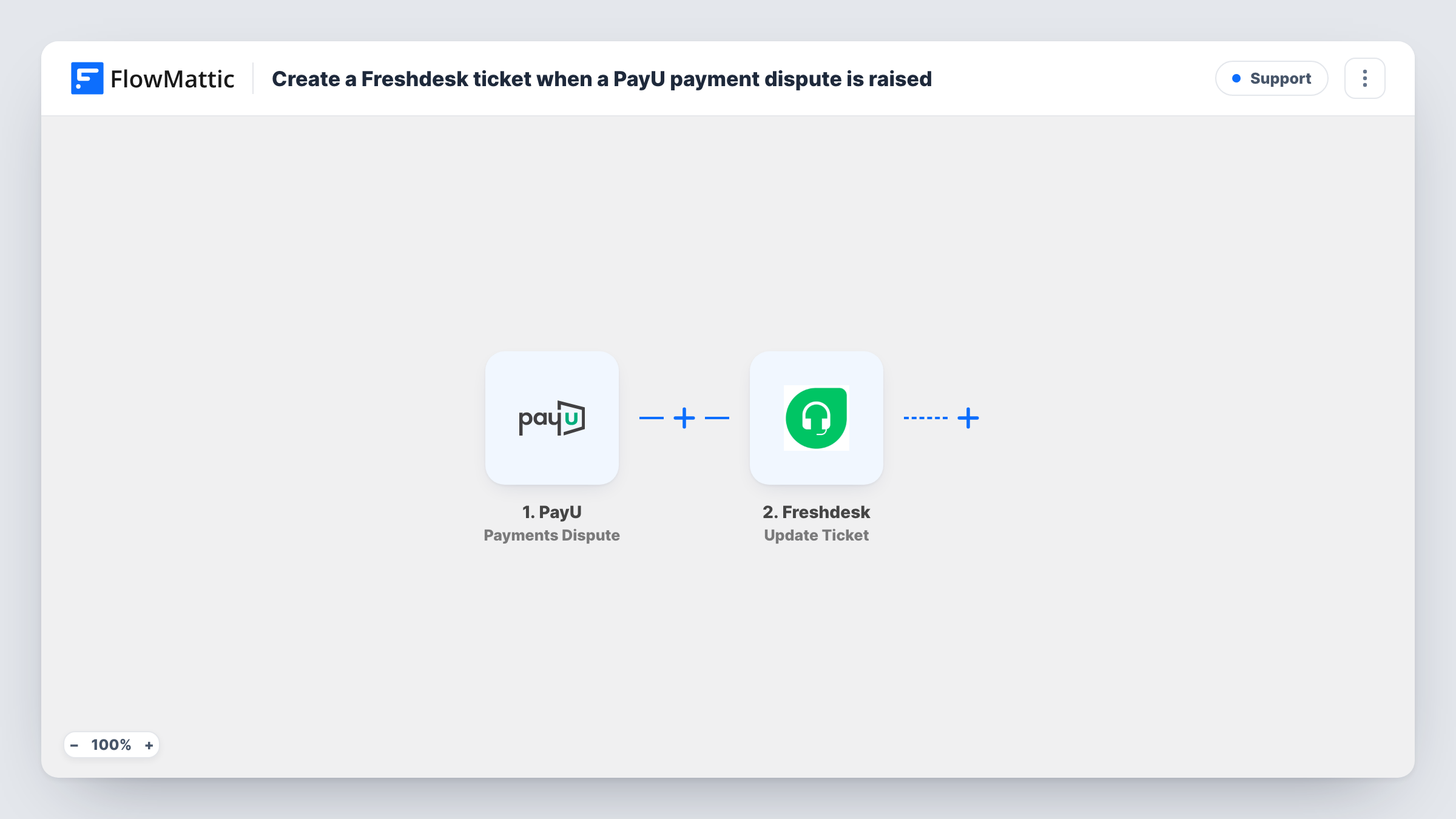
What this workflow does
A payment dispute usually comes with a deadline for your response, and it's easy to miss if the alert sits in a payment dashboard nobody checks daily. Putting each dispute into your help desk gives it an owner and a queue. This workflow starts from PayU and hands the dispute to Freshdesk.
The trigger fires when PayU reports that a payment dispute has arisen, and passes on the dispute and payment details. FlowMattic's Freshdesk integration offers triggers but no actions, so the ticket is created with a POST request from API by FlowMattic.
That step ships unmapped. After import you enter the request yourself: the Freshdesk ticket endpoint for your account, your Freshdesk API authentication, and the ticket fields, filled with values from the PayU dispute. Look up the required ticket fields in Freshdesk's own API reference. The template doesn't include any of this, so the workflow sends nothing useful until you add it.
Once it's set up, run it with a test dispute and check Task History. It shows the PayU data that came in and the reply Freshdesk sent to the POST request.
Chargeback queue for a finance team
An online course seller routes every PayU dispute into a Freshdesk group, where finance gathers receipts and replies before PayU's deadline.
Dispute alerts for a small store
A two-person shop that already answers customers in Freshdesk sees disputes in the same inbox instead of checking the PayU dashboard.
Tracking dispute volume
A subscription business tags each dispute ticket in Freshdesk so it can count disputes by month in its help desk reports.
How this workflow runs
What happens at each step once the workflow is on, and what you need before you import it.
 PayU Payments Dispute
Starts the workflow when a payment dispute arises in PayU. The dispute and payment details are passed on so you can map them into the ticket request.
- API by FlowMattic POST
Calls Freshdesk's API with a POST request built in API by FlowMattic. The step ships empty: after import, enter your Freshdesk ticket endpoint, authentication and request body, mapping PayU values into the ticket's subject and description.
What you need
- FlowMatticCore
- PayU AccountAccount
After importing, map your own data. To keep the template universal, not every step is pre-filled. Open each step in the builder and connect your accounts and fields (channels, lists, sheets, recipients) before you switch the workflow on.
Make it yours
Changes worth making after you import it.
- Map a PayU reference such as the transaction ID into the ticket subject, if the trigger sends one, so agents can search Freshdesk for that dispute later.
- Add a Slack or Email step after the API by FlowMattic step to alert the finance lead as well, since disputes often need a fast first look.
- Test the POST request with your own sample values first and read Freshdesk's reply in Task History before mapping the PayU fields.
- Set a high priority or a dedicated group in the ticket body, using the values Freshdesk's API expects, so disputes don't sit with general support.
Questions about this workflow
Why does this PayU dispute workflow use API by FlowMattic instead of a Freshdesk step?
FlowMattic's Freshdesk integration has triggers such as New Ticket but no actions. Creating a ticket therefore goes through a POST request to Freshdesk's API, which you set up in API by FlowMattic.
Is the Freshdesk request already filled in?
No. The POST step ships unmapped, so you add the endpoint, your authentication and the ticket fields yourself. Freshdesk's API documentation describes the fields a ticket needs.
Do I need a Freshdesk API key?
You need whatever Freshdesk's API asks for to authenticate, which is normally the API key from your Freshdesk profile. Enter it in the POST step the way Freshdesk's API documentation describes.
Which PayU dispute details can go into the ticket?
Any field the Payments Dispute trigger passes. Run a test and look at the trigger data in Task History to see what PayU sends before you map it.
More Support workflows
Other ready-to-import templates from the same category.







Import this workflow into your WordPress site
Download the JSON, import it from the Workflows screen and connect your accounts. Every run stays on your server, with no per-task fees.
30-day money-back guarantee Unlimited workflows and runs Self-hosted