

Create a HubSpot CRM contact from each answered outgoing TeleCMI call
Every answered outgoing call in TeleCMI creates a contact in HubSpot CRM from the call record, so the people your team reaches by phone show up in your CRM without being typed in.
 TeleCMI
 HubSpot CRM
2 steps Setup ~5 min Used on 1.1k sites Free to import
What this workflow does
Sales and support teams that call out from TeleCMI often reach people who aren't in the CRM yet. Copying the number from the call log into HubSpot is easy to forget. This workflow creates a HubSpot contact from each answered outgoing call instead.
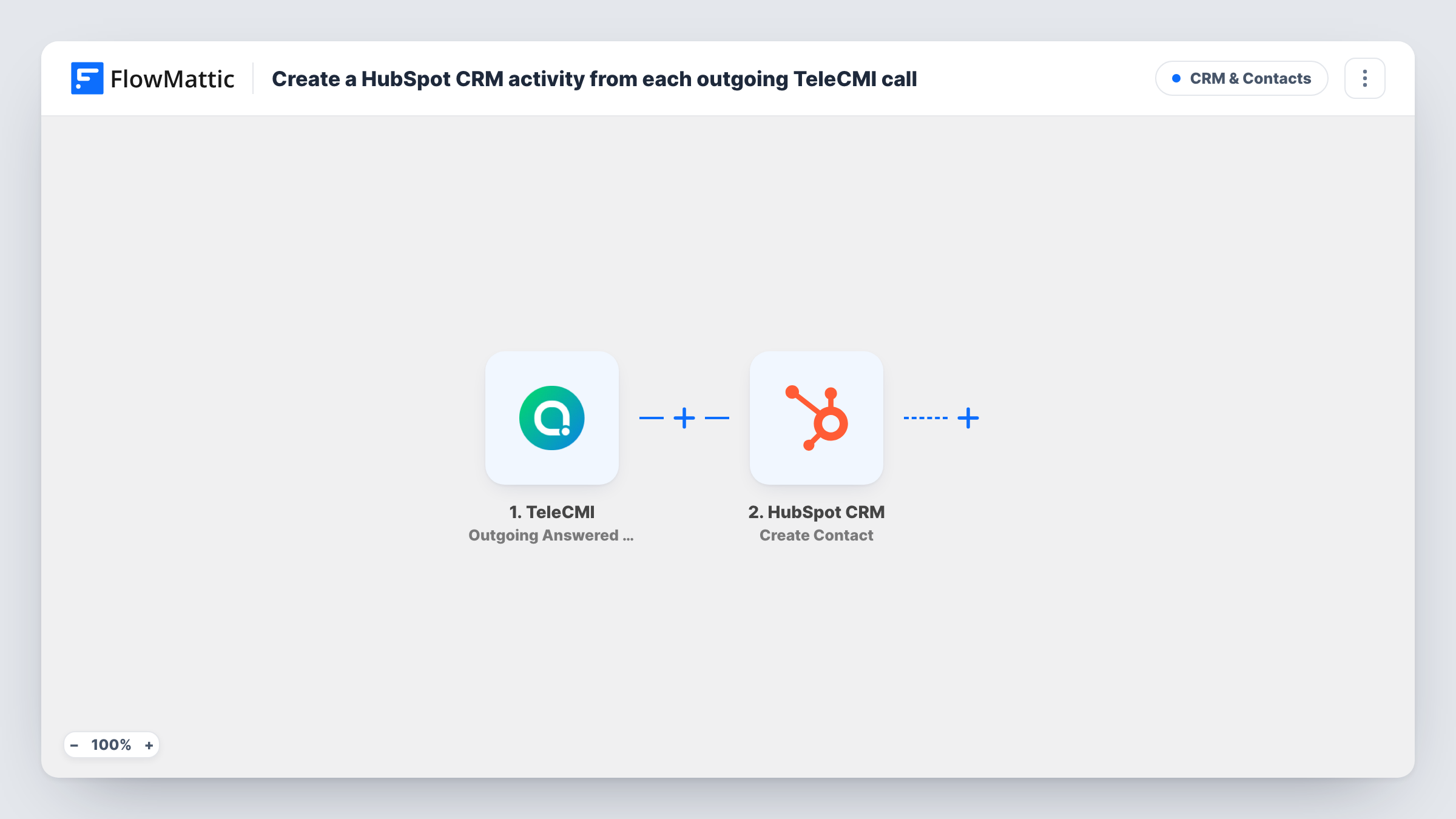
The TeleCMI trigger fires when an outgoing call is answered, and passes on the call detail record. Make a test call after import to see what it holds, such as the number you dialled, the agent and the call time.
The HubSpot CRM Create Contact step ships unmapped. Connect your HubSpot account and map the call data into the contact, at minimum the phone number. A call record may not include a name or email, so expect contacts that start with just a number, which your team fills in later.
Nothing in the template searches HubSpot first. Each answered outgoing call starts a run, so calling the same person twice asks HubSpot for a second contact. HubSpot may store it as a separate record, since the number alone may not mark it as a duplicate. Check Task History for HubSpot's response on each run, and review new contacts for duplicates.
Cold calling a new prospect list
An outbound sales team dials numbers from a purchased list in TeleCMI, and every call that connects becomes a HubSpot contact the rep can work on.
Callbacks to website visitors
A support agent returns calls to people who left a number on the site, and each answered callback appears in HubSpot for follow-up.
Field team reaching new suppliers
A buying team that phones potential suppliers keeps a HubSpot record of everyone who picked up, with the agent's name noted on the contact.
How this workflow runs
What happens at each step once the workflow is on, and what you need before you import it.
 TeleCMI Outgoing Answered CDR
Fires when an outgoing TeleCMI call is answered. The call detail record is passed on; a test call shows which fields arrive, such as the dialled number and agent.
- HubSpot CRM Create Contact
Adds the person you called to HubSpot CRM as a new contact. The step ships unmapped: connect HubSpot and map the call's phone number, plus any other call details you want on the contact.
What you need
- FlowMatticCore
- TeleCMI AccountAccount
- HubSpot CRM AccountAccount
After importing, map your own data. To keep the template universal, not every step is pre-filled. Open each step in the builder and connect your accounts and fields (channels, lists, sheets, recipients) before you switch the workflow on.
Make it yours
Changes worth making after you import it.
- Put a Filter between the TeleCMI trigger and the Create Contact step on the call duration, if a test run shows one, so very short answered calls don't create contacts.
- Map the TeleCMI agent into a contact field your team uses, so HubSpot shows who made the first call.
- Since repeat calls create repeat contacts, consider using this for calls to new numbers only, such as a dedicated prospecting line, rather than every outgoing call.
Questions about this workflow
Does each answered TeleCMI call create a new HubSpot contact?
Yes. The Create Contact step doesn't look for an existing contact first, so a second call to the same number makes another create request. Review HubSpot for duplicates.
Are missed or incoming calls added too?
No. The trigger is Outgoing Answered CDR only. TeleCMI also has FlowMattic triggers for incoming and missed calls, such as Incoming Answered CDR, if you want those in a separate workflow.
Will the HubSpot contact have a name and email?
Only if the call record carries them. Most of the time you map the phone number, and your team adds the name and email in HubSpot after the call.
Does this log the call itself as a HubSpot activity?
No. The workflow creates a contact and nothing else. Notes about the call stay in TeleCMI unless you map details such as the call time into a contact field.
More CRM & Contacts workflows
Other ready-to-import templates from the same category.






Import this workflow into your WordPress site
Download the JSON, import it from the Workflows screen and connect your accounts. Every run stays on your server, with no per-task fees.
30-day money-back guarantee Unlimited workflows and runs Self-hosted