

When a task is updated in Neaktor, update a lead in FluentCRM
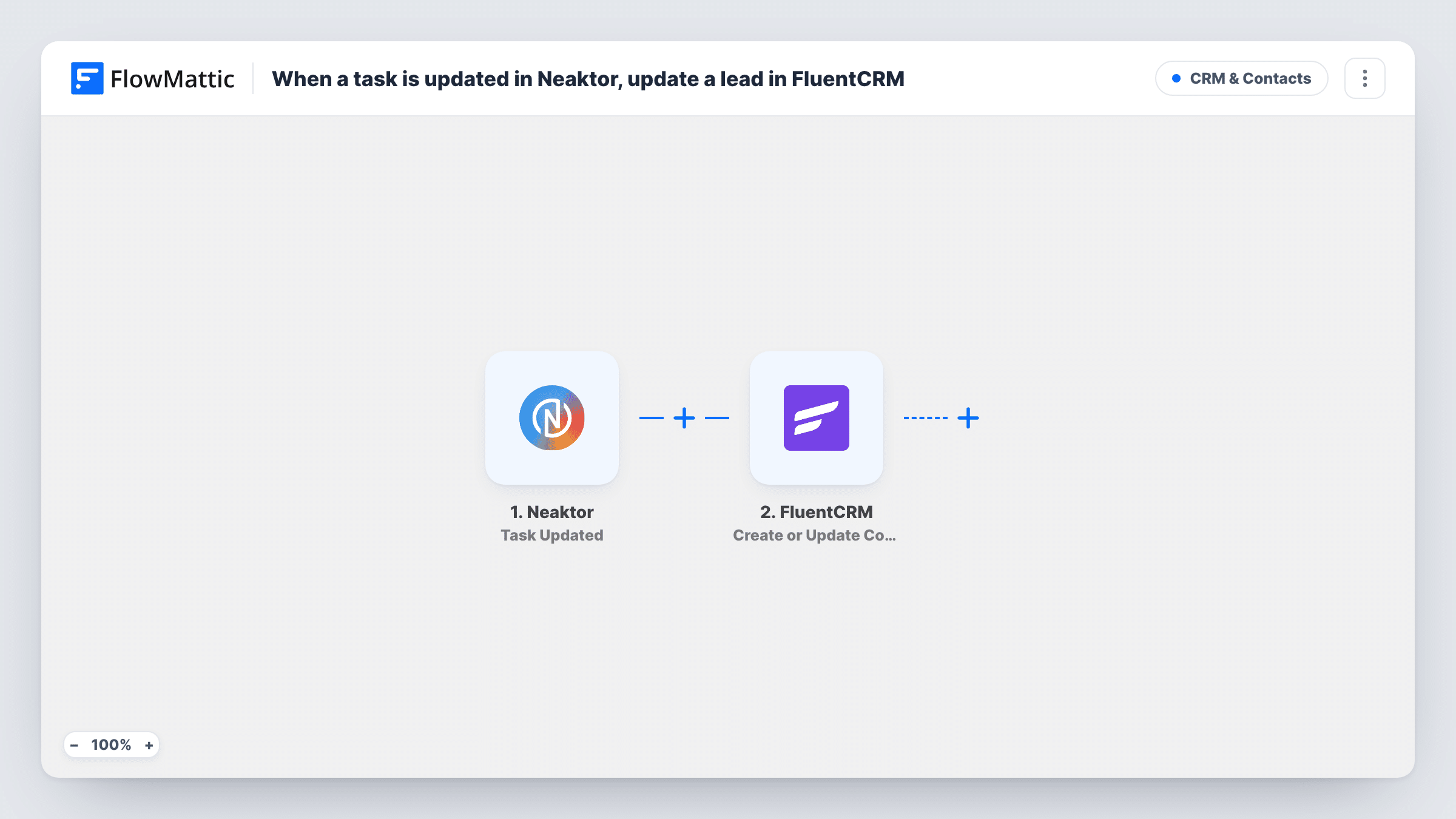
When a task’s status is updated in Neaktor, this workflow sends the task’s contact details to FluentCRM, which updates the contact with that email address or creates one if none exists.
 Neaktor
 FluentCRM
2 steps Setup ~5 min Used on 2.3k sites Free to import
What this workflow does
Teams that track client work in Neaktor often need the CRM to reflect where each job stands. Updating FluentCRM by hand after every status change is easy to forget. This workflow passes the task data to FluentCRM each time a status changes.
The Neaktor trigger is Task Updated, which fires when a task's status is updated. The task data Neaktor sends becomes available to map. The FluentCRM step can only find a contact by email, so the task must carry the client's email, for example in a field on the task. Run a test status change to confirm the email field is in the payload.
The FluentCRM step then runs Create or Update Contact against your contacts. When the email matches a contact, that contact is updated with the values you map, such as the new task status in a custom field. When no contact has that email, a new one is created. Each status change runs the step again, and Task History records every run.
Agency projects tracked per client
Each client job is a Neaktor task with the client's email on it. When the status moves on, FluentCRM gets the new stage, so your emails can match where the job stands.
Service requests handled in Neaktor
Support or repair requests are Neaktor tasks. A status change updates the customer's FluentCRM contact, which you can use to segment people with open jobs.
Onboarding steps for new clients
An onboarding task moves through statuses in Neaktor, and FluentCRM keeps a field showing the client's current step.
How this workflow runs
What happens at each step once the workflow is on, and what you need before you import it.
 Neaktor Task Updated
Fires when a task's status is updated in Neaktor. The task data is passed on for mapping. Change a test task's status after import to see which fields arrive, including any email field.
- FluentCRM Create or Update Contact
Updates the FluentCRM contact whose email matches the one you map from the task, or creates a contact if there is no match. Map the task's email and the values you want stored, such as the status.
What you need
- FlowMatticCore
- Neaktor AccountAccount
- FluentCRM PluginPlugin
After importing, map your own data. To keep the template universal, not every step is pre-filled. Open each step in the builder and connect your accounts and fields (channels, lists, sheets, recipients) before you switch the workflow on.
Make it yours
Changes worth making after you import it.
- Store the client's email on each Neaktor task. Without an email in the task data, FluentCRM has nothing to match the contact on, and Task History shows the step's error.
- Create a custom field in FluentCRM for the Neaktor status and map the task status into it, so you can build segments by stage.
- Add a Filter after the trigger that continues only for the statuses you care about, so minor status changes don't update the contact every time.
Questions about this workflow
How does FluentCRM know which contact the Neaktor task belongs to?
By email address. The step matches on the email you map from the task data, so each task needs to hold the client's email. Test with a task linked to a contact you know.
What if no FluentCRM contact has that email?
Create or Update Contact creates a new contact with that email. If you only want existing contacts changed, keep the email on tasks limited to people already in FluentCRM.
Does every Neaktor status change run the workflow?
Yes. Task Updated fires each time a task's status is updated. Each run sends the mapped values again, and a blank value can overwrite a field the contact already had.
More CRM & Contacts workflows
Other ready-to-import templates from the same category.





Import this workflow into your WordPress site
Download the JSON, import it from the Workflows screen and connect your accounts. Every run stays on your server, with no per-task fees.
30-day money-back guarantee Unlimited workflows and runs Self-hosted