

Create a HubSpot CRM contact for each new Gainsight user
Whenever Gainsight reports a new user, this workflow creates a contact in HubSpot CRM from that user’s details, so your sales and marketing records include the people your success team works with.
 Gainsight
 HubSpot CRM
2 steps Setup ~5 min Used on 3.5k sites Free to import
What this workflow does
Customer success teams track users in Gainsight, while sales and marketing look them up in HubSpot. When the two tools hold different lists, people who already use your product never reach your CRM. This workflow adds each new Gainsight user to HubSpot as a contact.
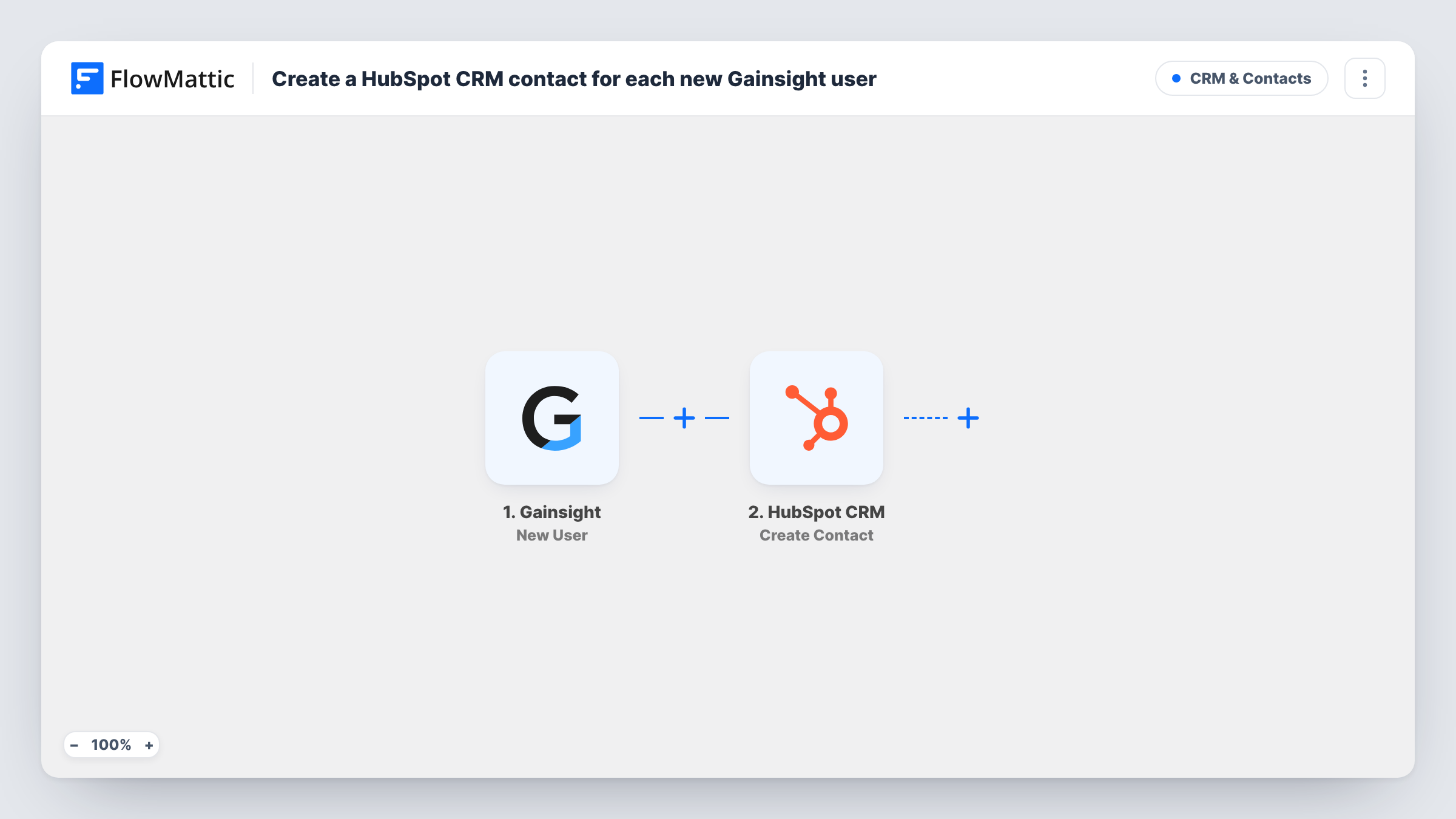
The Gainsight trigger fires on a new user event. FlowMattic receives the user's details from Gainsight and makes them available to map. The HubSpot CRM step then creates a contact with the fields you choose, such as email, first name and last name.
Because the HubSpot action only creates contacts, it skips any search for a matching record. Task History shows each run with what Gainsight sent and how HubSpot replied, which helps when a user who is already in your CRM comes through.
Product users in sales views
Account executives see Gainsight users as HubSpot contacts, so they know who at a customer company already uses the product before a renewal call.
Onboarding emails from HubSpot
Marketing runs an onboarding email series in HubSpot, and new Gainsight users become contacts who can be enrolled in it.
One contact record for reporting
Operations reports on customers in HubSpot and needs Gainsight users included without exporting a list each week.
How this workflow runs
What happens at each step once the workflow is on, and what you need before you import it.
 Gainsight New User
Fires when Gainsight sends a new user event. The user's details from Gainsight become available to map into the HubSpot contact.
- HubSpot CRM Create Contact
Creates a contact in HubSpot CRM from the Gainsight user. Map the email address and name fields, plus any other properties you track, and connect your HubSpot account on import.
What you need
- FlowMatticCore
- Gainsight AccountAccount
- HubSpot CRM AccountAccount
After importing, map your own data. To keep the template universal, not every step is pre-filled. Open each step in the builder and connect your accounts and fields (channels, lists, sheets, recipients) before you switch the workflow on.
Make it yours
Changes worth making after you import it.
- Make sure the user's email reaches the HubSpot step, since HubSpot uses email to tell contacts apart. A test run shows which Gainsight field holds it.
- Add a Filter after the trigger to skip internal or test users, for example ones whose email ends with your own company domain.
- Map the company name from Gainsight into a HubSpot contact property so sales can see which customer account each user belongs to.
Questions about this workflow
What if the Gainsight user is already a HubSpot contact?
The step is Create Contact, so it does not update an existing record. HubSpot may refuse a duplicate email, and Task History shows the response for that run.
Are users who already exist in Gainsight sent to HubSpot?
No. Only new user events that Gainsight sends after the workflow is on reach HubSpot.
Does the workflow write anything back to Gainsight?
No. It reads the new user event and creates a contact in HubSpot only.
Which Gainsight user fields can I send to HubSpot?
Whatever Gainsight includes in the new user event. Run a test after import to see the fields, then map the ones you need.
More CRM & Contacts workflows
Other ready-to-import templates from the same category.








Import this workflow into your WordPress site
Download the JSON, import it from the Workflows screen and connect your accounts. Every run stays on your server, with no per-task fees.
30-day money-back guarantee Unlimited workflows and runs Self-hosted