

Create a HubSpot CRM contact for each new Lemcal meeting type booking
When someone books the Lemcal meeting type you pick, this workflow creates a HubSpot CRM contact from the booking, so prospects who book that kind of meeting are in your CRM before you talk.
 Lemcal
 HubSpot CRM
2 steps Setup ~5 min Used on 362 sites Free to import
What this workflow does
Some meetings matter more to your pipeline than others. A sales intro or a demo call usually means a new prospect, while internal check-ins don't. This workflow watches one Lemcal meeting type and creates a HubSpot contact for each person who books it, leaving your other meeting types out.
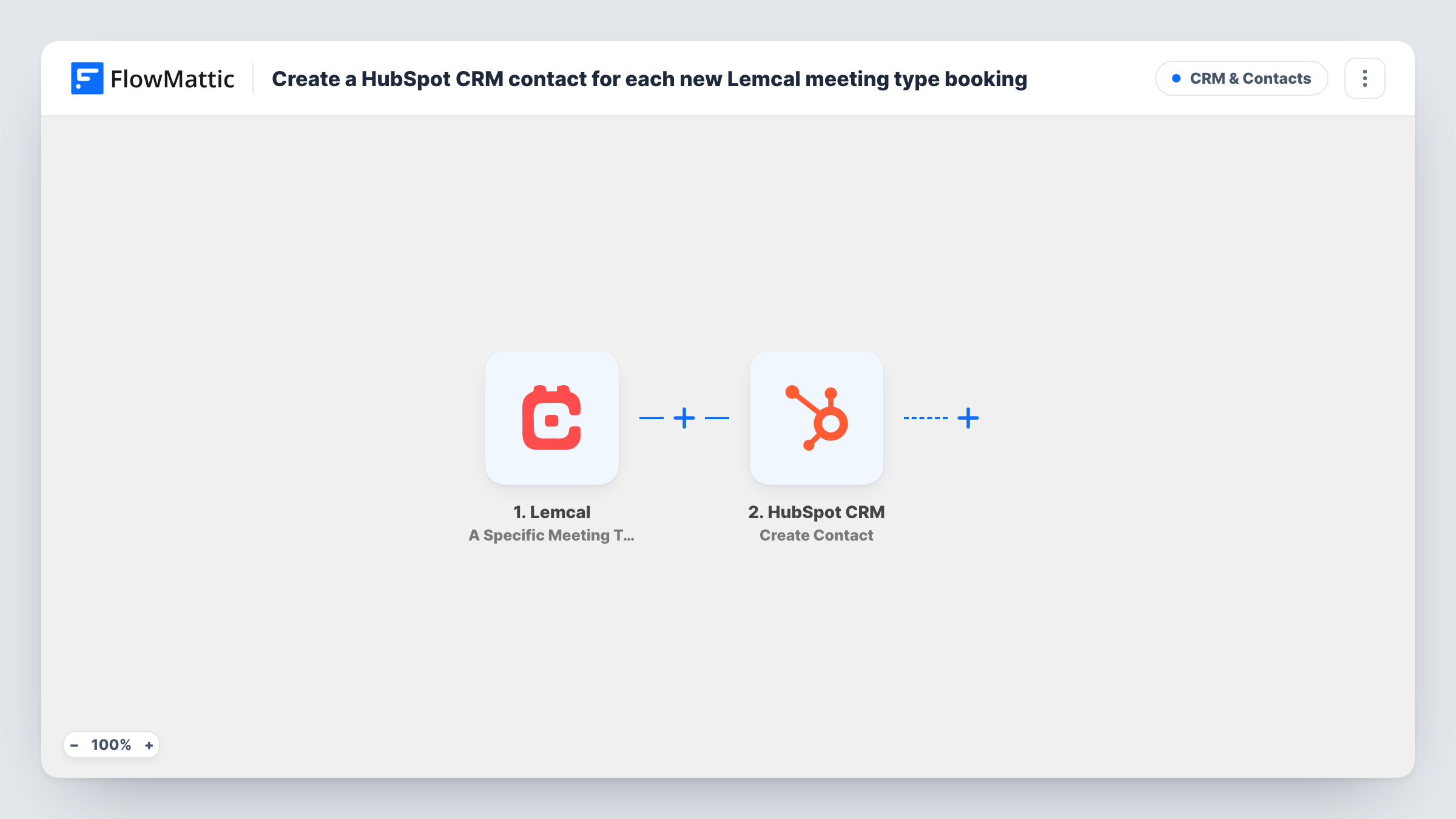
The Lemcal trigger, A Specific Meeting Type, fires for the single meeting type you specify. FlowMattic receives the meeting details Lemcal sends. The HubSpot CRM step runs Create Contact and builds a new contact from the fields you map, such as the guest's email address and name when Lemcal includes them.
HubSpot's Create Contact action doesn't search for an existing record first. When a guest already in your CRM books again, expect HubSpot to possibly reject the repeated address; Task History then records that response on the HubSpot step.
Sales intro calls only
A founder offers both a sales intro and a casual coffee chat in Lemcal. Only intro-call bookers become HubSpot contacts, keeping the CRM focused on prospects.
Partnership enquiries
An agency has a separate Lemcal meeting type for potential partners. Each booking creates a HubSpot contact the partnerships lead tracks there.
Trial onboarding calls
A software team asks new trial users to book an onboarding call. Each booker of that meeting type appears in HubSpot for the customer success team.
How this workflow runs
What happens at each step once the workflow is on, and what you need before you import it.
 Lemcal A Specific Meeting Type
Fires for the one Lemcal meeting type you specify when setting up the trigger. The meeting and guest details Lemcal sends become available to map.
- HubSpot CRM Create Contact
Creates a HubSpot CRM contact from the Lemcal booking. Map the guest's email address and any name fields from the trigger data, then check the result with a test booking.
What you need
- FlowMatticCore
- Lemcal AccountAccount
- HubSpot CRM AccountAccount
After importing, map your own data. To keep the template universal, not every step is pre-filled. Open each step in the builder and connect your accounts and fields (channels, lists, sheets, recipients) before you switch the workflow on.
Make it yours
Changes worth making after you import it.
- Make a test booking of the chosen meeting type after import, so FlowMattic captures the Lemcal data you need to map in the HubSpot step.
- To track a second meeting type, duplicate the workflow and point the copy's trigger at that type, or switch to Lemcal's All Meeting Types trigger if every booking should reach HubSpot.
- Add a Filter after the trigger that continues only when the guest email is not empty, so a booking without an address never reaches HubSpot.
Questions about this workflow
Do bookings of my other Lemcal meeting types reach HubSpot?
No. The trigger is set to one meeting type. Bookings of any other type don't start the workflow.
What if the Lemcal guest already exists as a HubSpot contact?
The step still asks HubSpot to create the contact. If HubSpot turns the duplicate down, Task History shows the error and your existing contact keeps its current details.
Does the trigger fire when a Lemcal meeting is rescheduled or cancelled?
The catalog describes the trigger only as firing for the specified meeting type. Run a test with a reschedule before relying on it, and check Task History to see whether a run started.
Which HubSpot properties can I fill from the Lemcal booking?
Any property the HubSpot step offers, filled from whatever fields Lemcal sends. A test booking shows exactly which booking fields arrive.
More CRM & Contacts workflows
Other ready-to-import templates from the same category.





Import this workflow into your WordPress site
Download the JSON, import it from the Workflows screen and connect your accounts. Every run stays on your server, with no per-task fees.
30-day money-back guarantee Unlimited workflows and runs Self-hosted