

Add new Facebook Lead to a group in BuddyPress
Each new Facebook Lead Ads lead becomes a WordPress user, or is matched to the existing account with that email, and is added to the BuddyPress group you choose on your community site.
 Facebook Lead Ads
 WordPress
 BuddyPress
3 steps Setup ~5 min Used on 3.2k sites Free to import
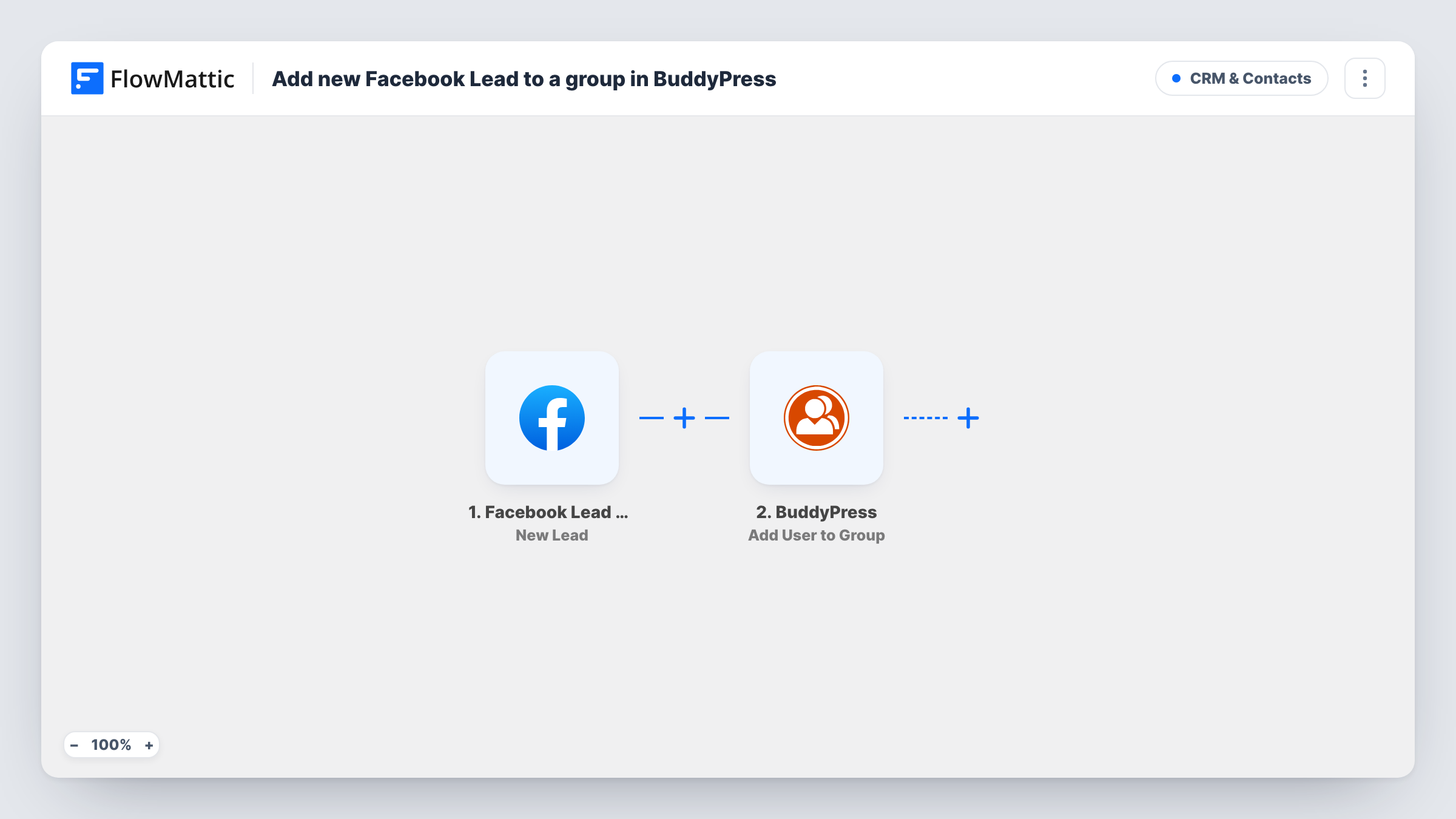
What this workflow does
If you run Facebook lead ads for a community, a course cohort or a local club, the lead form is only the first step. People still need an account and a place to meet. This workflow creates the account from the lead and puts it straight into a BuddyPress group, so new sign-ups land where the conversation happens.
The Facebook Lead Ads New Lead trigger fires when a lead is created and passes the form answers on. The WordPress New User step is already mapped: the lead's email becomes both the username and the email address, the full name goes into the first name, and the role is subscriber. FlowMattic's WordPress app checks the email first, and when an account already uses it, the step returns that user instead of creating another.
The BuddyPress Add User to Group step receives the user ID from New User. You only pick the group after import.
As imported, New User doesn't ask WordPress to send a new-account email, so leads won't know their login details unless you tell them. The mapping also assumes your lead form uses the standard email and full name questions. Test with Facebook's lead testing tool and check Task History.
Ad-driven community launch
A founder runs a Facebook lead ad for a new members' forum and every lead is placed in the BuddyPress welcome group to introduce themselves.
Cohort groups for a course
A coach advertises a free five-day challenge and puts each lead into the challenge's BuddyPress group, where daily tasks are posted.
Local club sign-ups
A running club collects interest through a Facebook lead form and adds new runners to its BuddyPress group for weekly route posts.
How this workflow runs
What happens at each step once the workflow is on, and what you need before you import it.
 Facebook Lead Ads New Lead
Fires when a new lead is created through your Facebook lead form. The lead's answers, including the email and full name, are passed to the WordPress step.
- WordPress New User
Creates a WordPress user with the lead's email as username and email, the full name as first name, and the subscriber role. An email that's already registered returns the existing account's ID, with no new user made.
- BuddyPress Add User to Group
Adds the WordPress user to a BuddyPress group. The user ID from New User is already mapped, so pick the group you want leads to join before you turn the workflow on.
What you need
- FlowMatticCore
- Facebook Lead Ads AccountAccount
- BuddyPress PluginPlugin
After importing, map your own data. To keep the template universal, not every step is pre-filled. Open each step in the builder and connect your accounts and fields (channels, lists, sheets, recipients) before you switch the workflow on.
Make it yours
Changes worth making after you import it.
- Add an Email step after the BuddyPress step that sends the lead your login page and a password reset link, since the template doesn't send WordPress's new-account email.
- If your lead form splits first and last name, remap them in New User so the full name isn't stored in the first name field.
- To send different lead forms to different groups, copy the workflow once per form and pick another group in each copy's BuddyPress step.
Questions about this workflow
Does a lead who is already a member get a duplicate WordPress login?
No. New User finds the existing account by email and passes its user ID on, so that user is added to the BuddyPress group without a second account being made.
Will new leads get a password for the WordPress account?
WordPress gives the account a generated password, but the template doesn't send the new-account email. Send them a password reset link yourself, or add an Email step that does.
Does BuddyPress need to be on the same site as FlowMattic?
Yes. BuddyPress is a WordPress plugin, and both the account and the group membership are created on the site where this workflow runs.
What if my Facebook lead form uses custom questions?
The New User mapping uses the email and full name fields. If your form names them differently, run a test lead and remap New User from the trigger's output.
More CRM & Contacts workflows
Other ready-to-import templates from the same category.






Import this workflow into your WordPress site
Download the JSON, import it from the Workflows screen and connect your accounts. Every run stays on your server, with no per-task fees.
30-day money-back guarantee Unlimited workflows and runs Self-hosted