

When a new form is submitted in Tripetto, tag the lead in FluentCRM for future campaigns
Every Tripetto form response creates or updates the respondent as a FluentCRM contact by email, then adds the tags you choose so the lead is ready for later campaigns.
 Tripetto
 FluentCRM
3 steps Setup ~5 min Used on 1.6k sites Free to import
What this workflow does
Tripetto forms are good at asking questions; FluentCRM is where you email people afterwards. Without a link between them, respondents sit in form results and never reach your campaigns. This workflow turns each Tripetto response into a tagged FluentCRM contact, so you can target that group the next time you send.
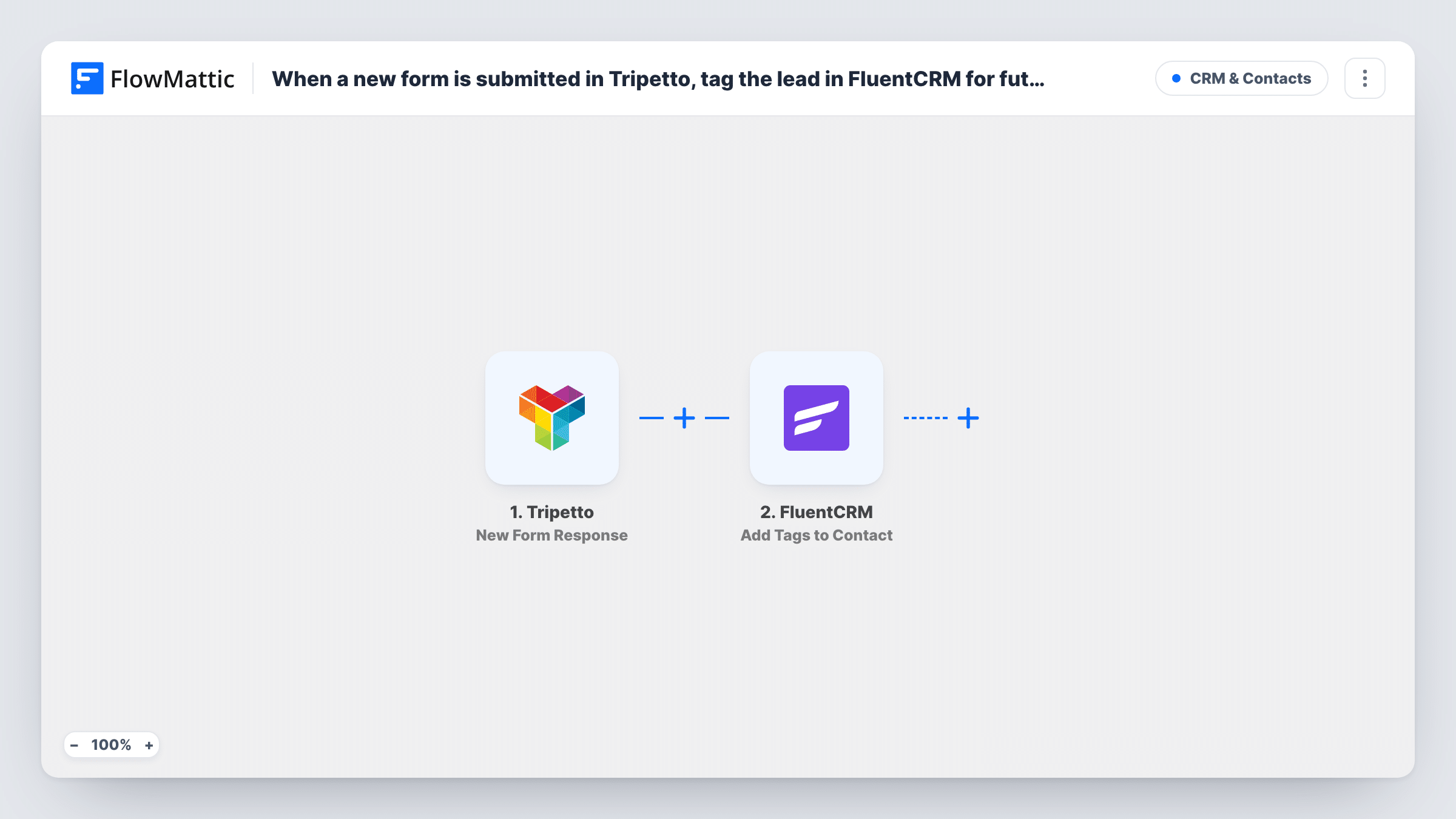
The Tripetto trigger fires when a new form response is submitted and passes on the answers. The first FluentCRM step, Create or Update Contact, adds the respondent or updates the contact that already has the same email.
The second FluentCRM step, Add Tags to Contact, applies the tags you choose to that contact. Because step 2 creates or finds the contact first, the tag step works for new respondents as well as existing ones. Both steps ship unmapped: map the email and name from Tripetto into the contact step, then pick your tags and map the contact from step 2 into the tag step.
Each response runs both steps, so someone who answers twice is updated and tagged again rather than duplicated. Submit a test response and check Task History for what FluentCRM returned.
Quiz takers tagged for a follow-up campaign
A nutrition coach runs a Tripetto quiz and tags every respondent as quiz-lead in FluentCRM, then sends that tag a meal-plan offer the following week.
Event feedback respondents
A conference organiser tags people who answer the Tripetto feedback form, so the early-bird email for next year goes to engaged attendees.
Product research panel
A software team tags respondents to a Tripetto feature survey as research-panel, building a list to invite to future beta tests.
How this workflow runs
What happens at each step once the workflow is on, and what you need before you import it.
 Tripetto New Form Response
Starts a run when someone submits a response to your Tripetto form. Their answers, including the email field you ask for, are passed to FluentCRM.
- FluentCRM Create or Update Contact
Creates the respondent as a FluentCRM contact, or updates the contact with the same email. Map the email and name answers from Tripetto into it after import.
- FluentCRM Add Tags to Contact
Applies the tags you choose to the contact from step 2. Pick one or more FluentCRM tags and map the contact the previous step created or updated, then confirm with a test response.
What you need
- FlowMatticCore
- Tripetto AccountAccount
- FluentCRM PluginPlugin
After importing, map your own data. To keep the template universal, not every step is pre-filled. Open each step in the builder and connect your accounts and fields (channels, lists, sheets, recipients) before you switch the workflow on.
Make it yours
Changes worth making after you import it.
- Name the tag after the form, such as tripetto-quiz, so you can tell respondents from different Tripetto forms apart in FluentCRM.
- Start a FluentCRM automation when the tag is added, so respondents get a follow-up email without building another workflow.
- If only some respondents should be tagged, add a Filter between the Create or Update Contact step and the Add Tags to Contact step that checks one of their answers. Everyone still becomes a contact, and only matching answers get the tag.
- Map extra Tripetto answers into FluentCRM custom fields in step 2, so you can segment by them later.
Questions about this workflow
Does the Tripetto workflow tag people who aren't FluentCRM contacts yet?
Yes. Create or Update Contact runs first and creates the contact when the email is new, so the Add Tags to Contact step has a contact to tag.
What happens when a known contact submits the Tripetto form?
FluentCRM matches them by email and updates their existing contact. The tags are then added to that same record, alongside any tags it already has.
Can different Tripetto answers get different FluentCRM tags?
Yes, with a Router between the Create or Update Contact step and the Add Tags to Contact step. Move the tag step into one route and add another tag step to each other route, and use answer conditions that can't both match.
Does my Tripetto form need an email question?
Yes. FluentCRM creates and matches contacts by email, so the form must collect one and you map it into step 2.
More CRM & Contacts workflows
Other ready-to-import templates from the same category.





Import this workflow into your WordPress site
Download the JSON, import it from the Workflows screen and connect your accounts. Every run stays on your server, with no per-task fees.
30-day money-back guarantee Unlimited workflows and runs Self-hosted