

Create a HubSpot CRM contact from a new Calilio call log
Each call that Calilio logs, incoming or outgoing, sends the caller’s details to HubSpot CRM as a new contact, so people who phone your business can be followed up from your CRM.
 Calilio
 HubSpot CRM
2 steps Setup ~5 min Used on 2.3k sites Free to import
What this workflow does
Calls to your business number often come from people who are not in your CRM yet. If nobody types them in after the call, the lead stays in the phone log and nowhere else. This workflow sends each logged call's details to HubSpot as a new contact.
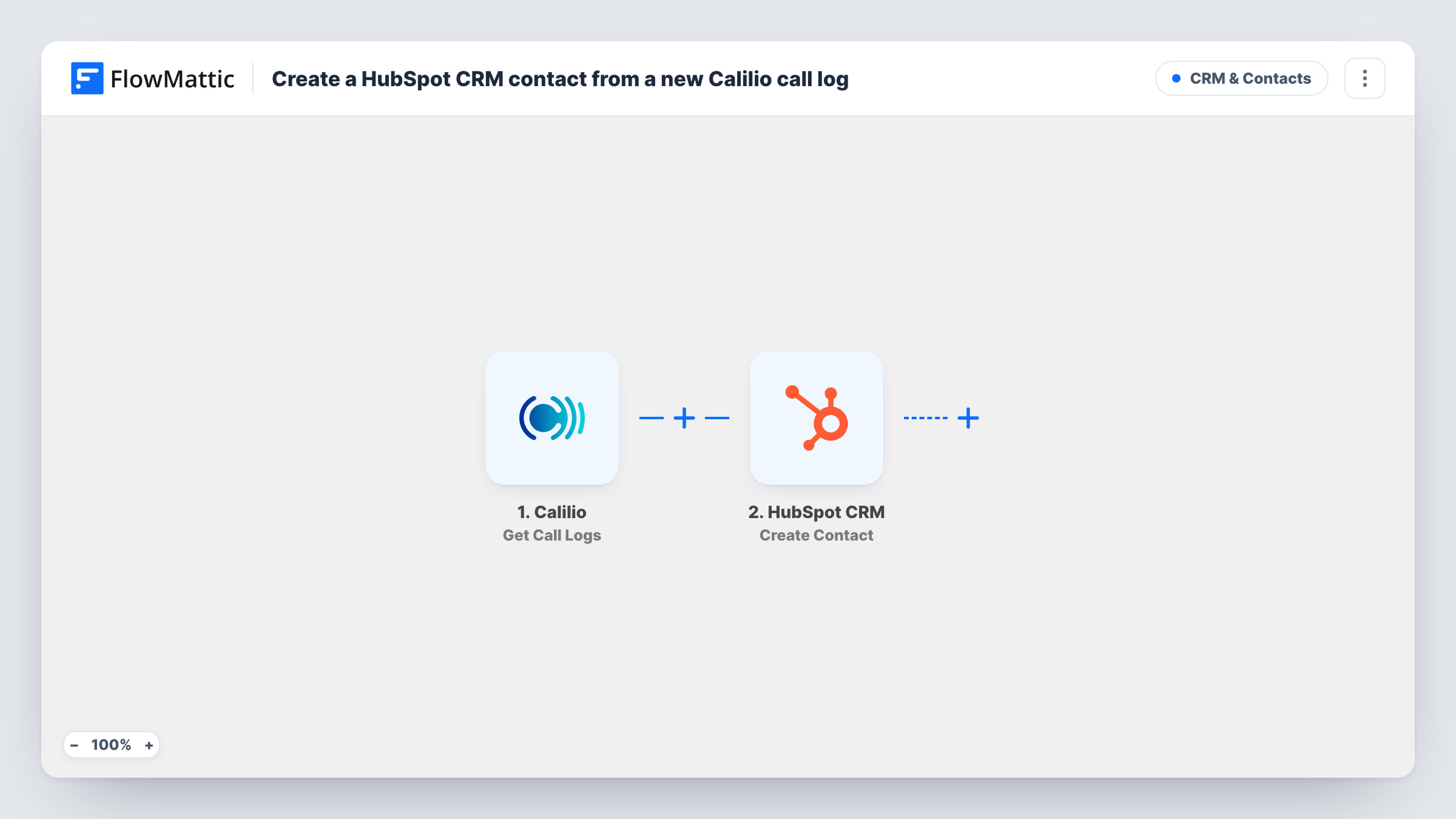
The Calilio trigger, Get Call Logs, fires for every call log, both incoming and outgoing. FlowMattic passes the call data on, and the HubSpot CRM step, Create Contact, creates a contact from the values you map, such as the phone number Calilio records.
Because every call runs the workflow, a person who calls twice, or whom you call back, is sent to HubSpot again. The HubSpot step never searches for a matching record or edits one, so check HubSpot for repeat entries and look at Task History for HubSpot's response on each run. Outgoing calls to people already in your CRM also reach this step unless you add a Filter.
Inbound sales line for a local service business
New callers asking for a quote appear in HubSpot with their number, so the sales team can log notes and follow up from the CRM.
Support desk that later sells upgrades
Callers to your support number become HubSpot contacts, giving the account team a record of who has been in touch by phone.
Agency answering calls for campaigns
Calls generated by an ad campaign land in HubSpot as contacts, so you can report on them alongside leads from web forms.
How this workflow runs
What happens at each step once the workflow is on, and what you need before you import it.
 Calilio Get Call Logs
Runs for each call Calilio logs, incoming and outgoing. The call log data is passed on so you can map the caller's details into HubSpot.
- HubSpot CRM Create Contact
Creates a new contact in HubSpot CRM from the call values you map, without touching contacts already there. Connect your HubSpot account on import and check a test call to see which fields arrive.
What you need
- FlowMatticCore
- Calilio AccountAccount
- HubSpot CRM AccountAccount
After importing, map your own data. To keep the template universal, not every step is pre-filled. Open each step in the builder and connect your accounts and fields (channels, lists, sheets, recipients) before you switch the workflow on.
Make it yours
Changes worth making after you import it.
- Add a Filter right after the trigger so only incoming calls continue, if the call log data shows the call direction. Check a test run for the field and its values first.
- If you add contacts to HubSpot from other sources, add a Filter or a lookup before Create Contact so known callers don't produce repeated create requests.
- Map the call time or the Calilio number that took the call into a HubSpot contact property, so your team knows how each contact first reached you.
Questions about this workflow
Will a caller who rings twice be created twice in HubSpot?
The workflow sends a create request for every call log. Create Contact does not check for an existing record, so a repeat caller may produce a second contact or a refused request, depending on what HubSpot matches. Task History shows the outcome.
Are outgoing Calilio calls included?
Yes. The trigger fires for both incoming and outgoing call logs. Add a Filter on the call direction if you want contacts only from people who called you.
Does the HubSpot contact get an email address from Calilio?
Only if the call log carries one, which a phone call usually doesn't. Run a test call and check Task History to see what Calilio sends before mapping HubSpot fields.
Can I log the Calilio call on the HubSpot contact as well?
Not as a separate call record. This flow has a single HubSpot step, and it makes the contact. You can still map call details such as the time into a contact property, and check a test run to see what Calilio provides.
More CRM & Contacts workflows
Other ready-to-import templates from the same category.




Import this workflow into your WordPress site
Download the JSON, import it from the Workflows screen and connect your accounts. Every run stays on your server, with no per-task fees.
30-day money-back guarantee Unlimited workflows and runs Self-hosted