

Create a HubSpot CRM contact from each new Formlets submission
Every new Formlets submission is used to create a contact in HubSpot CRM, with the form answers you map to contact properties, so people who fill in your form are in your CRM for follow-up.
 Formlets
 HubSpot CRM
2 steps Setup ~5 min Used on 2.8k sites Free to import
What this workflow does
Formlets collects the answers, but your sales and marketing work happens in HubSpot. Copying each submission into the CRM by hand is slow, and the people who wrote in wait longer to hear back. This workflow creates the HubSpot contact for you each time a form is sent.
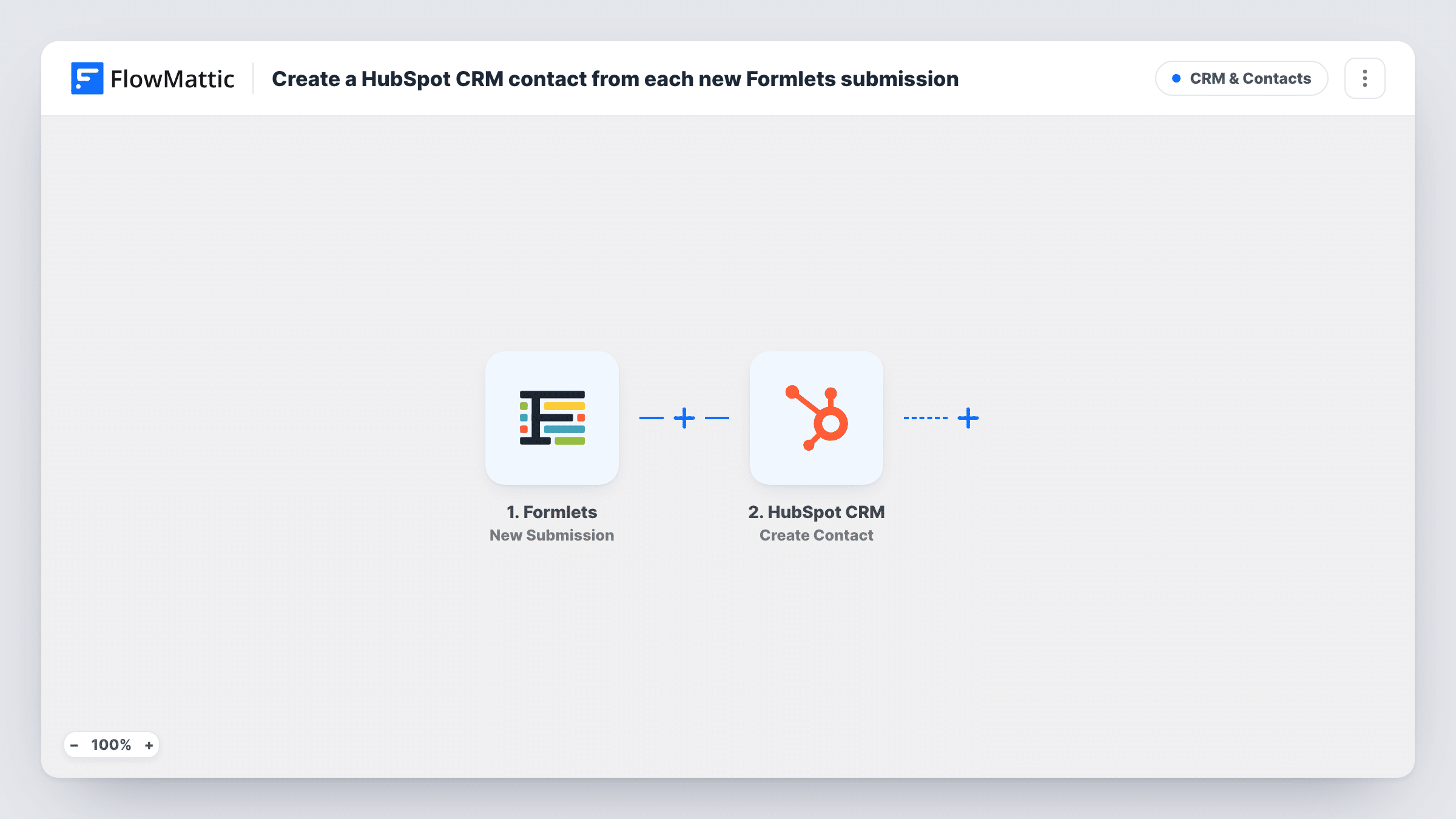
The Formlets trigger fires for a new form submission, and the submitted answers become available to map. The HubSpot CRM step uses Create Contact to add a contact record, with each property filled from the answer you mapped to it, such as the email address, name or company.
Create Contact makes a new record every time. It does not search for someone already in HubSpot, so a person who submits the form twice, or who is already a contact, may be refused by HubSpot as a duplicate email address. Open Task History to read what HubSpot answered for a given submission. There is no Filter, so every submission from the connected form goes to HubSpot.
Contact form on a small business site
Your Formlets contact form sits on the website. Each enquiry becomes a HubSpot contact, so the owner can follow up from the CRM instead of the inbox.
Demo or consultation requests
Prospects ask for a demo through a Formlets form. Sales reps find each requester as a HubSpot contact and can book the call from there.
Event interest list
A Formlets form collects interest in an upcoming event. Each person who fills it in is added to HubSpot for later event emails.
How this workflow runs
What happens at each step once the workflow is on, and what you need before you import it.
 Formlets New Submission
Starts a run whenever someone sends your Formlets form. The answers in that submission become available to map into the HubSpot contact.
- HubSpot CRM Create Contact
Creates a new contact in HubSpot CRM from the Formlets answers. Map the email field and any name or company fields to contact properties, then connect HubSpot.
What you need
- FlowMatticCore
- Formlets AccountAccount
- HubSpot CRM AccountAccount
After importing, map your own data. To keep the template universal, not every step is pre-filled. Open each step in the builder and connect your accounts and fields (channels, lists, sheets, recipients) before you switch the workflow on.
Make it yours
Changes worth making after you import it.
- Make the email field required in your Formlets form, so every submission carries the address HubSpot uses to identify the contact.
- Add a Filter after the trigger that continues only when a consent checkbox is ticked, so only people who agreed to be contacted reach HubSpot.
- Send a test submission after import so FlowMattic captures the form's fields, then map them in the HubSpot step before you turn the workflow on.
Questions about this workflow
What if the Formlets submitter is already a HubSpot contact?
Create Contact only adds new records. HubSpot may refuse the duplicate email address, and the response is shown on that run in Task History. The existing contact is not updated.
Which Formlets answers end up in HubSpot?
Only the ones you map to contact properties in the HubSpot step. Answers you leave unmapped stay in Formlets.
Does every Formlets submission become a HubSpot contact?
Each submission starts a run, since there is no Filter. Whether HubSpot accepts it depends on the data, for example a duplicate email may be refused.
Are Formlets submissions from before import added to HubSpot?
No. Only submissions received while the workflow is turned on start a run.
More CRM & Contacts workflows
Other ready-to-import templates from the same category.






Import this workflow into your WordPress site
Download the JSON, import it from the Workflows screen and connect your accounts. Every run stays on your server, with no per-task fees.
30-day money-back guarantee Unlimited workflows and runs Self-hosted